

Ad Blocker
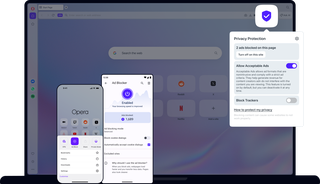
Benefits of Ad Blocker
Built on powerful uBlock-compatible technology, Opera’s Ad Blocker removes interruptions at the source for a faster, cleaner browsing experience across desktop and mobile.
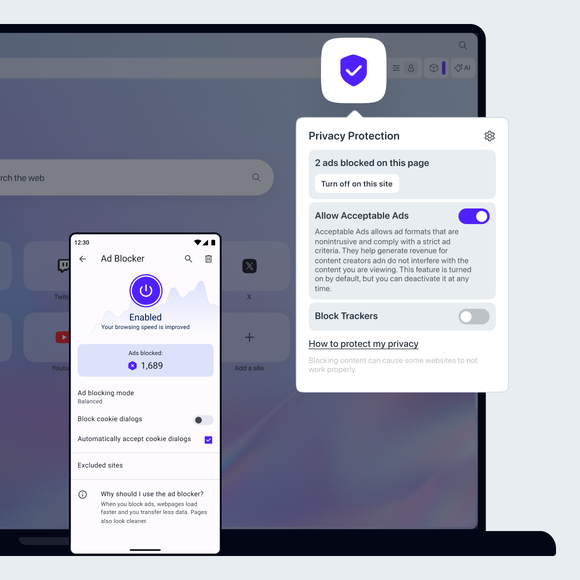

Free Ad Blocker for mobile and desktop
Block annoying ads
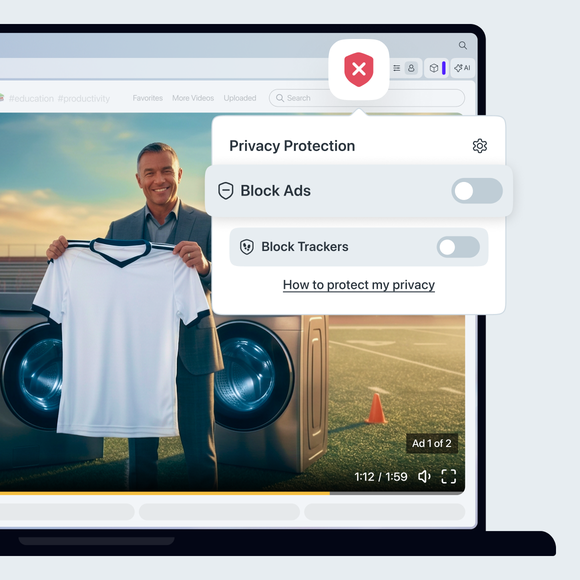
Blocking ads and popups makes your browser faster, cleaner, safer, and more private. With Opera mobile and desktop browsers, you can use the free Ad Blocker immediately to block YouTube ads, video ads, popup ads, without downloading any extensions.
To enable the feature on desktop, click the shield icon next to your address bar and toggle on Block ads. The feature can also be enabled or disabled from the Easy Setup menu or directly in your Settings.
In the mobile Opera browsers, Ad Blocker can be toggled on or off in Settings. Opera Ad Blocker makes the web faster, safer, and easier to browse. You can start blocking ads with one click when you download Opera.
Allow ads for individual pages
Some websites try to block adblock programs by requiring you to disable them before accessing their site. You don't need to completely disable your ad blocker however. With Opera's free built-in Ad Blocker for mobile and desktop, you can simply unblock ads for that site while still blocking annoying ads everywhere else.
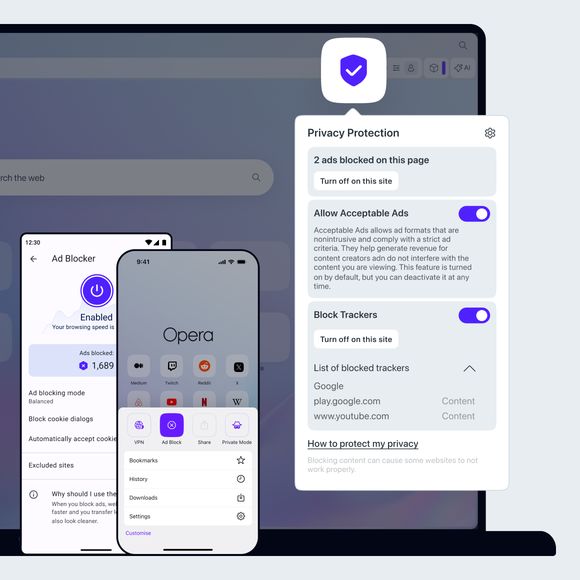
On desktop, just click the shield icon to the right of your address bar and select Turn off for this site - this will add the site's address to the list of exceptions and allow ads. On mobile, go to Ad blocking in Settings and add the site to Excluded sites.
You can block annoying ads while still allowing ads on the sites you choose. When the Opera Ad Blocker feature is on, you can also add or remove sites from the list of exceptions in Settings (Alt+P). Under Privacy protection, select Manage exceptions. Add an internet address by clicking Add, and remove web sites through the three-dot menu to the right of each site. With these management options you have complete control over when you block ads and when you allow them.
Start using Ad Blocker
Tired of annoying ads and slow browsing? The Ad Blocker in Opera mobile and desktop browsers will speed things up on the web and make sure ads don’t distract you from what matters. Try the first major browser to integrate Opera’s Ad Blocker, no need for add-ons.
You deserve a better browser