Split Screen
Split your screen in Opera with ease. Use two, three or four at once, no switching needed. Compare, research and browse side by side.
See more
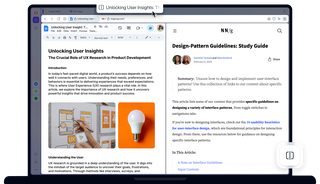
Benefits of Split Screen
Save time and stay focused by viewing up to four pages at once in one tab. No extension needed.

Split screen in seconds
View two to four sites side-by-side with a simple drag-and-drop.
One address bar gives you clutter-free access to bookmarks and all split pages.
Choose vertical, horizontal, or grid views, and resize each panel to fit your workflow perfectly.

Separate or close in a click
Hover over any tab and click the X to close either the entire Split Screen or just that tab.
You can also click Exit Split Screen on hover, or in the context menu.
To remove one page from multi-page splits, right-click a tab and choose Disconnect from Split Screen.
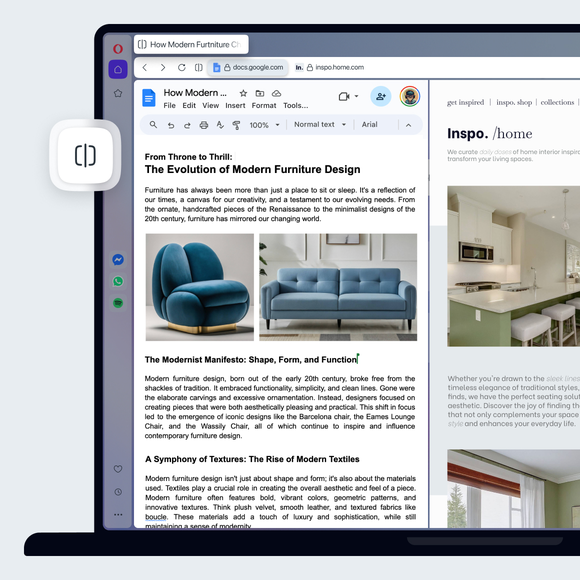
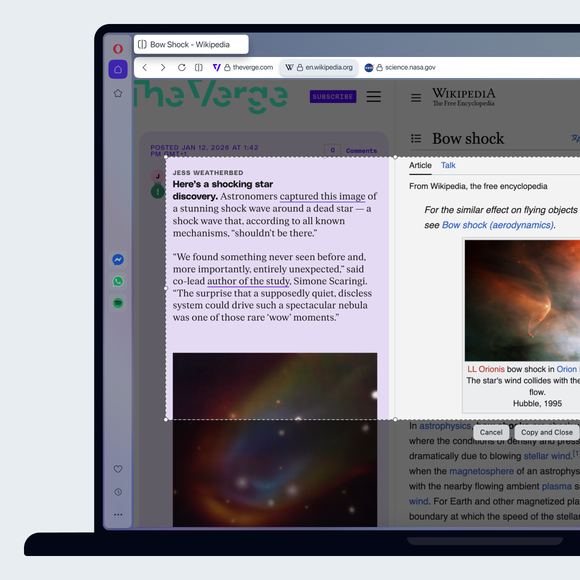
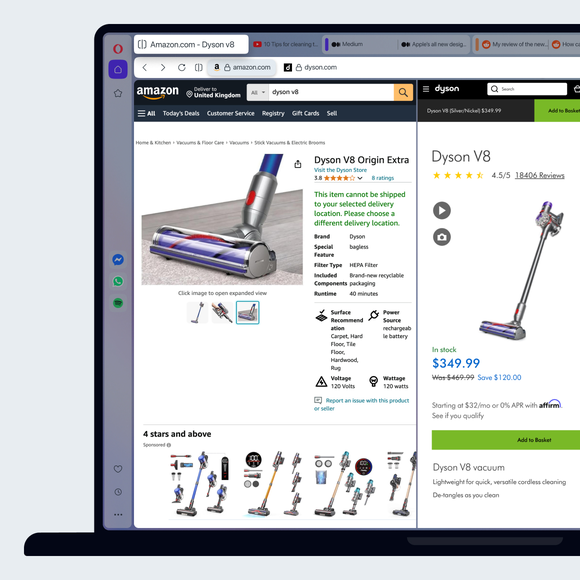
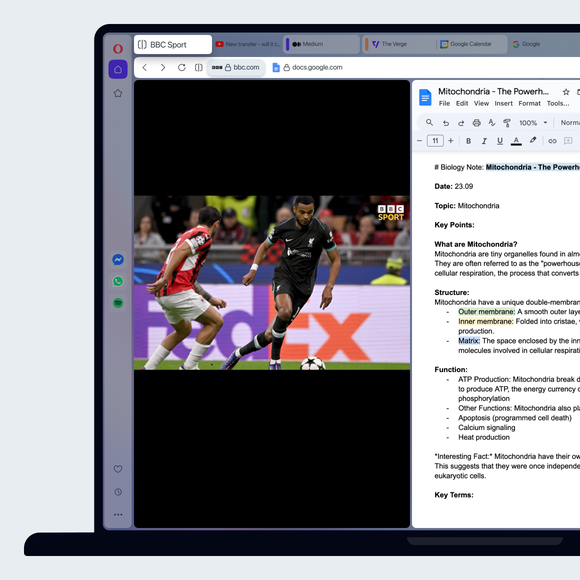

Split your screen across multiple tabs
You deserve a better browser
Opera's free VPN, Ad Blocker, and Flow file sharing. Just a few of the must-have features built into Opera for faster, smoother and distraction-free browsing designed to improve your online experience.