AI Image Generator
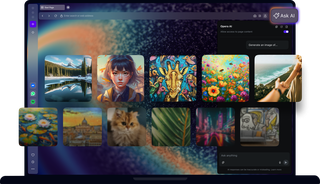
Select a prompt to generate an image
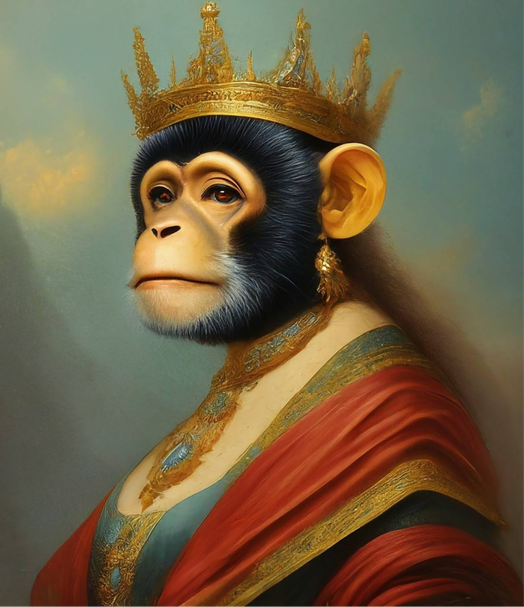
Generate free AI images
Free AI Image Generator in Opera AI
Create unique AI generated art, logos, wallpapers, memes, tattoos, or images for social media. Whatever you need.
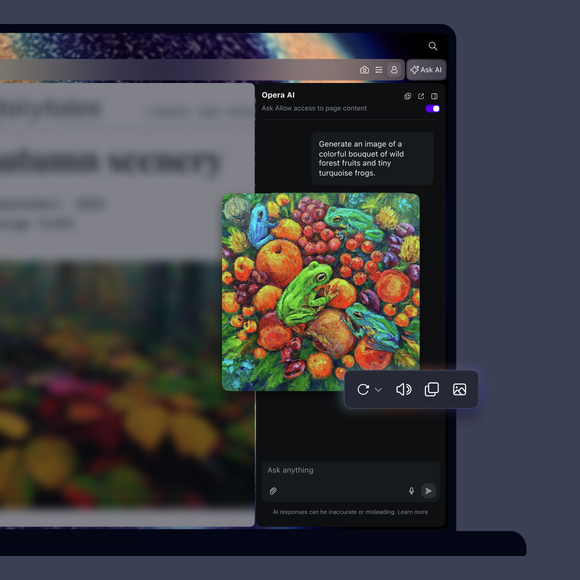
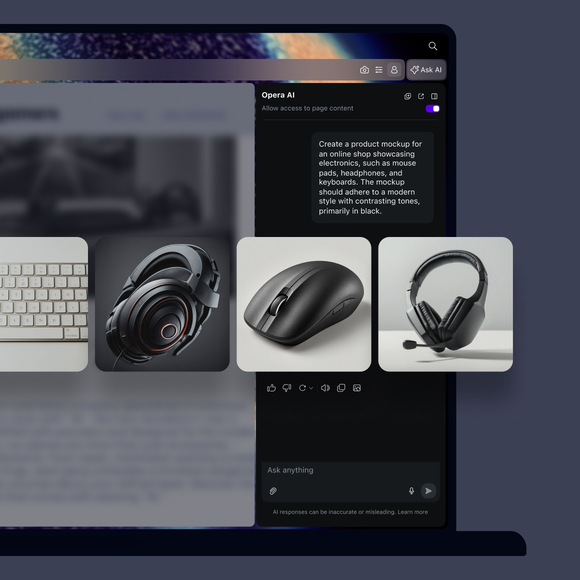

Generate AI images for free in Opera
What is Opera AI?
Opera AI is a smart AI assistant based on OpenAI and Google technology, integrated directly into the Opera browser. It helps with a wide range of tasks, including finding information, generating text and images, summarizing web pages, providing speech assistance, and describing pictures. Learn more about Opera’s AI.
Do I need to sign in to use Opera AI?
No, you don’t need to sign in to use Opera AI - it’s available right away, no account required. Just make sure your browser is updated to the latest version, and you can access Opera’s AI from the Ask AI button in the top-right of your Opera browser. You’ll only need to accept the Terms of Service the first time you use it.
Image generation is limited to five images per day for all users.
If you sign in with an Opera Account, your limit increases to 100 images per day, and you’ll also gain access to your previous chats.
What can I do with Opera’s AI image generation capabilities?
Using AI image generator skills in Opera, you can:Create AI images from text
- Create AI images from text
- Regenerate a new image to the same prompt
- Easily copy and save your images
- Add images to your Pinboards
- Share images using Opera’s Flow feature
How do I generate the AI image I want?
Opera AI uses the Imagen2 model from Google to create AI images based on your textual prompts, so all you need to do is describe what you want to generate.
If you have a specific idea for an AI image, try to provide lots of details and avoid being vague. You can include composition, positioning, style and references, for more exact results.
How does AI image understanding work?
Opera AI uses multimodal LLMs to recognize and understand images. It examines visual details, like shapes and colors, to identify objects and patterns. This allows users to understand what's in the image, whether it's for finding relevant information, suggesting related content, or generating ideas based on the image you provide.
- Image recognition: Upload an image and ask Opera AI to analyze it, as well as identify objects and other details within the picture.
- Text interpretation: If there’s text in the image, Opera AI reads and interprets it, helping you understand what’s written.
- Contextual answers: You can ask specific questions about the image, and Opera AI will provide relevant information based on its analysis.
Is Opera AI free?
Yes, Opera’s browser AI and all of its features, including image generation and recognition, are available for free.
Is my generated image unique?
Yes, each image generated by Opera AI is unique, based on the prompt you used to generate it.
Is Opera AI safe to use?
Opera AI is designed with user safety and privacy in mind. It doesn't access any information outside of your chat, but it's best to avoid sharing sensitive personal details. Always be cautious and review the output, as it may exhibit inaccuracies. For more information on data handling, refer to Opera's Privacy Statement. Read about Opera’s Terms of Service to understand your rights and our commitments, ensuring a secure browsing experience.
Text prompt input and images (uploaded or generated through Imagen on Vertex AI) are assessed against a list of safety filters. These safety filters aim to filter out generated or uploaded content that violates our Acceptable Use Policy (AUP), Generative AI Prohibited Use Policy, or our AI Principles, such as violent, sexual, derogatory, or harmful content.
For more details, refer to Imagen Usage Guidelines
Can I use these images for personal and commercial purposes?
Yes, you can use the generated images for both personal and commercial purposes.
You deserve a better browser