

Free browser AI


Benefits of AI in Opera
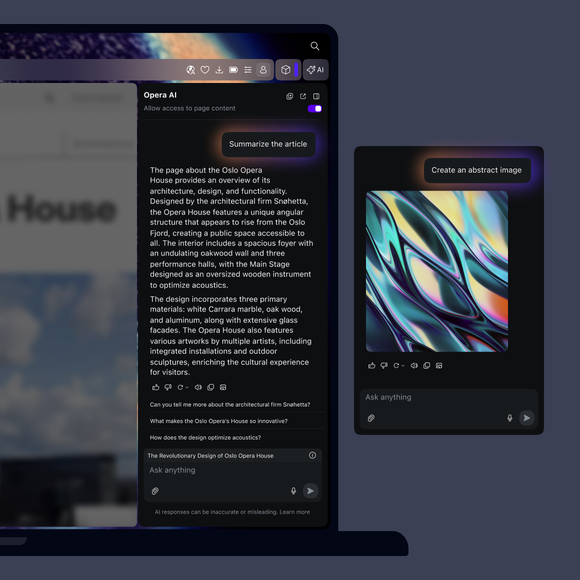
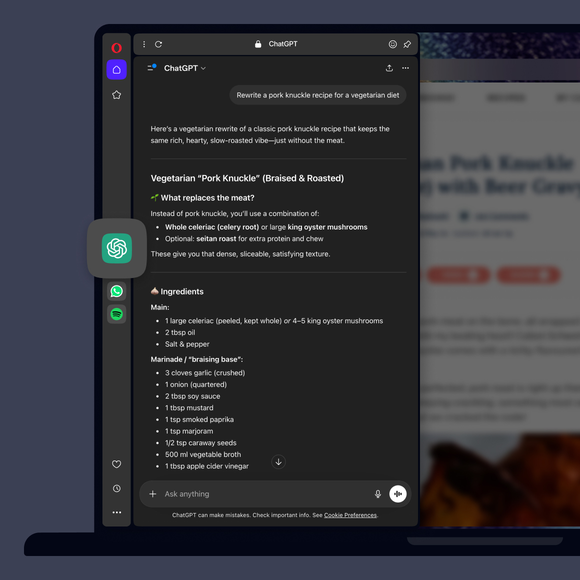
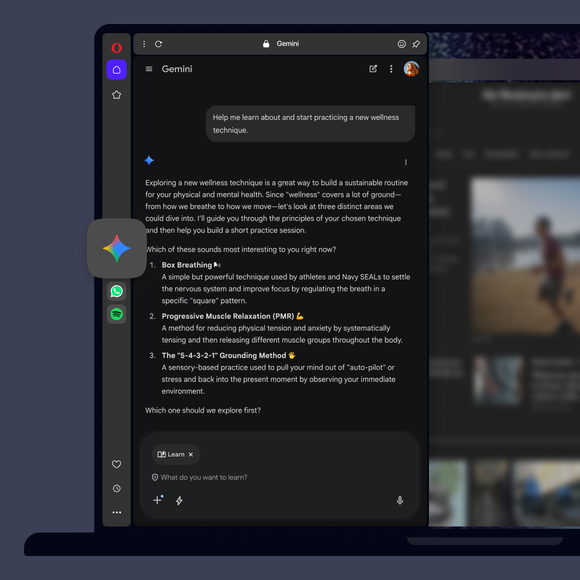
Get answers, generate text, and create images with Opera AI. Access ChatGPT and Gemini from your sidebar.

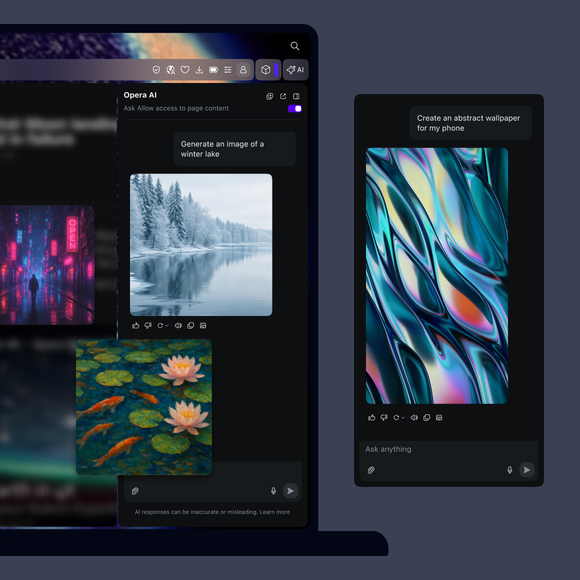
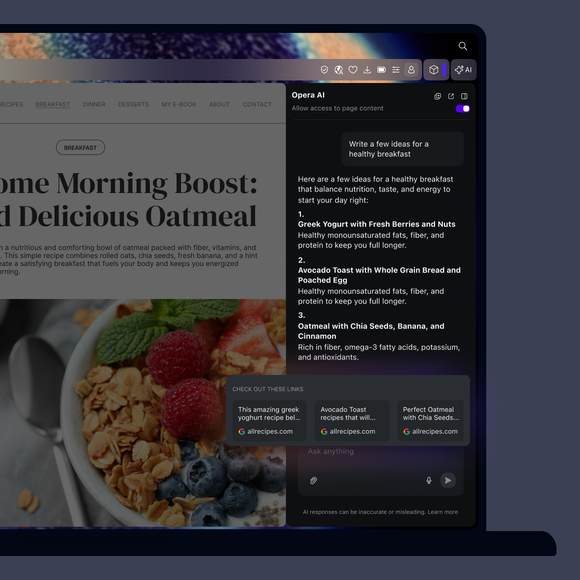
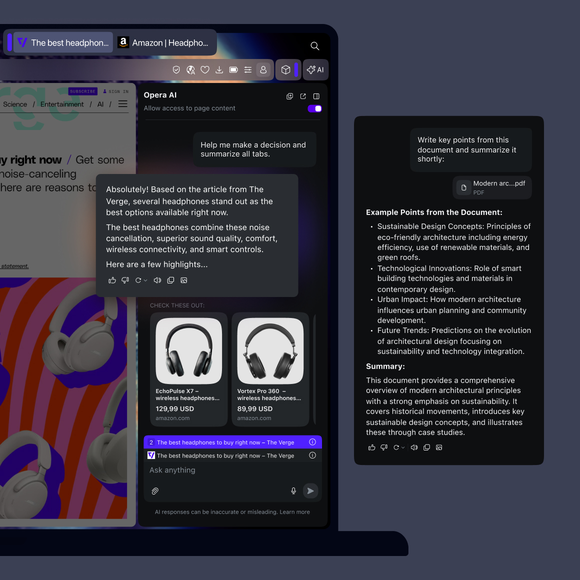
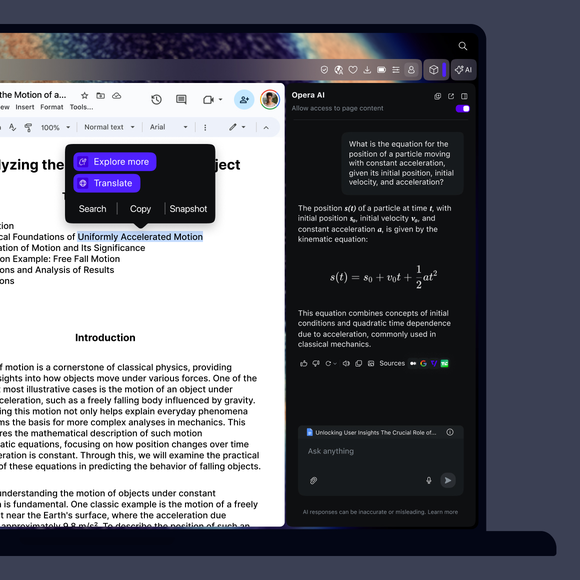
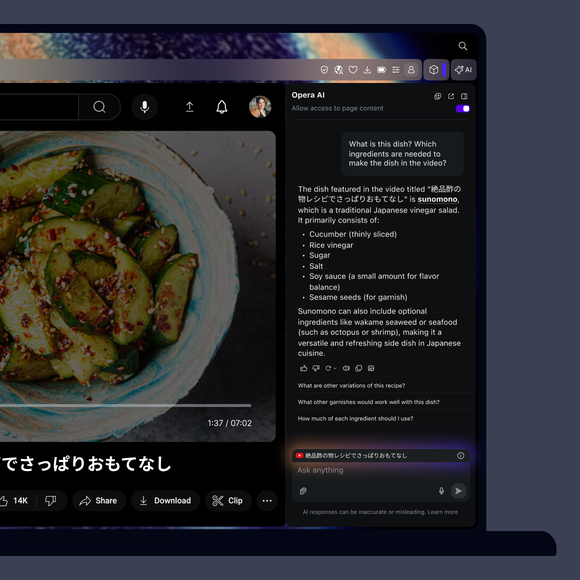


Opera AI at your fingertips
How do I access AI in Opera?
To get started, simply download Opera for desktop. Opera AI is now built into your browser - no sign-up required. You can start using it right after installation
How do I start using AI in Opera?
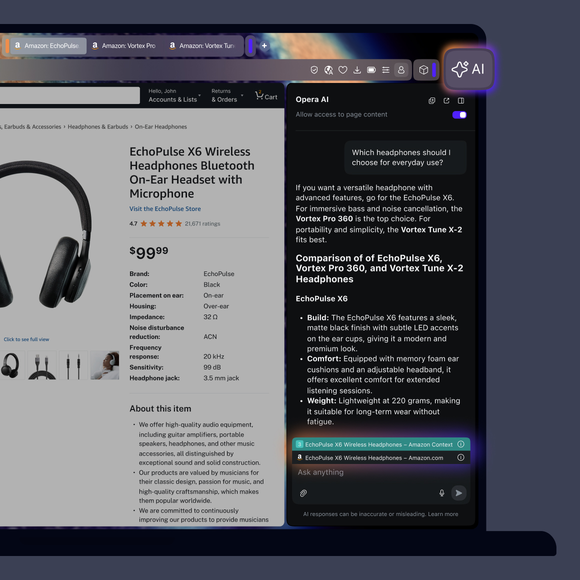
To start using Opera AI, just click the Ask AI button in the top-right of your browser. Opera AI works in context with your open page, stays visible as you browse, and lets you use AI alongside sidebar tools like messengers or music players, all without needing an account.
Is there a keyboard shortcut to open Opera AI?
Yes, you can open Opera AI using the shortcut Ctrl+O (Windows) or Cmd+O (macOS).
How do I add ChatGPT to Opera’s sidebar?
To add ChatGPT to your sidebar, click the three dots at the bottom of the sidebar and enable ChatGPT from the menu.
How do I resize the sidebar panel in Opera?
Hover your cursor over the edge of the sidebar until it turns into a resize icon (a two-sided arrow), then click and drag to adjust the panel width to your preference.
You deserve a better browser