
X di GX

X di Opera GX
Nikmati semua tweet Anda langsung dari bilah sisi.
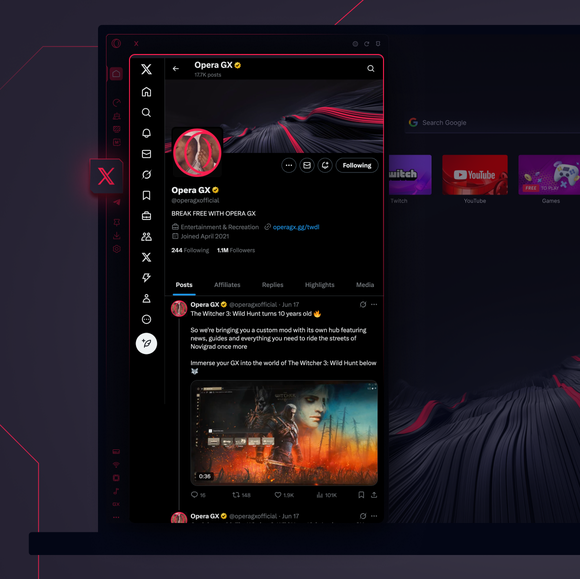
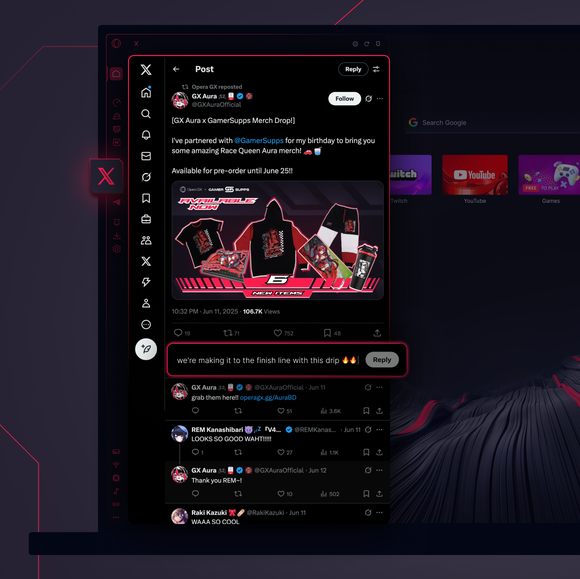

Berkicau sepuasnya. Tidak perlu tab X-tra.
Bagaimana cara mengakses X di Opera GX?
To access X in Opera GX, open the browser and find the X icon on the sidebar on the left side of the screen. If you don’t see it, click the three dots at the bottom and enable it. Then, click the icon to seamlessly tweet, follow, and message directly from your browser, no extra tabs needed.
Dapatkah saya menggunakan X di peramban web?
Ya, Anda dapat menggunakan X di peramban apa pun, termasuk Opera GX. Cukup kunjungi situs web X, masuk, dan akses semua fitur seperti mengirim tweet, mengirim pesan, atau menjelajahi konten. Untuk akses yang lebih mudah, gunakan Opera GX dengan X yang sudah terpasang di bilah sisi.
Bagaimana cara membuka X tanpa mengunduh aplikasi?
You can access X directly in Opera GX without downloading the app. Rather than opening the X website, just use the X icon in the sidebar for a seamless experience - tweet and browse right from your desktop. No app download needed.
Apa saja messenger lain yang dapat saya akses dari bilah sisi Opera GX?
Aplikasi perpesanan dan platform media sosial yang paling populer sudah terpasang di Opera GX. Tersedia di bilah sisi browser GX, termasuk di antaranya:
- Perselisihan
- TikTok
- Telegram
- Bluesky
- Slack
- X (formerly known as Twitter)
- Facebook Messenger
Anda berhak untuk browser yang lebih baik
