
WhatsApp di GX
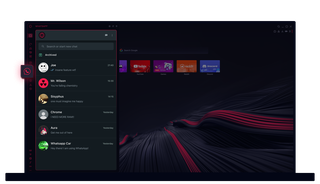
WhatsApp di Opera GX
Lakukan obrolan tanpa klik ekstra. WhatsApp di Opera GX membuat multitasking menjadi mudah.
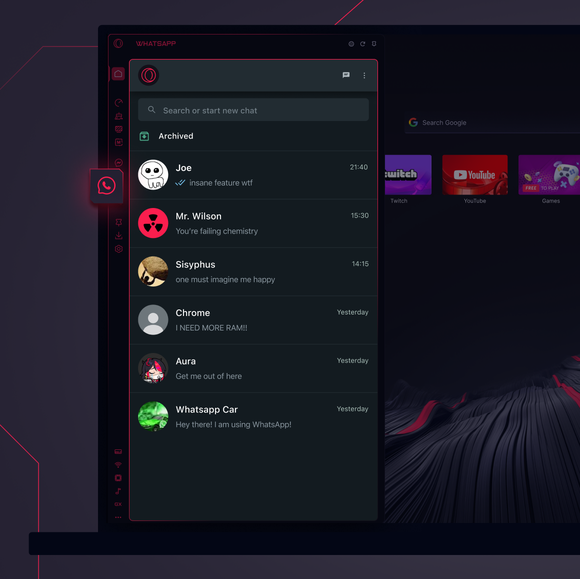
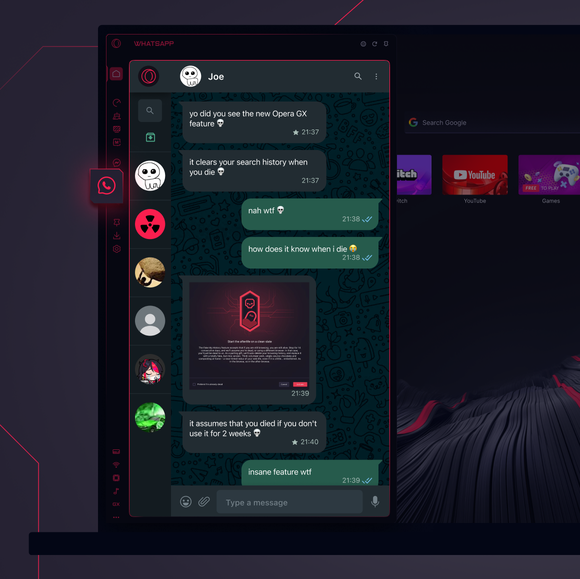

Obrolan Anda, tepat di tempat yang Anda butuhkan.
Bagaimana cara menambahkan WhatsApp ke bilah sisi Opera GX?
To add WhatsApp to your sidebar in Opera GX, just click the three dots at the bottom of your sidebar and enable WhatsApp there.
Bagaimana cara masuk ke WhatsApp di Opera GX?
To log into WhatsApp in Opera GX, just click the WhatsApp icon in the sidebar and sign in with your credentials, or scan the QR code displayed in Opera GX with your phone. Your chats will sync instantly.
Dapatkah saya menggunakan WhatsApp di perangkat yang berbeda?
WhatsApp works really well across multiple devices, you can use it in Opera GX Browser on your phone, tablet, or desktop without interruptions - your chats stay synced everywhere.
Dapatkah saya menggunakan WhatsApp tanpa aplikasi?
WhatsApp di Opera GX menghilangkan kebutuhan akan aplikasi tambahan. Anda dapat mengirim teks, berbagi media, dan mengelola obrolan langsung dari browser, semuanya di bilah sisi. Tidak perlu mengunduh!
Anda berhak untuk browser yang lebih baik
