
Instagram di GX
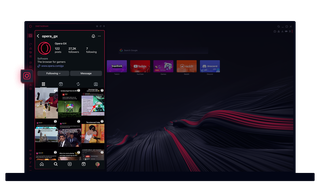
Instagram di Opera GX
Lihat cerita dan gulungan di desktop Anda. Multitasking tanpa kehilangan satu hal pun.
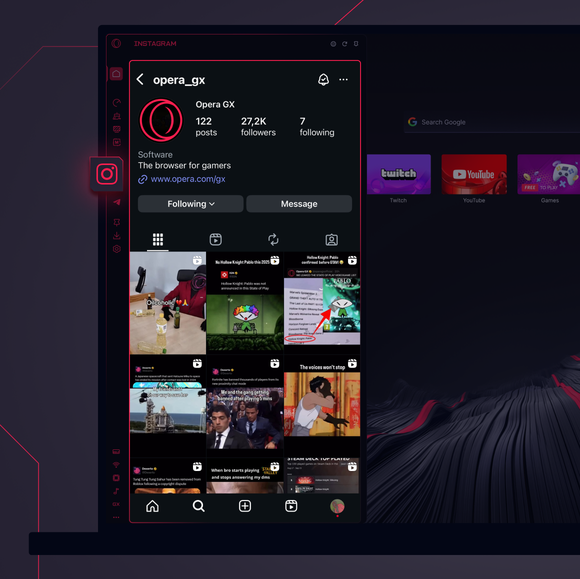
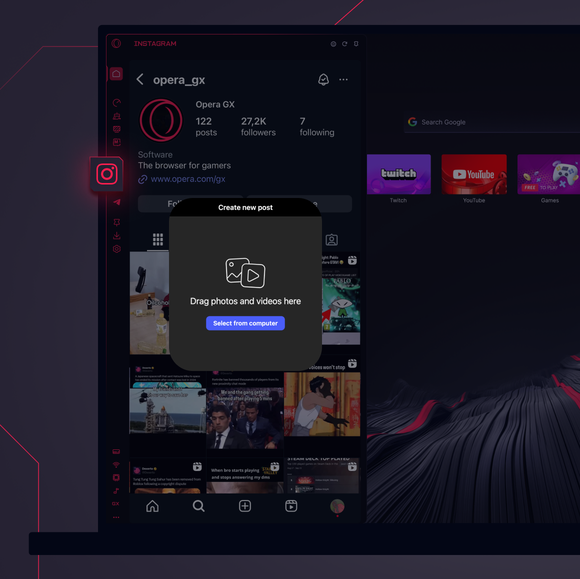
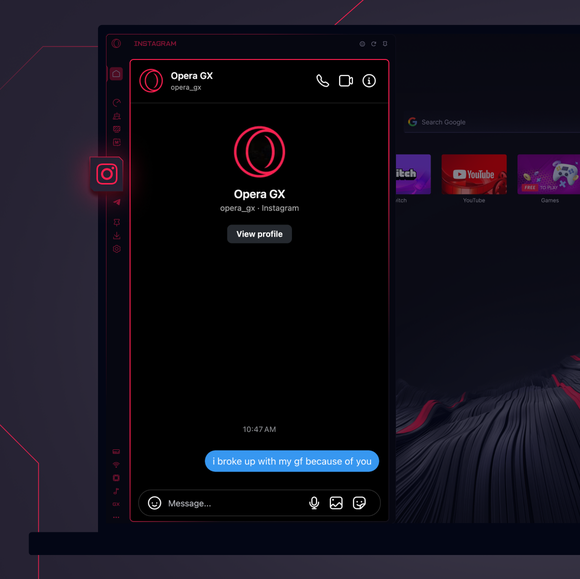

Tetap terhubung setiap saat.
Bagaimana cara menambahkan Instagram ke bilah sisi Opera GX?
To add Instagram to your sidebar in Opera GX, just click the three dots at the bottom of your sidebar and enable Instagram there.
Bagaimana cara masuk ke Instagram di Opera GX?
To log into Instagram in Opera GX, just click the Instagram icon in the sidebar and sign in with your username and password, or use your saved credentials if prompted. Your feed, DM’s and stories will load instantly.
Dapatkah saya menggunakan Instagram di berbagai perangkat?
Yes! Instagram syncs across all your devices. Whether you’re scrolling in your Opera GX browser, your phone, or your tablet, your account stays updated for a smooth experience everywhere.
Dapatkah saya menggunakan Instagram tanpa aplikasi?
Sekarang kamu bisa! Dengan Instagram di Opera GX, Anda tidak perlu lagi memiliki aplikasi terpisah. Lihat, posting, komentar, dan geser ke DM langsung dari browser Anda, tanpa repot.
Anda berhak untuk browser yang lebih baik
