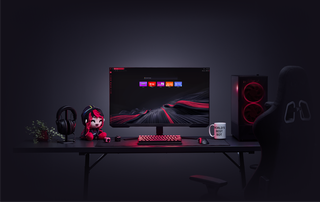
ChatGPT di GX
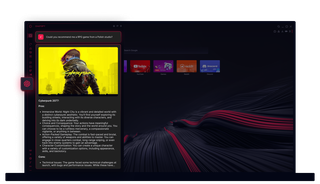
ChatGPT di Opera GX
Cukup gunakan AI. ChatGPT di Opera GX membawa kekuatan AI tepat di tempat Anda membutuhkannya.
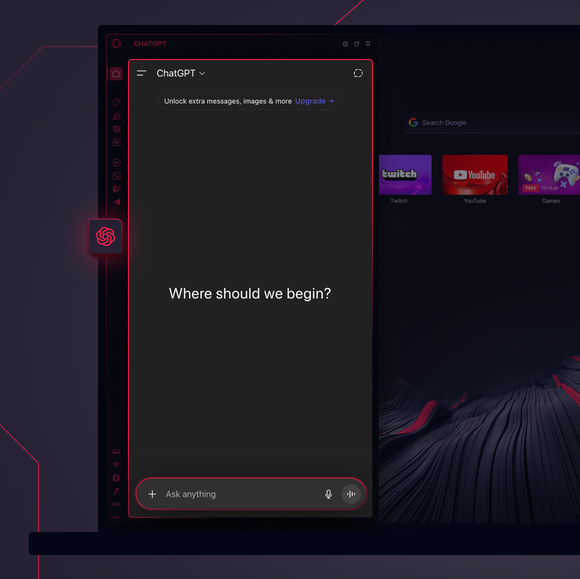
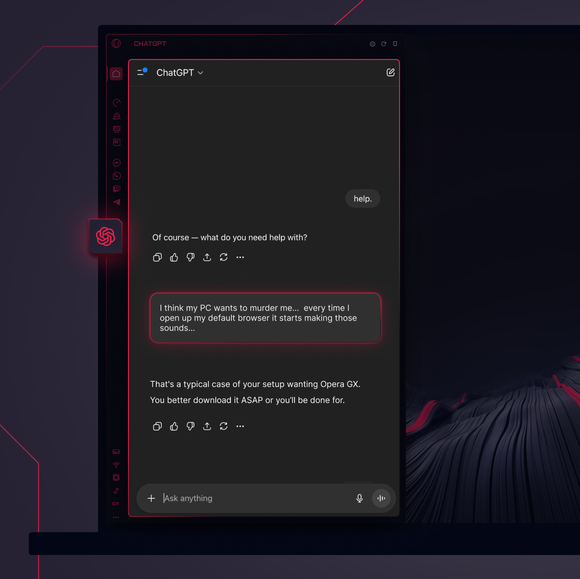
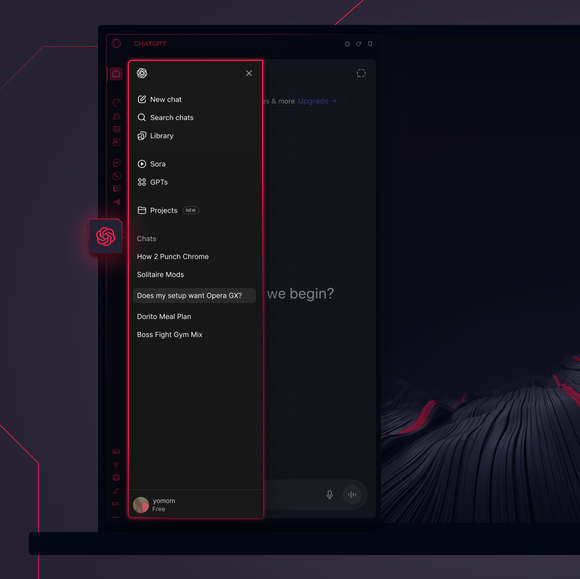

Tugas besar - didelegasikan.
Bagaimana cara menambahkan ChatGPT ke bilah sisi Opera GX?
To add ChatGPT, simply click the three-dot menu at the bottom of your Opera GX sidebar and toggle on ChatGPT.
Bagaimana cara masuk ke ChatGPT di Opera GX?
To log into ChatGPT in Opera GX, just click the ChatGPT icon in the sidebar and sign in with your OpenAI credentials, or create an account if you don’t already have one. Once you're in, your AI assistant is ready to chat - no extra steps needed.
Apakah saya bisa menggunakan ChatGPT di berbagai perangkat?
Yes, ChatGPT works across devices as long as you log in with your OpenAI account. Whether you’re using Opera GX on desktop, your phone, or tablet, your AI assistant stays synced and accessible wherever you need it.
Bisakah saya menggunakan ChatGPT tanpa aplikasi?
Tentu saja. ChatGPT di Opera GX sepenuhnya berbasis browser, sehingga tidak memerlukan aplikasi terpisah. Akses asisten AI langsung dari sidebar browser Anda untuk integrasi yang mulus ke dalam alur kerja penelusuran Anda.
Apakah saya bisa mengakses riwayat obrolan ChatGPT saya?
Ya, selama akun OpenAI Anda sudah login, riwayat obrolan Anda akan disinkronkan dan disimpan. Anda dapat mengakses kembali percakapan sebelumnya dan melanjutkan dari tempat Anda berhenti, semuanya dalam Opera GX.
Alat AI apa lagi yang bisa saya gunakan di Opera GX?
Opera GX offers more than just ChatGPT. You can also explore built-in Opera AI. This additional AI tool let you generate content, search smarter, and chat seamlessly - all directly from the Opera GX sidebar.
Anda berhak untuk browser yang lebih baik