

Opera GX 中的 X
在您的侧边栏上享受您的所有推文。
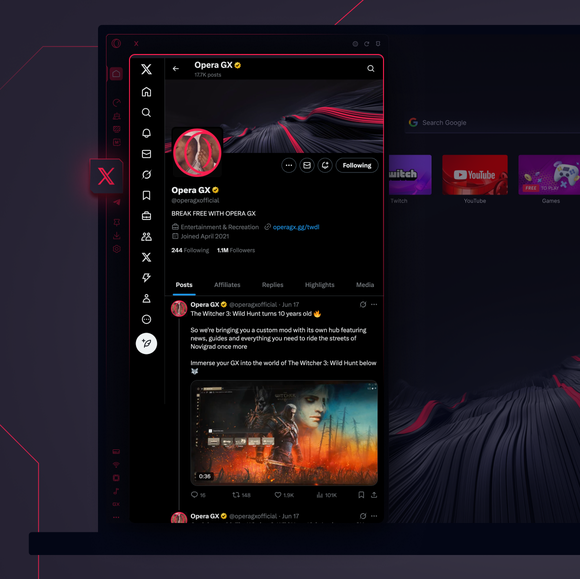
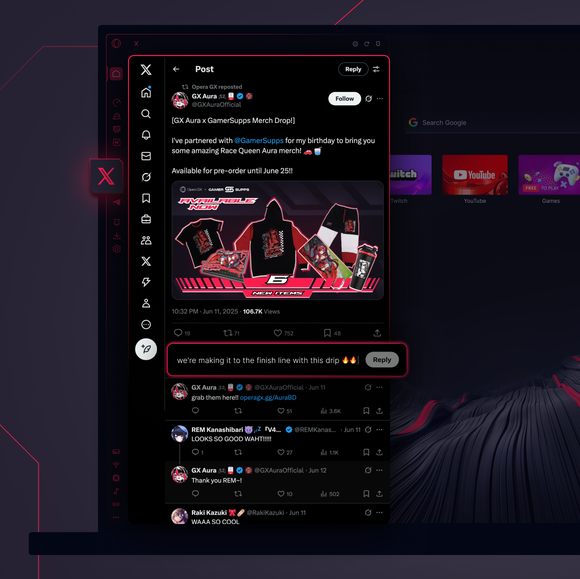

尽情鸣叫。无需额外标签。
如何在 Opera GX 中访问 X?
To access X in Opera GX, open the browser and find the X icon on the sidebar on the left side of the screen. If you don’t see it, click the three dots at the bottom and enable it. Then, click the icon to seamlessly tweet, follow, and message directly from your browser, no extra tabs needed.
我可以在网络浏览器中使用 X 吗?
是的,你可以在任何浏览器中使用 X,包括 Opera GX。只需访问 X 网站,登录并使用所有功能,如发推特、发信息或浏览内容。要更方便地访问,请使用侧边栏已内置 X 的 Opera GX。
如何在不下载应用程序的情况下打开 X?
You can access X directly in Opera GX without downloading the app. Rather than opening the X website, just use the X icon in the sidebar for a seamless experience - tweet and browse right from your desktop. No app download needed.
Opera GX 侧边栏还能访问哪些其他信使?
Opera GX 内置了最流行的聊天工具和社交媒体平台。可在 GX 浏览器的侧边栏中找到,其中包括
您值得拥有更好的浏览器
Opera 的免费 VPN、广告拦截器和 Flow 文件共享。 Opera 内置了一些必备功能,可实现更快、更流畅和无干扰的浏览,旨在改善您的在线体验。
