
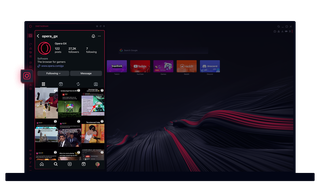
Opera GX 中的 Instagram
在桌面上查看故事和卷轴。多任务处理,一气呵成。
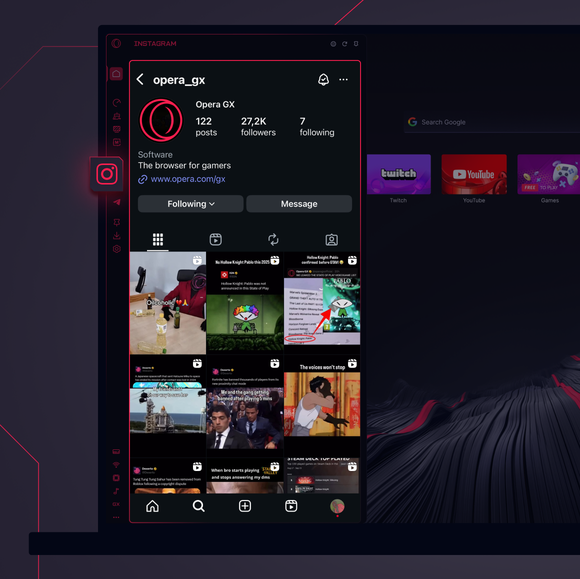
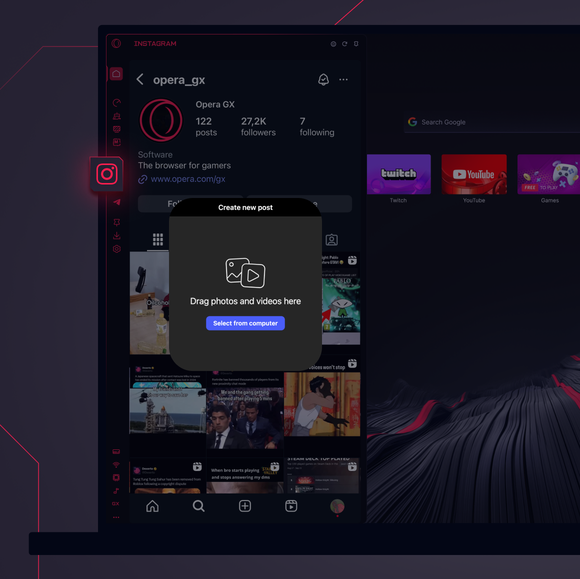
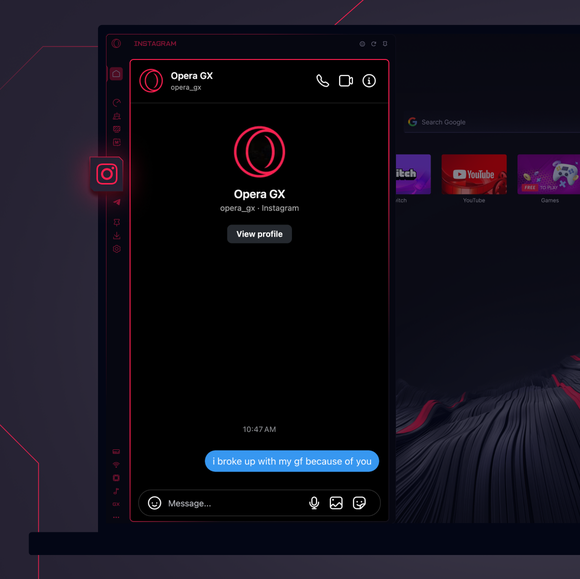

随时保持联系。
如何将 Instagram 添加到 Opera GX 侧边栏?
To add Instagram to your sidebar in Opera GX, just click the three dots at the bottom of your sidebar and enable Instagram there.
如何在 Opera GX 中登录 Instagram?
To log into Instagram in Opera GX, just click the Instagram icon in the sidebar and sign in with your username and password, or use your saved credentials if prompted. Your feed, DM’s and stories will load instantly.
我可以在不同设备上使用 Instagram 吗?
Yes! Instagram syncs across all your devices. Whether you’re scrolling in your Opera GX browser, your phone, or your tablet, your account stays updated for a smooth experience everywhere.
没有应用程序也能使用 Instagram 吗?
现在可以了!有了 Opera GX 中的 Instagram,就不需要单独的应用程序了。您可以直接在浏览器中查看、发布、评论并滑入 DM,轻松无忧。
您值得拥有更好的浏览器
Opera 的免费 VPN、广告拦截器和 Flow 文件共享。 Opera 内置了一些必备功能,可实现更快、更流畅和无干扰的浏览,旨在改善您的在线体验。
