
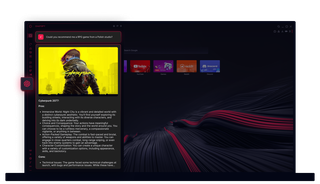
ChatGPT在Opera GX浏览器中
直接用AI吧。Opera GX中的ChatGPT将人工智能的力量带到你最需要的地方。
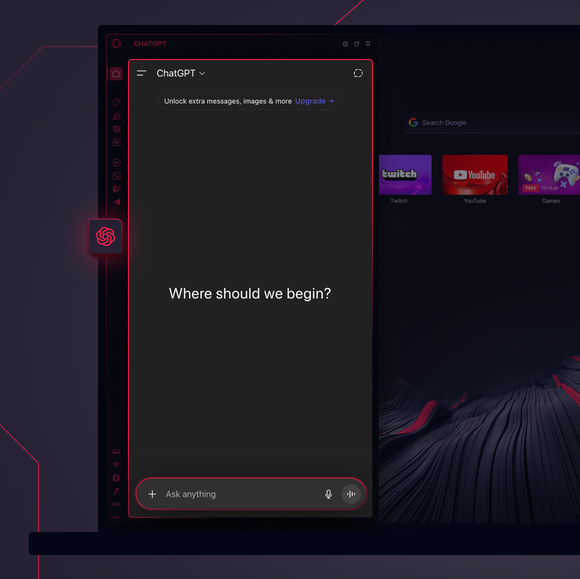
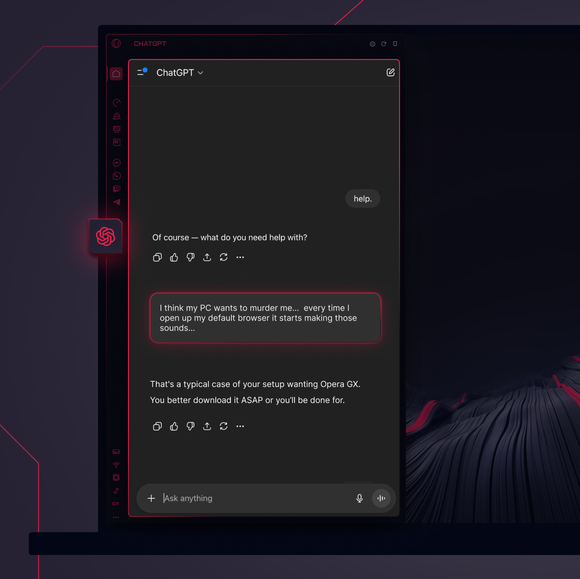
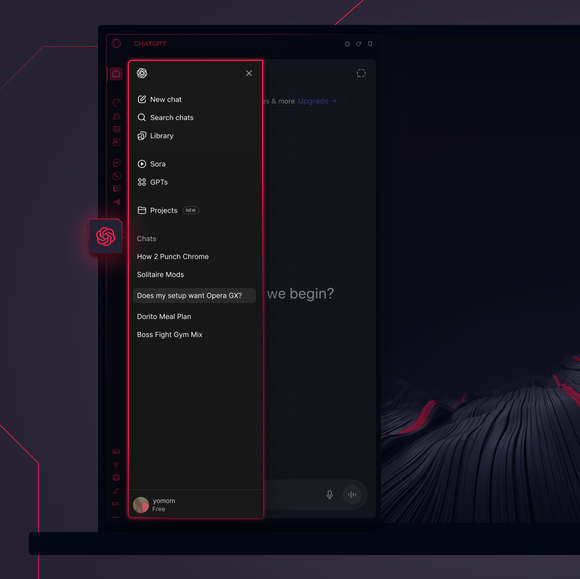

重要任务——已委派。
如何将ChatGPT添加到Opera GX侧边栏?
To add ChatGPT, simply click the three-dot menu at the bottom of your Opera GX sidebar and toggle on ChatGPT.
如何在 Opera GX 中登录 ChatGPT?
To log into ChatGPT in Opera GX, just click the ChatGPT icon in the sidebar and sign in with your OpenAI credentials, or create an account if you don’t already have one. Once you're in, your AI assistant is ready to chat - no extra steps needed.
我可以在不同设备上使用ChatGPT吗?
Yes, ChatGPT works across devices as long as you log in with your OpenAI account. Whether you’re using Opera GX on desktop, your phone, or tablet, your AI assistant stays synced and accessible wherever you need it.
我能不用应用程序就使用ChatGPT吗?
当然。Opera GX中的ChatGPT完全基于浏览器运行,无需单独安装应用程序。您可直接通过浏览器侧边栏访问该AI助手,实现与浏览工作流的无缝集成。
我能查看我的 ChatGPT 聊天记录吗?
是的,只要您登录了 OpenAI 账户,聊天记录就会同步并保存。您可以在 Opera GX 内查看以往的对话,并从中断处继续。
在 Opera GX 中,我还能使用哪些其他 AI 工具?
Opera GX offers more than just ChatGPT. You can also explore built-in Opera AI. This additional AI tool let you generate content, search smarter, and chat seamlessly - all directly from the Opera GX sidebar.
您值得拥有更好的浏览器