
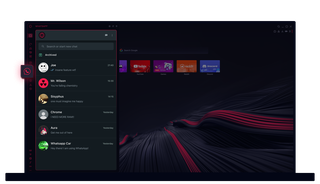
Opera GX의 WhatsApp
추가 클릭 없이 채팅을 시작하세요. Opera GX의 WhatsApp을 사용하면 멀티태스킹이 쉬워집니다.
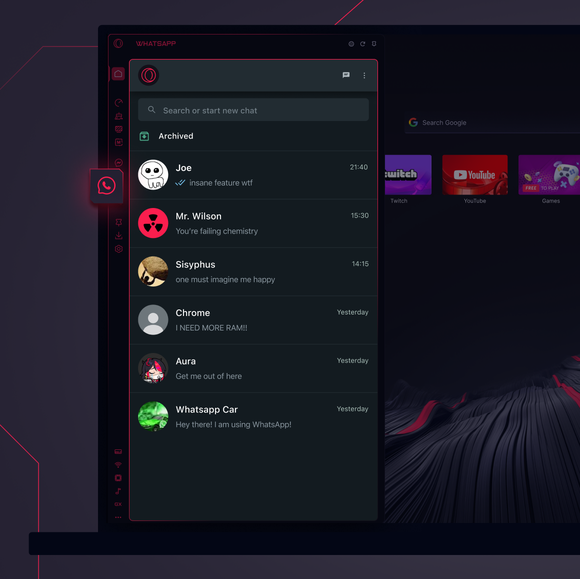
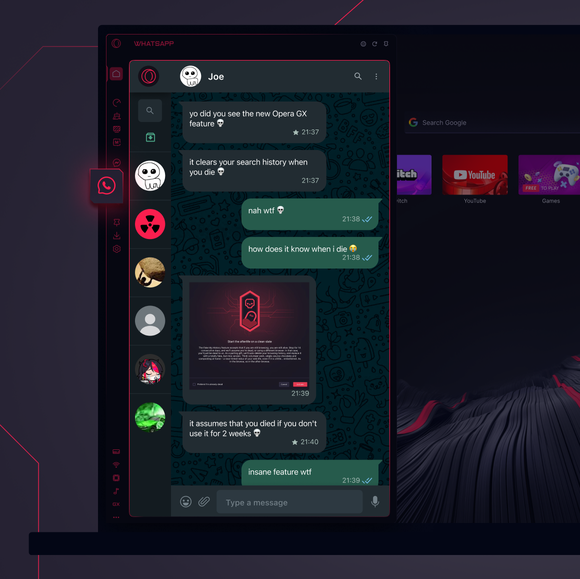

필요한 곳에서 바로 채팅하세요.
Opera GX 사이드바에 WhatsApp을 추가하려면 어떻게 하나요?
To add WhatsApp to your sidebar in Opera GX, just click the three dots at the bottom of your sidebar and enable WhatsApp there.
Opera GX에서 WhatsApp에 로그인하려면 어떻게 하나요?
To log into WhatsApp in Opera GX, just click the WhatsApp icon in the sidebar and sign in with your credentials, or scan the QR code displayed in Opera GX with your phone. Your chats will sync instantly.
여러 디바이스에서 WhatsApp을 사용할 수 있나요?
WhatsApp works really well across multiple devices, you can use it in Opera GX Browser on your phone, tablet, or desktop without interruptions - your chats stay synced everywhere.
앱 없이 WhatsApp을 사용할 수 있나요?
Opera GX의 WhatsApp은 추가 앱이 필요 없습니다. 브라우저에서 바로 사이드바에서 문자를 보내고, 미디어를 공유하고, 채팅을 관리할 수 있습니다. 다운로드할 필요도 없습니다!
더 좋은 브라우저를 사용할 권리가 있습니다
무료 VPN, 광고 차단 및 전송 기능 - Opera에 내장된 몇 가지 필수 기능으로 더 빠르고 원활하며, 방해 없는 브라우징이 가능합니다.
