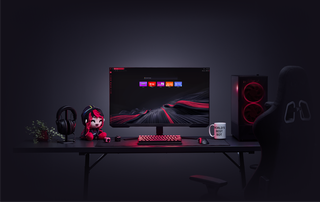
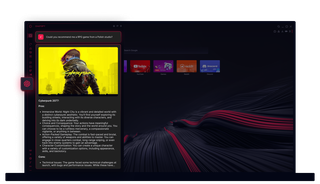
오페라 GX의 ChatGPT
AI로 해결하세요. Opera GX의 ChatGPT는 필요한 곳에 바로 AI의 힘을 제공합니다.
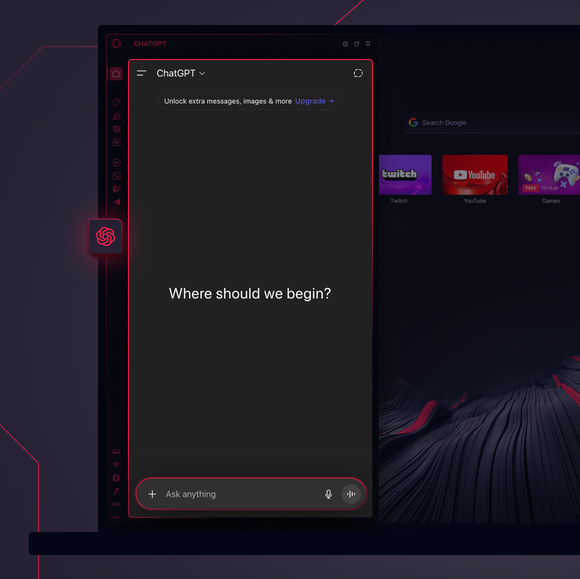
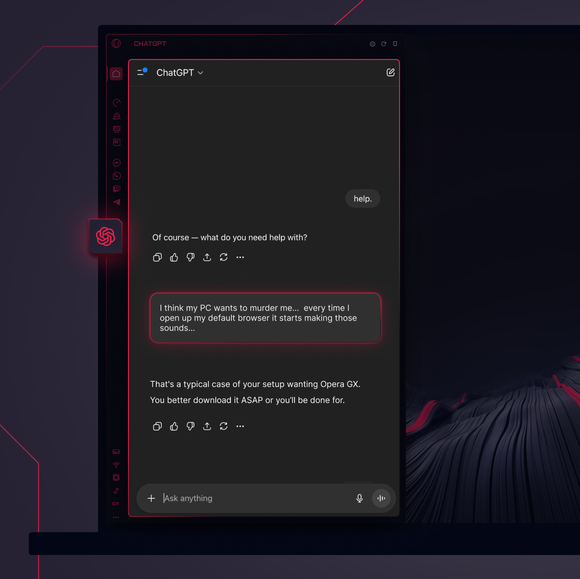
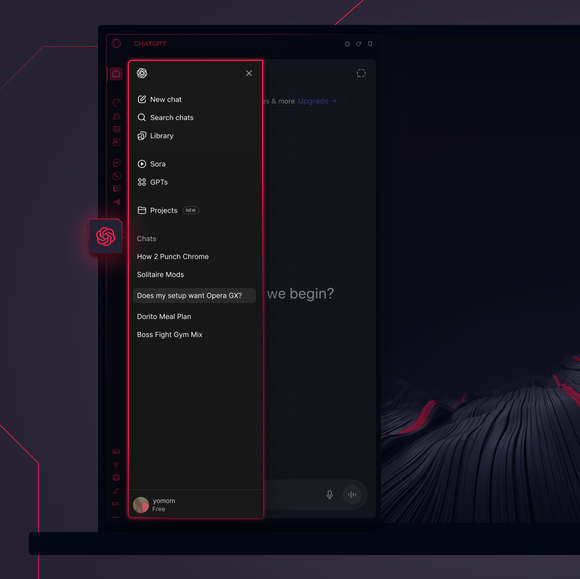

중요한 업무 - 위임 완료.
Opera GX 사이드바에 ChatGPT를 추가하려면 어떻게 해야 하나요?
To add ChatGPT, simply click the three-dot menu at the bottom of your Opera GX sidebar and toggle on ChatGPT.
Opera GX에서 ChatGPT에 어떻게 로그인하나요?
To log into ChatGPT in Opera GX, just click the ChatGPT icon in the sidebar and sign in with your OpenAI credentials, or create an account if you don’t already have one. Once you're in, your AI assistant is ready to chat - no extra steps needed.
ChatGPT를 여러 기기에서 사용할 수 있나요?
Yes, ChatGPT works across devices as long as you log in with your OpenAI account. Whether you’re using Opera GX on desktop, your phone, or tablet, your AI assistant stays synced and accessible wherever you need it.
앱 없이 ChatGPT를 사용할 수 있나요?
물론입니다. Opera GX의 ChatGPT는 완전히 브라우저 기반으로 작동하므로 별도의 앱이 필요하지 않습니다. 브라우저 사이드바에서 바로 AI 어시스턴트에 접속하여 브라우징 작업 흐름에 자연스럽게 통합할 수 있습니다.
제 ChatGPT 대화 내역을 확인할 수 있나요?
네, OpenAI 계정에 로그인되어 있는 한 채팅 기록은 동기화되어 저장됩니다. Opera GX 내에서 과거 대화를 다시 확인하고 중단했던 부분부터 이어서 대화할 수 있습니다.
Opera GX에서 사용할 수 있는 다른 AI 도구는 무엇이 있나요?
Opera GX offers more than just ChatGPT. You can also explore built-in Opera AI. This additional AI tool let you generate content, search smarter, and chat seamlessly - all directly from the Opera GX sidebar.
더 좋은 브라우저를 사용할 권리가 있습니다