
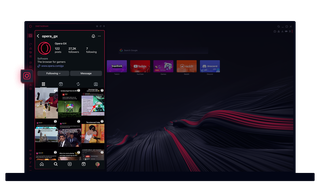
오페라 GX의 인스타그램
데스크톱에서 스토리와 릴을 볼 수 있습니다. 놓치지 않고 멀티태스킹하세요.
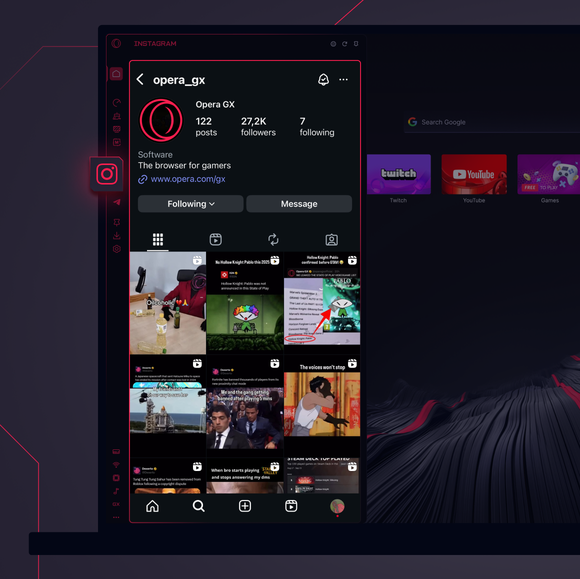
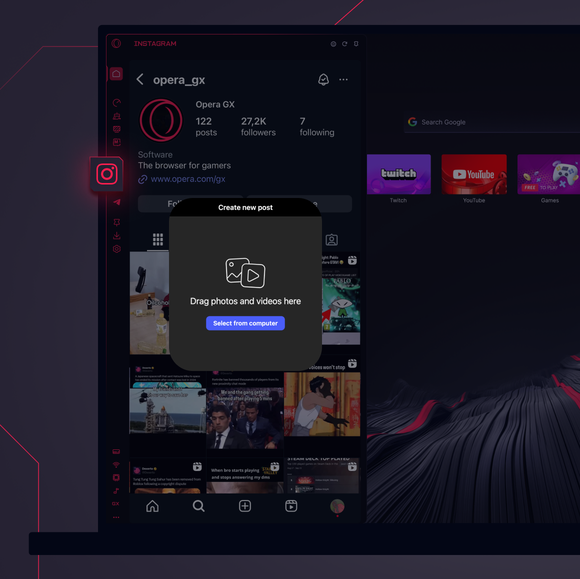
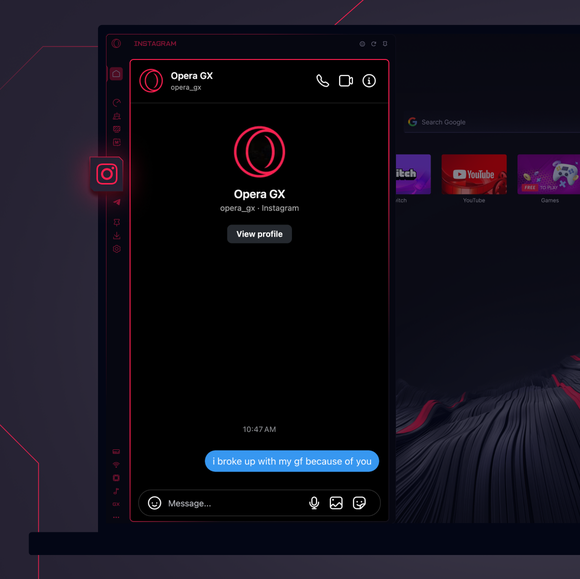

항상 연결 상태를 유지하세요.
Opera GX 사이드바에 Instagram을 추가하려면 어떻게 하나요?
To add Instagram to your sidebar in Opera GX, just click the three dots at the bottom of your sidebar and enable Instagram there.
Opera GX에서 Instagram에 로그인하려면 어떻게 하나요?
To log into Instagram in Opera GX, just click the Instagram icon in the sidebar and sign in with your username and password, or use your saved credentials if prompted. Your feed, DM’s and stories will load instantly.
여러 기기에서 Instagram을 사용할 수 있나요?
Yes! Instagram syncs across all your devices. Whether you’re scrolling in your Opera GX browser, your phone, or your tablet, your account stays updated for a smooth experience everywhere.
앱 없이 Instagram을 사용할 수 있나요?
이제 가능합니다! Opera GX의 Instagram을 사용하면 별도의 앱이 필요 없습니다. 번거로움 없이 브라우저에서 바로 보고, 게시하고, 댓글을 달고, DM에 슬라이드할 수 있습니다.
더 좋은 브라우저를 사용할 권리가 있습니다
무료 VPN, 광고 차단 및 전송 기능 - Opera에 내장된 몇 가지 필수 기능으로 더 빠르고 원활하며, 방해 없는 브라우징이 가능합니다.
