Sync your Opera browsers
Benefits of data syncing
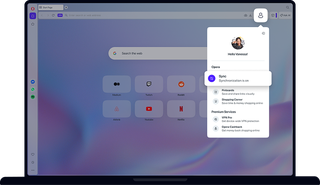
Opera Sync is an easy way to synchronize your choice of browser bookmarks, Speed Dials, history, passwords, and open tabs across multiple devices.

Sync your browsing data in Opera
Sync browsing data in Opera
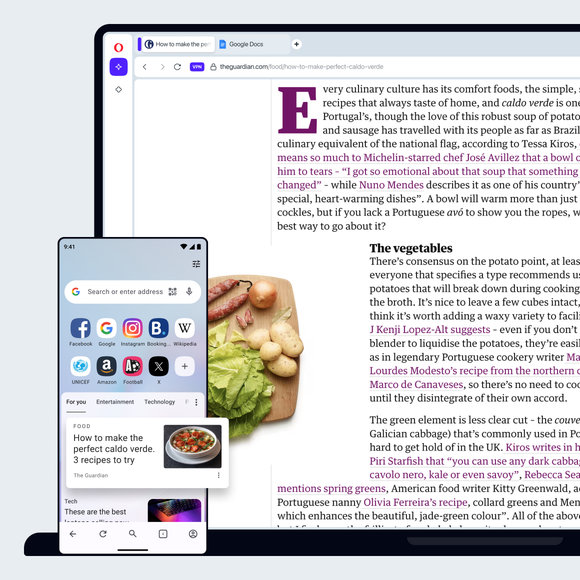
It's easy to switch between several computers and smartphones without losing your place. With Opera Browser you can sync data like bookmarks, Speed Dials, open tabs and other browser data to keep important browsing available in both your mobile and desktop browser.
Say you find a useful site, or something you want to read later. With your Bookmarks synchronized in your Opera browsers on all of your devices, you can return to it on your home computer, tablet or phone. Didn’t bookmark it? If you choose to sync your browser history, you can get back to it from there. Syncing tabs will also make it available when you switch devices. And, on the subject of operating with multiple devices, you might want to check out Opera’s Flow feature.
Use your Opera account
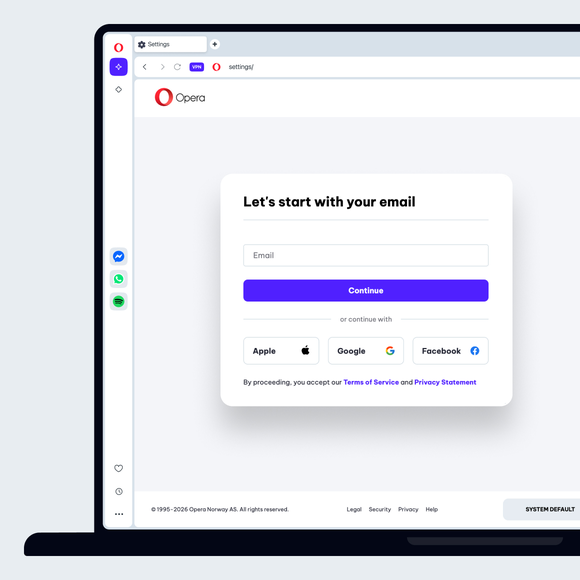
You can use your Opera account to synchronize your browser data. That way, if you want to add a new device all you have to do is sign into your account using the computer, phone or tablet you want to add. If you want to stop browser syncing on a device, just sign out. Once you sign back in, the data in the categories you’ve selected is pushed to the Opera browsers on your other devices, so make sure to remove anything you don’t want synced beforehand.
If you don’t already have an Opera account, go to the Opera account sign-up page. Just enter an email and create a password. Alternatively, in Opera Browser, just go to Settings > Synchronization, click Sign in, followed by Create Account.
Manage your browser synchronization
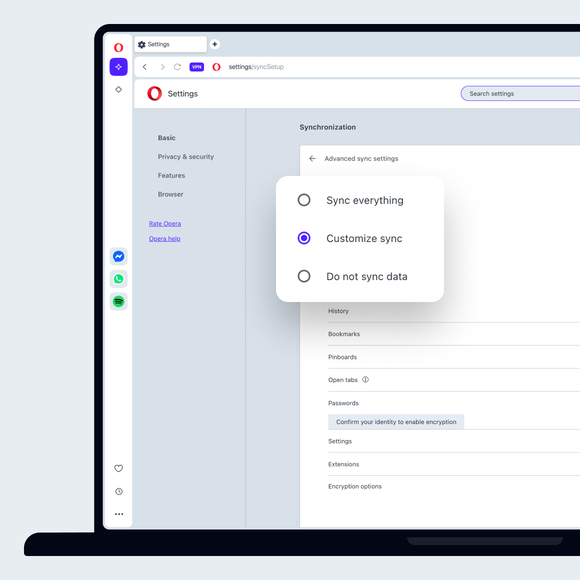
You can select which kinds of data Opera syncs between browsers on your devices. To do so, first sign into your Opera account, then:
- Go to Settings.
- Scroll down to Synchronization and click Advanced sync settings.
- Select the data categories you want to sync.
Visit our Help page for instructions on how to see and manage the specific browser data that is synced (bookmarks, Speed Dials, history, passwords, open tabs and pinboards).
You deserve a better browser