• Opera Menu

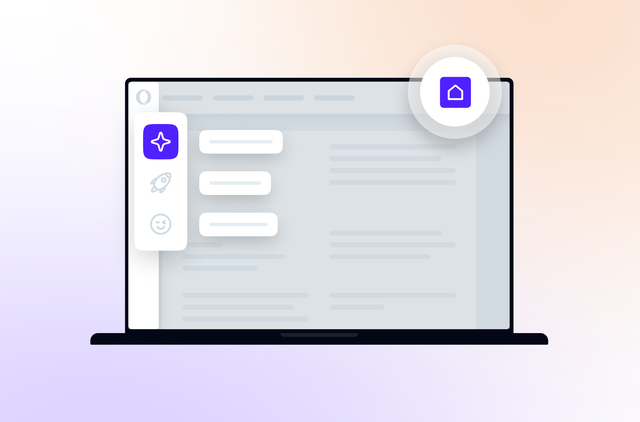
    Access browser features and settings from the Opera Menu that has been designed to give you more space for browsing webpages. The traditional menu bar can be toggled on by selecting "Show Menu Bar" in the Opera Menu.

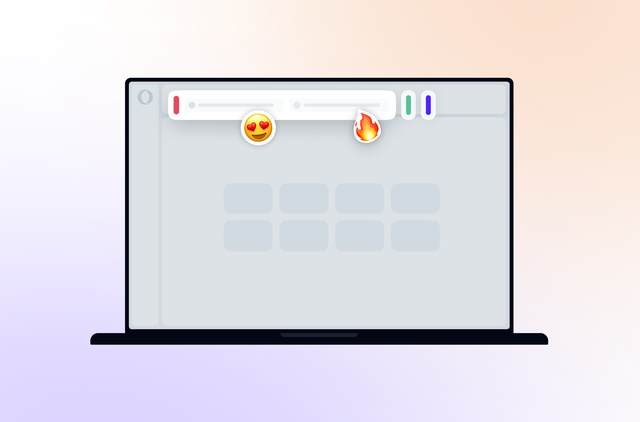
  • Visual tabs

    Drag the handle underneath the tabs to reveal thumbnails of your open webpages.

  • Closed Tabs

    When a webpage is closed, it appears here in a list of recently closed tabs, so you can easily return to where you left off.

  • Speed Dial

    Preview your favorite sites every time you open a new tab and open them with a click. Choose the layout and the background you prefer and add handy extensions that can show useful, live information. Watch video.

  • Password Manager

    The first time you log in to a website, Password Manager can save the password. Next time, just press Ctrl + Enter and you'll be logged in. Passwords can also be securely synchronized with Opera Link.

  • Opera Unite

    This is a system that allows you to share content with others, without having to upload anything to a website. Opera Unite applications can stream music, share photos and files or even host webpages. Watch video.

  • Visual mouse gestures

    Perform common browser actions with a quick flick of your mouse. Hold down the right mouse button on a webpage to show a visual guide that indicates how to perform available gestures.

  • Opera Turbo

    Boost your browsing speed on crowded Wi-Fi hotspots, tethered mobile phones or dial-up connections. One click turns it on. Watch video.

  • Zoom

    Magnify webpages to read them more easily or zoom out to fit more on screen. Opera's zoom resizes everything, not just text. You can also toggle images off for readability and faster page loads.

  • Mail panel

    Opera's mail client optimizes email use and is built right into the browser. It supports IMAP and POP and works with Gmail or Yahoo! mail. Multiple accounts are unified in one view to make handling lots of mail easy.
  • Safer address field

    The address field has been improved and now hides the complexity of long web addresses. It also provides more security information to help you stay safe when browsing; just click the badge for the website to see security information about the site you are visiting. See video.

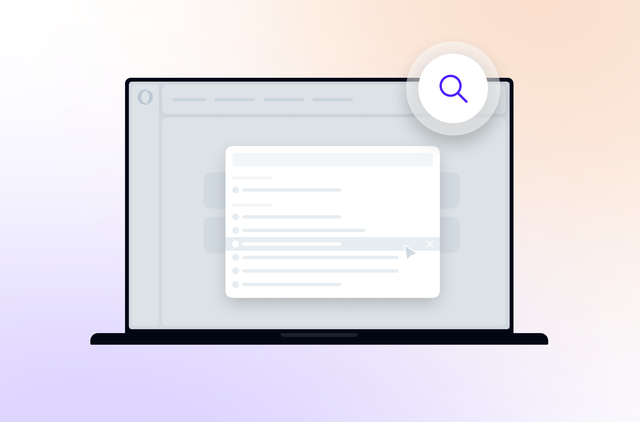
  • Search suggestions

    Search suggestions predict queries as you type, making searching quicker and easier. Google search predictions are now built into Opera. When using the search field or searching from the address field with the 'g' search keyword, Google search predictions will appear.

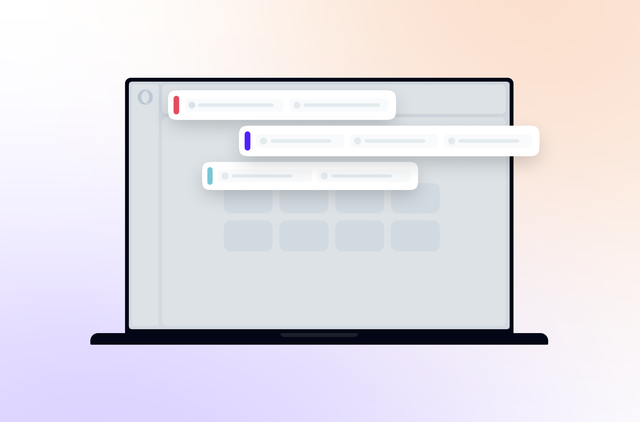
  • Tab stacking

    Dragging one tab over another allows you to create groups of tabs. Now, you can keep dozens of webpages open, organized and under control. Watch video.

  • Extensions

    Extend Opera's functionality by visiting our extensions catalog. Download videos, automatically translate languages and much more. Extensions can also show handy information in your Speed Dial.

See more about …

Click a feature to see more about it in the panel to the left.

  • Tab stacking
  • Mouse gestures
  • Extensions
  • Opera Turbo
  • Speed Dial
  • Opera Link
  • Password manager
  • Opera Unite
  • Zoom

Personalize

Customize your browser

You can add, remove or reposition buttons and toolbars or change the entire layout of the browser. It is easy to do … or undo.

Access bookmarks instantly

The convenient bookmarks bar keeps commonly visited sites and bookmark folders in front of you at all times, allowing instant access. You can enable this toolbar by selecting Opera menu -> Toolbars -> Bookmarks Bar.

Choose your look and layout

Opera’s vibrant user community has created many beautiful skins and setups for you to try, so you can have a customized look for your browser.

Create your own shortcuts

Opera offers many ways to perform browser actions, and you can also customize your own keyboard shortcuts, mouse gestures and more.

Tabs

Look inside tabs

When you hover the mouse pointer over a tab, a preview shows you the content of that page. When you stack tabs, hovering over a stack also shows a preview of the tabs within, and you may select the tab you want to use.

Recover tabs you closed

You can open tabs that you accidentally closed or website pop-ups that Opera blocked by clicking the closed tabs icon to the right of your tabs.

Protect a tab from closing

By right-clicking a tab, you can pin it to prevent it from being closed by accident. Pinned tabs take up minimal space and are automatically moved to the left of other tabs to make them easy to find.

Get a better view of tabs

Visual tabs show a small thumbnail for each website, in addition to the page title and icon. You can drag the tab bar to the desired height to adjust the thumbnail size accordingly.

Save sets of tabs

You can save your open tabs as a “session” and load it later to open these same pages. You can have multiple sessions and load each one based on what you are doing at a certain time.

Productivity

Stay in control of downloads

Download files more quickly. As soon as you click a file to save it, the Opera browser starts downloading it, so there is no wasted time. From the Downloads tab, you can keep track of the progress of downloads and even pause and resume them as needed.

Follow your favorite feeds

Subscribing to newsfeeds with Opera Mail is simple. Just click the RSS link in the address field, click “Subscribe”, and the feed will display under “Newsfeeds” at the bottom of your Mail panel. Now, you can get your RSS feeds right in the browser without using a separate program.

Keep your spelling in check

The spell checker in Opera shows a red line under misspelled words anywhere you can enter text on a webpage. Corrections can be chosen by right-clicking the misspelled word.

Eliminate distractions

You can block images, pop-ups and plug-ins that you do not want to see. Right-click a page, choose “Block Content” and click any annoying elements to disable them selectively. In the Opera browser, smart pop-up blocking is turned on by default.

Manage bookmarks efficiently

Give your bookmarks easy-to-remember names or group them into folders to help manage your bookmarks as your collection grows.

Load plug-ins only when needed

You can choose to have plug-ins such as Adobe Flash load content only when clicked. This is helpful to speed up browsing on computers that have difficulty handling lots of plug-in content.

Use convenient apps

Opera Widgets are apps that provide handy functionality such as showing the weather, quickly looking up information or providing entertainment and games. There are many Opera Widgets available, and they run directly on the desktop, so they keep running even if you close your browser.

Download using BitTorrent

Support for BitTorrent is built in to Opera, so you can download torrents without the need for a separate application. You can even monitor the progress of large torrent downloads with Opera’s Downloads panel.

Latest Technologies

The fastest JavaScript engine

The Carakan JavaScript engine has been further enhanced to run more quickly than ever! This makes Opera the fastest browser on Earth in many performance tests. Even complex webpages load and run with lightning speed.

Support for the the latest HTML5

With our latest Opera Presto rendering engine and its leading support for HTML5, websites using the latest web standards work perfectly. The Opera browser supports technologies that enable sophisticated web apps and multiplayer games, and the latest CSS3 such as linear gradients and multiple columns display beautifully.

Smooth and fast graphics

Everything in the Opera browser is drawn on your screen using Opera’s high-performance Vega graphics library. This enables super fast and smooth graphics, in everything from tab switching to animation on webpages.

Support for geolocation

You can share your location with geolocation-supported websites such as Google Maps. Rest assured that your privacy is a top priority—you will always be prompted before sharing your location.

Security and Privacy

Be safe on the Web

The Opera browser features up-to-the-minute information from leading security agencies on exploits, viruses and phishing scams. When you visit sites on the Web, Opera checks this data in real time and warns you when a site is identified as dangerous. In addition, Opera supports Extended Validation certificates (EV) to provide added assurance and trust for secure websites.

Keep your browsing private

Using a private tab or window ensures that evidence of your browsing history is removed as soon as the tab or window is closed. Now, it is safer to do your banking from a public computer or easier to plan that surprise vacation.

See your security on websites

An enhanced address field makes it easy to stay safe on the Web. The complexity of long addresses is hidden to make it clear which site you are visiting. A colored badge also indicates the quality of encryption that is used; clicking it gives you detailed information about the site.

Control website cookies

Opera allows you to choose which cookies you accept or reject. For example, you can allow for different set-ups for different servers.

Stay up to date

Opera makes it easy to have the latest version of not just the browser, but any extensions and Opera Unite applications you are using. You can have completely automatic updates or be notified when an update is ready for you to install. As always, with Opera, it is your choice.

Developers

Enjoy integrated debugging

Opera Dragonfly is our integrated debugging environment. Inspect the DOM, CSS, and network traffic and data stores, troubleshoot your JavaScript and take advantage of our unique remote debugging functionality.

Learn the latest web technology

Dev.Opera hosts articles and discussions on the latest in web technology. Join in and stay in touch with the direction of tomorrow’s Web.

Make your site shine in Speed Dial

Opera’s popular Speed Dial feature supports beautiful high-resolution icons for sites. To make your site look its best in Speed Dial, learn about how to optimize websites and their icons.

Support

Need help with Opera?

Need some help? Simply press F1 for instant access to the help files. Or, visit our forums to chat with staff and the My Opera community.

Learn more about Opera

Step-by-step tips and tutorials help you make the most of Opera’s great features.

Know your browser

Find Opera’s version history, web standards support, white papers and much more in one convenient location at Opera’s documentation site.