
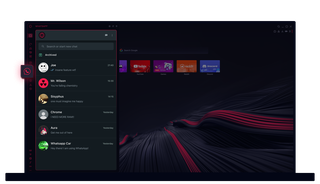
Opera GXのWhatsApp
余計なクリックをせずにチャットができる。Opera GXのWhatsAppならマルチタスクも簡単。
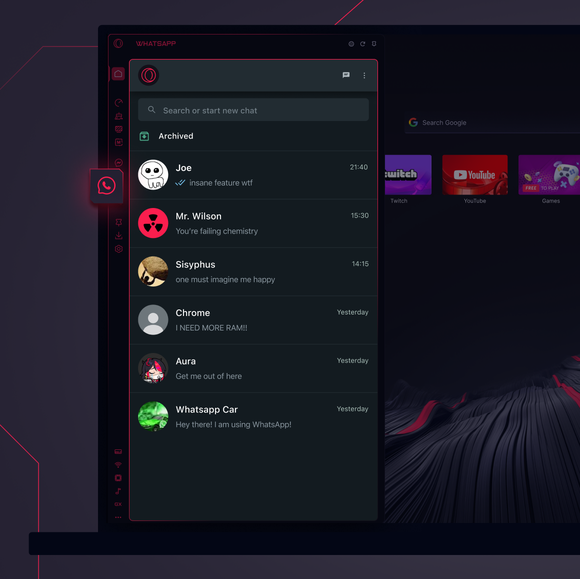
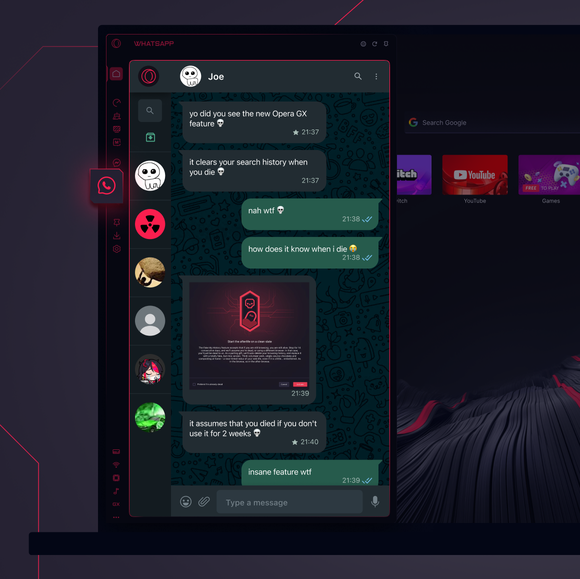

必要な場所で、必要なチャットができる。
Opera GXのサイドバーにWhatsAppを追加するには?
To add WhatsApp to your sidebar in Opera GX, just click the three dots at the bottom of your sidebar and enable WhatsApp there.
Opera GXでWhatsAppにログインするには?
To log into WhatsApp in Opera GX, just click the WhatsApp icon in the sidebar and sign in with your credentials, or scan the QR code displayed in Opera GX with your phone. Your chats will sync instantly.
異なるデバイスでWhatsAppを使用できる?
WhatsApp works really well across multiple devices, you can use it in Opera GX Browser on your phone, tablet, or desktop without interruptions - your chats stay synced everywhere.
アプリなしでWhatsAppを利用できる?
Opera GXのWhatsAppは追加アプリを必要としない。テキスト送信、メディア共有、チャット管理は全てブラウザのサイドバーから直接行える。ダウンロードは不要!
あなたはより良いブラウザーを受けるに値します
Operaには、無料のVPN、広告ブロッカー、Flowファイル共有など、高速でスムーズで邪魔されないブラウジングのために必要な機能がいくつか組み込まれています。オンライン体験を向上させる。
