
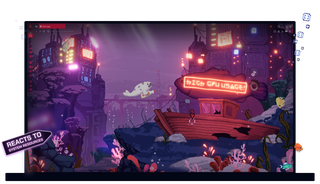
Opera GXのライブ壁紙
ダイナミックで、インタラクティブで、ためになる。ライブ壁紙は、退屈であることを除けばすべてである。
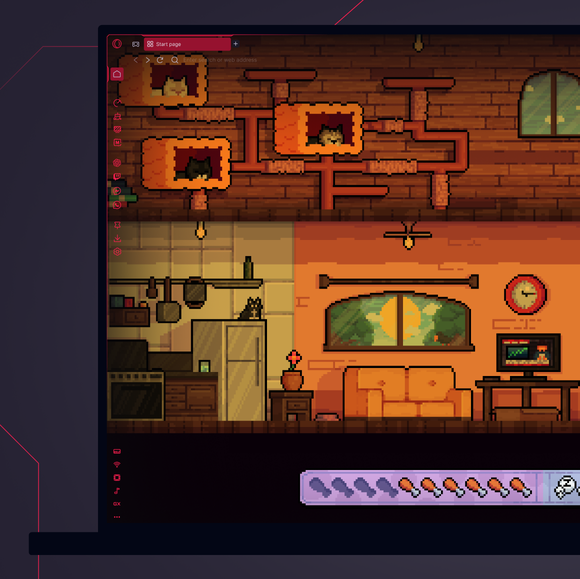
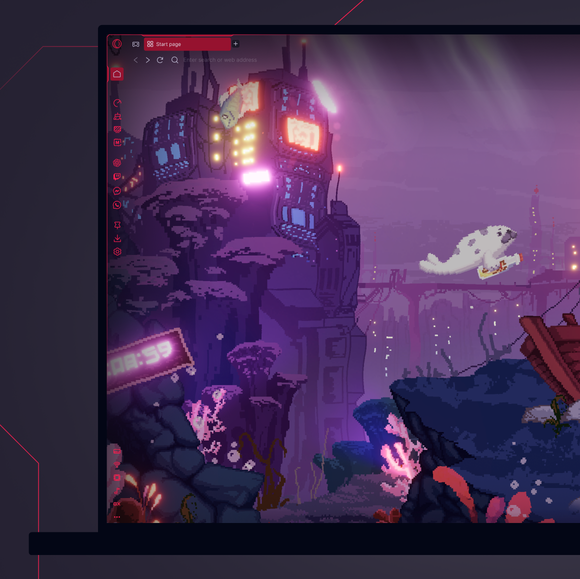
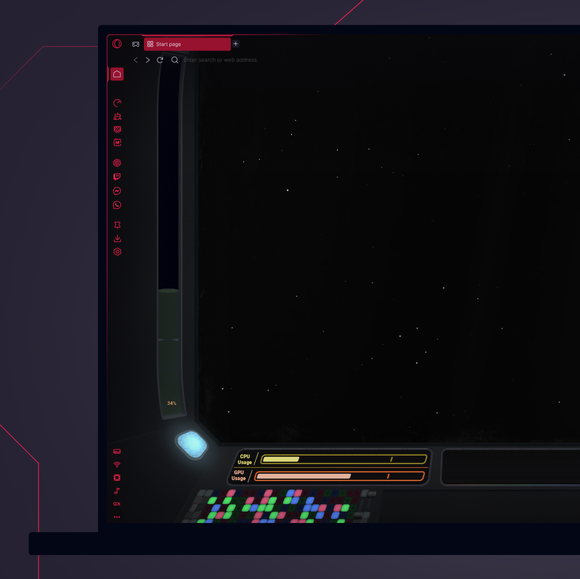
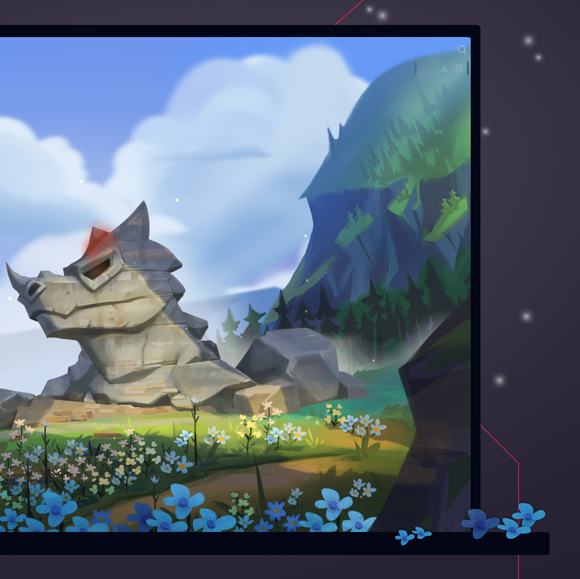
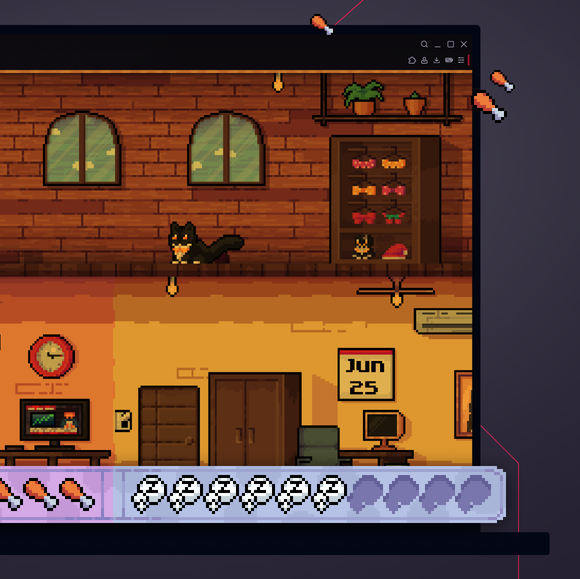
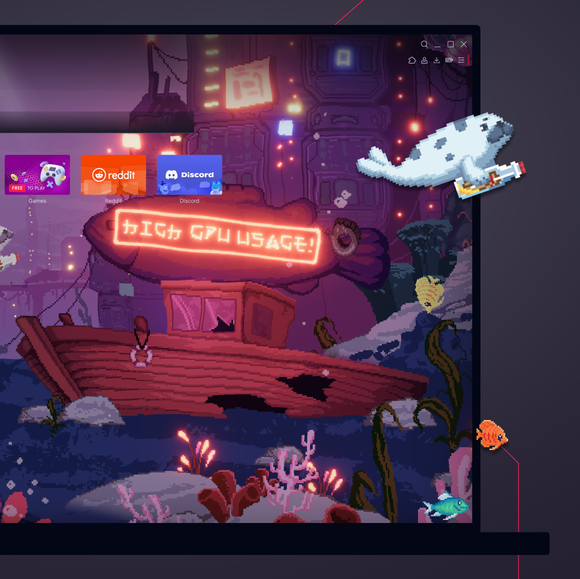
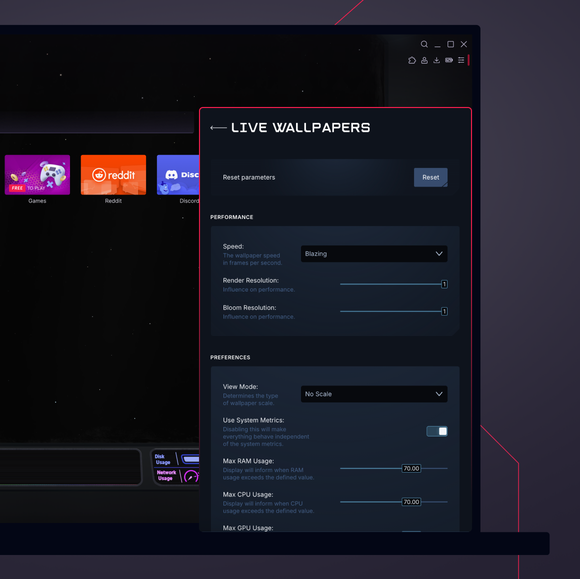

退屈なデスクトップを捨てる。デスクトップに活気を吹き込もう。
Opera GXで壁紙を変更するには?
To change wallpapers in Opera GX, open the browser and go to the Easy Setup menu in the top-right corner. Scroll down to the Wallpapers section and select Custom to browse through the available options. Select the one you like, and your browser background will instantly update with your chosen wallpaper.
Opera GXでアニメーション壁紙を入手するには?
To get animated wallpapers in Opera GX, head to the Easy Setup menu, toggle on Wallpapers, and select Custom. Select the one that catches your eye, or hit Get more to browse the GX Store for more unique and free animated wallpapers from both Opera GX and GX users.
Opera GXでカスタム壁紙を追加するには?
To add custom wallpapers to Opera GX, go to the Easy Setup menu and toggle on Wallpapers. From there, select Custom and click on the option to Add your wallpaper. You can then choose an image file from your computer to use as your new custom wallpaper.
Opera GXの壁紙はどこに保存されているのか?
Opera GX wallpapers are stored within the browser itself. Custom wallpapers that you add are saved locally on your device, typically in your user files or downloads folder. The exact location may vary based on your operating system and where you originally saved the image file. If you're looking for Live Wallpapers, you can browse and download them directly from the GX.Store under Mods > Live Wallpaper.
Opera GXブラウザーには他にどんな改造ができる?
GXブラウザに追加できるMODは、GX壁紙以外にもたくさんある。GXチームとGXコミュニティは、毎日追加している:
あなたはより良いブラウザーを受けるに値します
