
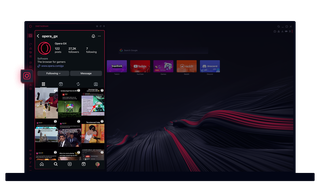
Opera GXのインスタグラム
デスクトップでストーリーとリールを見る。ビートを逃さずマルチタスク。
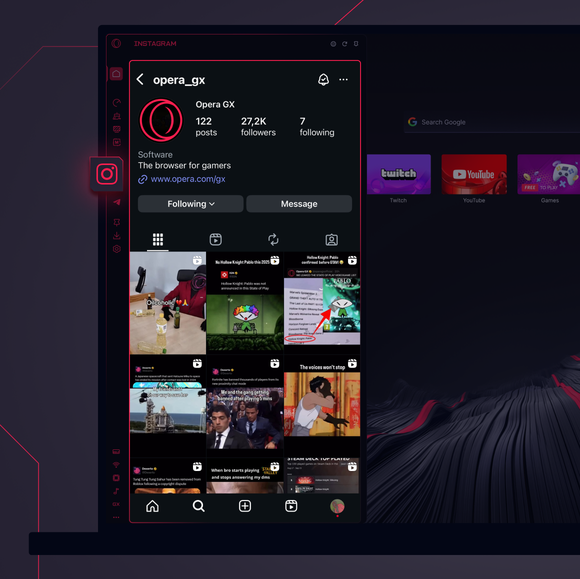
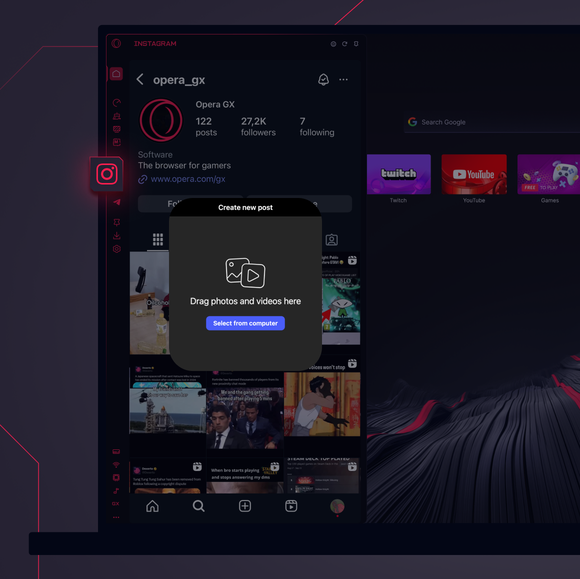
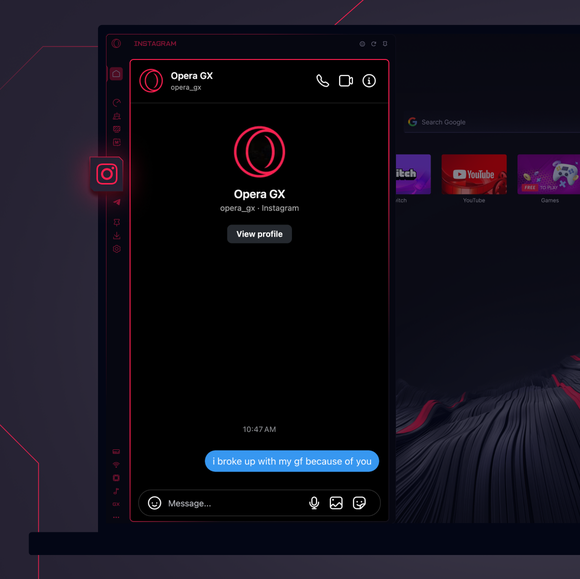

いつでもつながっていよう。
Opera GXのサイドバーにInstagramを追加するには?
To add Instagram to your sidebar in Opera GX, just click the three dots at the bottom of your sidebar and enable Instagram there.
Opera GXでInstagramにログインするには?
To log into Instagram in Opera GX, just click the Instagram icon in the sidebar and sign in with your username and password, or use your saved credentials if prompted. Your feed, DM’s and stories will load instantly.
インスタグラムは異なるデバイスで使用できるか?
Yes! Instagram syncs across all your devices. Whether you’re scrolling in your Opera GX browser, your phone, or your tablet, your account stays updated for a smooth experience everywhere.
アプリなしでインスタグラムを使うことはできるか?
今ならできる!Opera GXのInstagramなら、別アプリは必要ない。ブラウザから直接、閲覧、投稿、コメント、DMへの投稿ができる。
あなたはより良いブラウザーを受けるに値します
Operaには、無料のVPN、広告ブロッカー、Flowファイル共有など、高速でスムーズで邪魔されないブラウジングのために必要な機能がいくつか組み込まれています。オンライン体験を向上させる。
