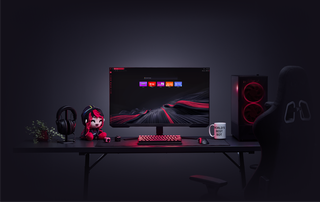
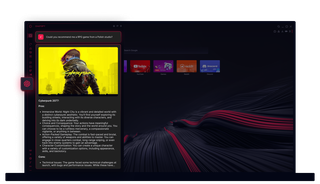
Opera GXのChatGPT
AIを使え。Opera GXのChatGPTは、必要な場所にAIの力を直接届ける。
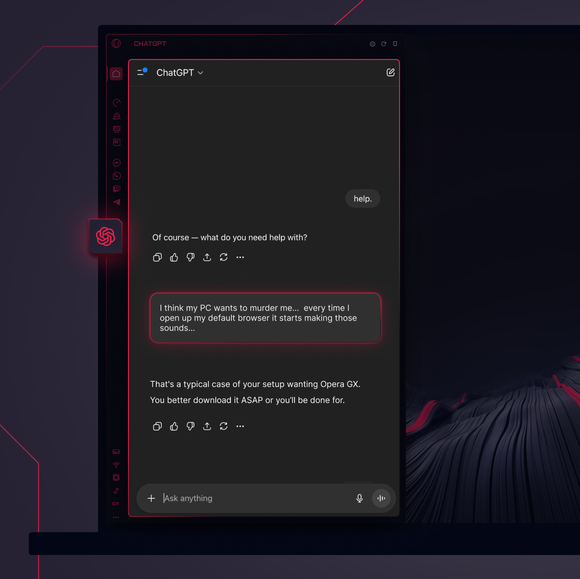
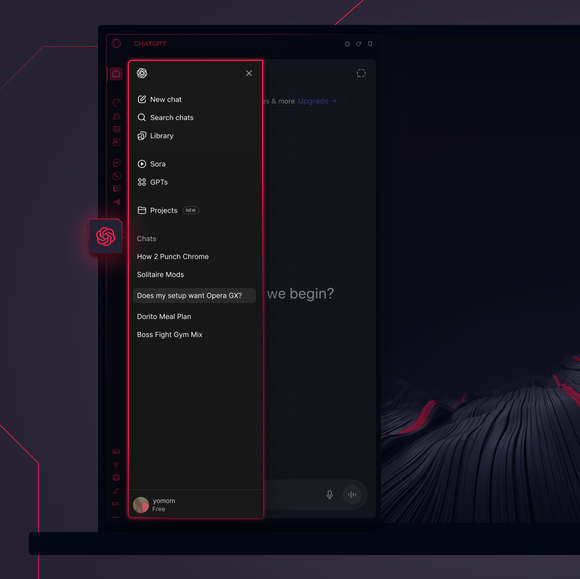

大きな仕事は――他人に任せた。
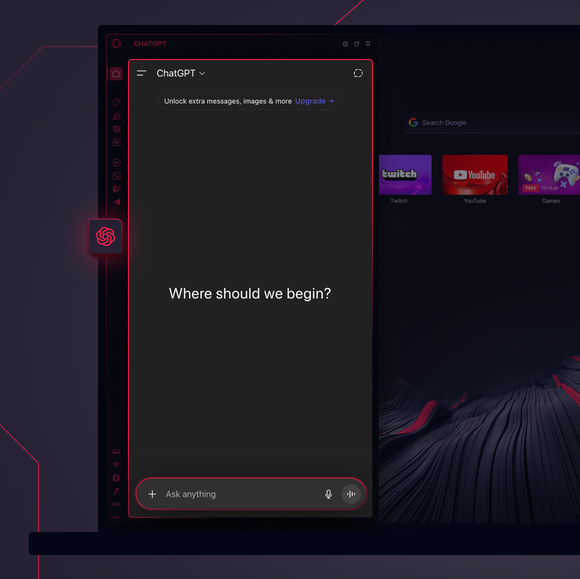
Opera GXのサイドバーにChatGPTを追加するにはどうすればいいか?
To add ChatGPT, simply click the three-dot menu at the bottom of your Opera GX sidebar and toggle on ChatGPT.
Opera GXでChatGPTにログインするにはどうすればよいか?
To log into ChatGPT in Opera GX, just click the ChatGPT icon in the sidebar and sign in with your OpenAI credentials, or create an account if you don’t already have one. Once you're in, your AI assistant is ready to chat - no extra steps needed.
ChatGPTを異なるデバイスで使えるか?
Yes, ChatGPT works across devices as long as you log in with your OpenAI account. Whether you’re using Opera GX on desktop, your phone, or tablet, your AI assistant stays synced and accessible wherever you need it.
アプリなしでChatGPTは使えるか?
もちろんだ。Opera GXのChatGPTは完全にブラウザベースだから、独立したアプリは必要ない。ブラウザのサイドバーから直接AIアシスタントにアクセスできるから、ブラウジングのワークフローにシームレスに統合できる。
自分のChatGPTのチャット履歴は閲覧できるのか?
はい、OpenAIアカウントにログインしている限り、チャット履歴は同期され保存される。Opera GX内で過去の会話を確認し、中断したところから再開することができる。
Opera GXでは他にどのようなAIツールが使えるか?
Opera GX offers more than just ChatGPT. You can also explore built-in Opera AI. This additional AI tool let you generate content, search smarter, and chat seamlessly - all directly from the Opera GX sidebar.
あなたはより良いブラウザーを受けるに値します