
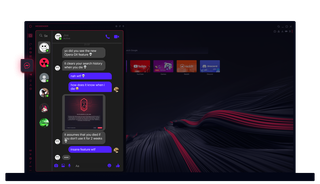
Opera GXのメッセンジャー
チャットも思いのまま。Opera GXのMessengerは、あなたの会話とブラウザを完璧に同期させる。
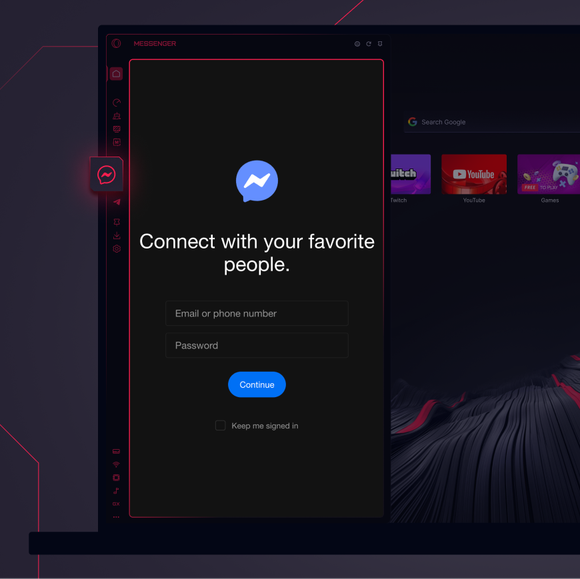
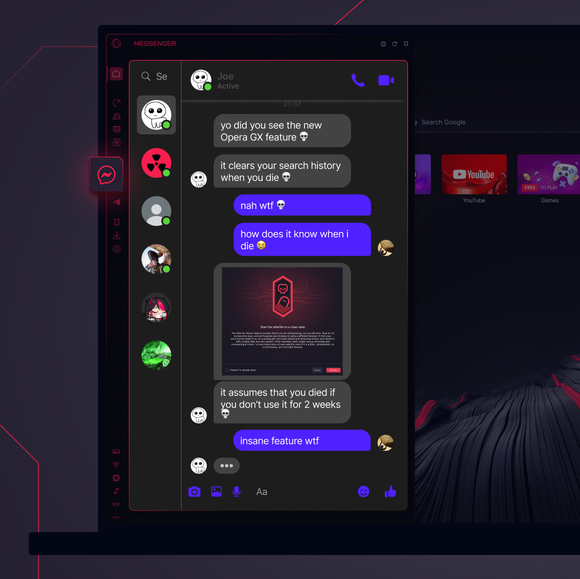

いつでもつながっていよう。
Opera GXのサイドバーにメッセンジャーを追加するには?
Messenger is already built into Opera GX, so no extra setup is required. Just click the three dots at the bottom of your sidebar and enable Messenger there. Once pinned, your chats are just a click away.
Opera GXでMessengerにログインするには?
To log into Messenger in Opera GX, just click the Messenger icon in the sidebar and sign in with your credentials. Your messages and contacts will sync instantly.
メッセンジャーは異なるデバイスで使用できるか?
そうだ!Messengerはすべてのデバイスでシームレスに同期する。Opera GX、携帯電話、タブレットのいずれでチャットしていても、会話とアップデートは完全に同期されたまま。
アプリなしでMessengerを使うことはできるか?
もちろんだ。Opera GXのMessengerでは、追加のアプリをインストールする必要はない。ブラウザに完全に統合されているので、サイドバーから直接チャットや通話にアクセスできる。
あなたはより良いブラウザーを受けるに値します
Operaには、無料のVPN、広告ブロッカー、Flowファイル共有など、高速でスムーズで邪魔されないブラウジングのために必要な機能がいくつか組み込まれています。オンライン体験を向上させる。
