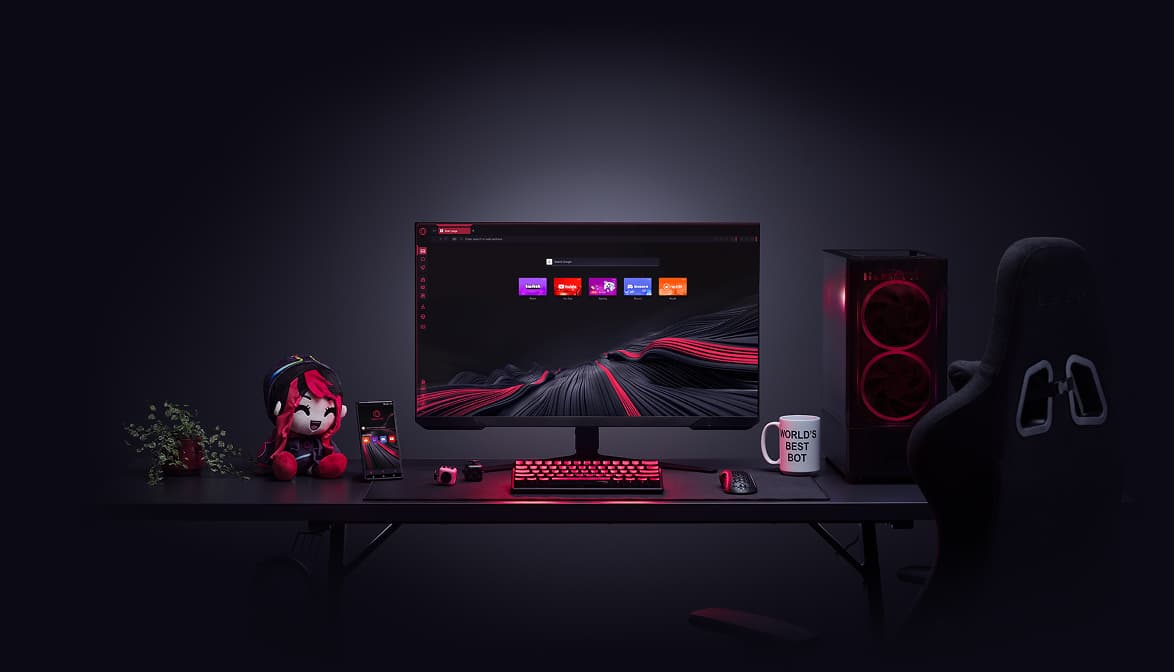
The Gaming Browser
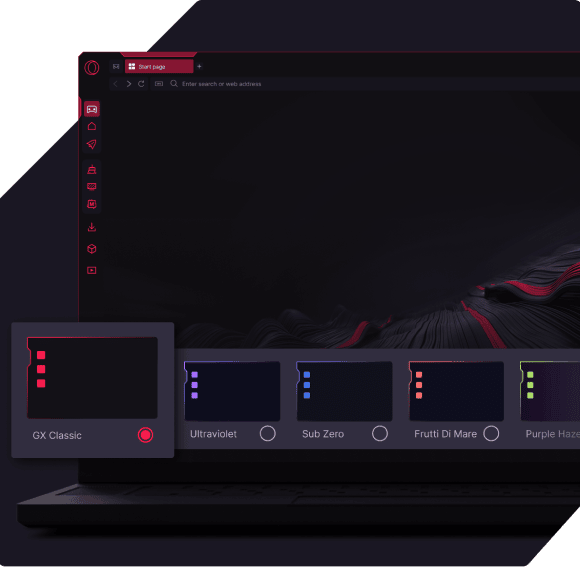
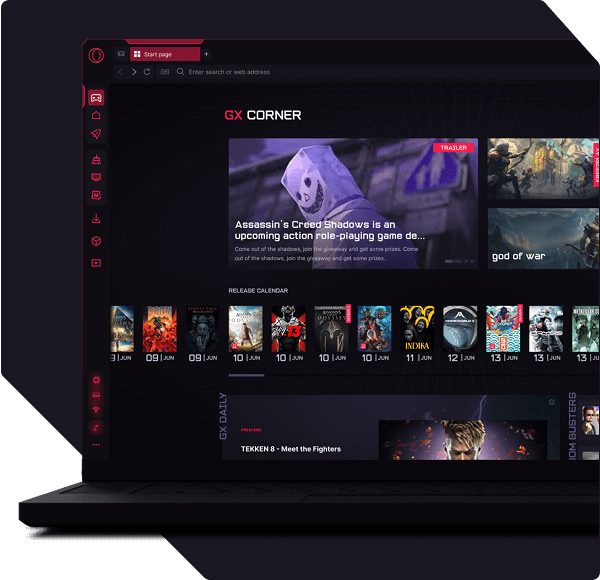
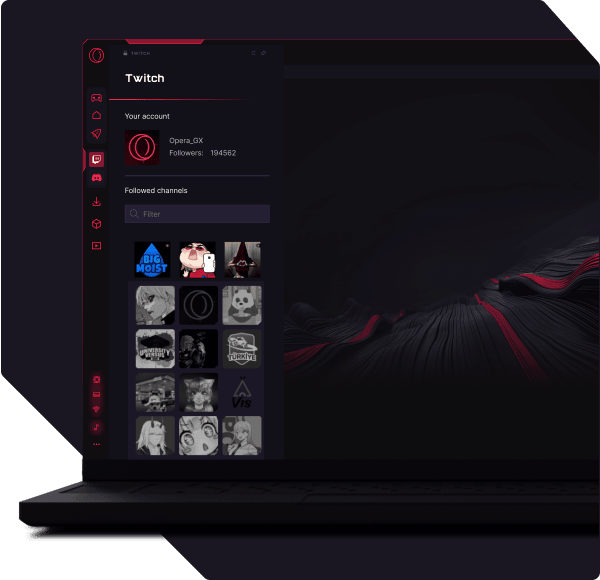
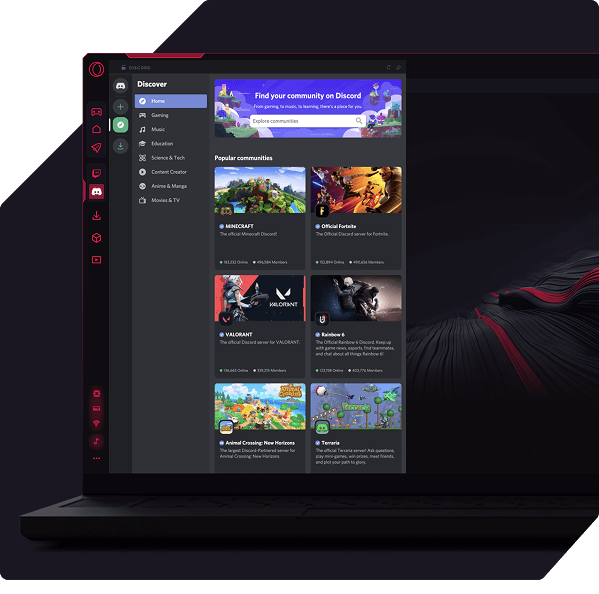
Make your setup really yours through deep customization, eliminate lag with built-in RAM / CPU limiters, and keep your friends close with built-in Discord and Twitch. See more

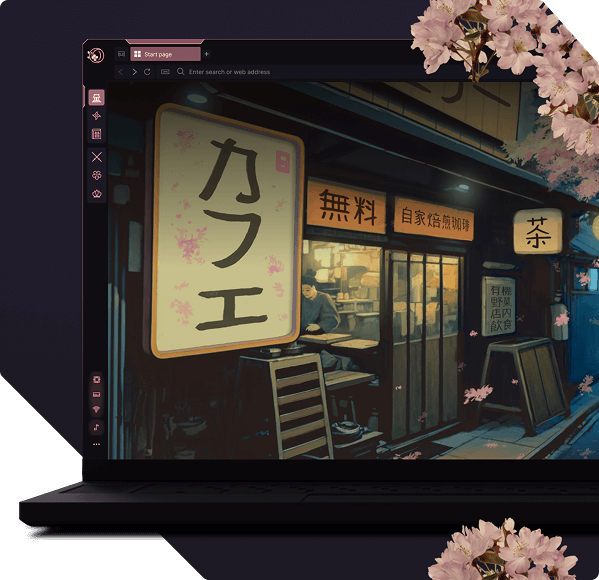
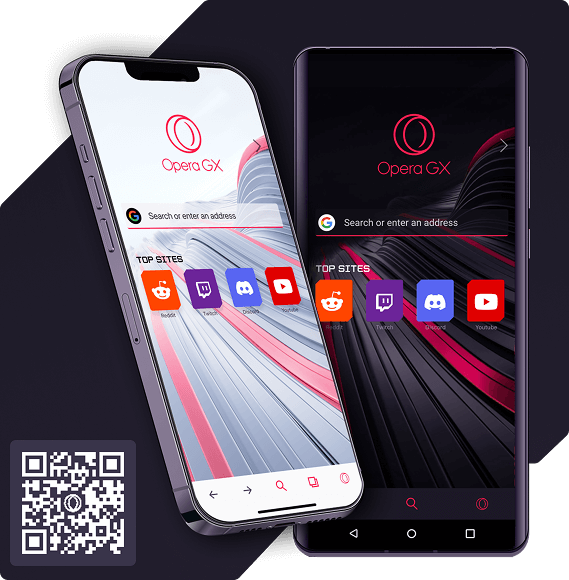
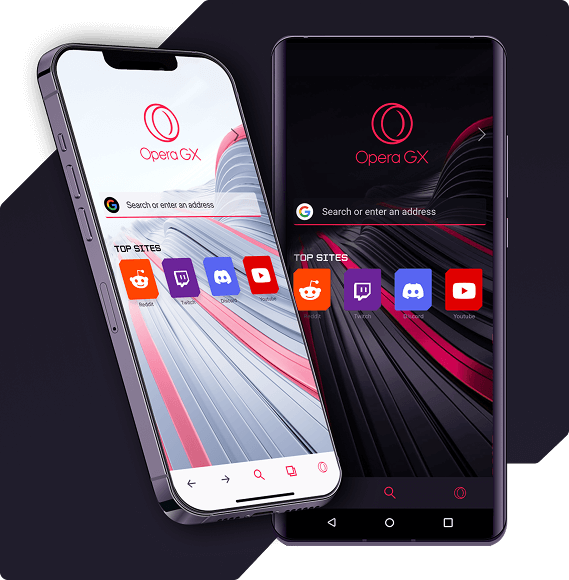
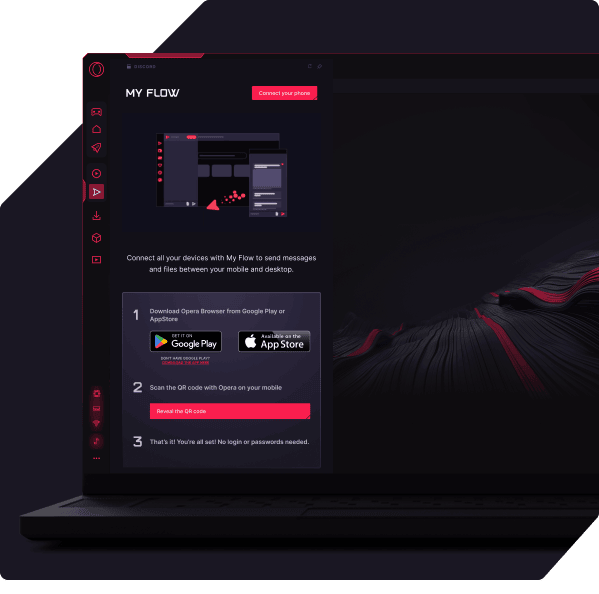
Take Opera GX to go
 Don't have Google Play?
Download the app here This is a safe download
from opera.com

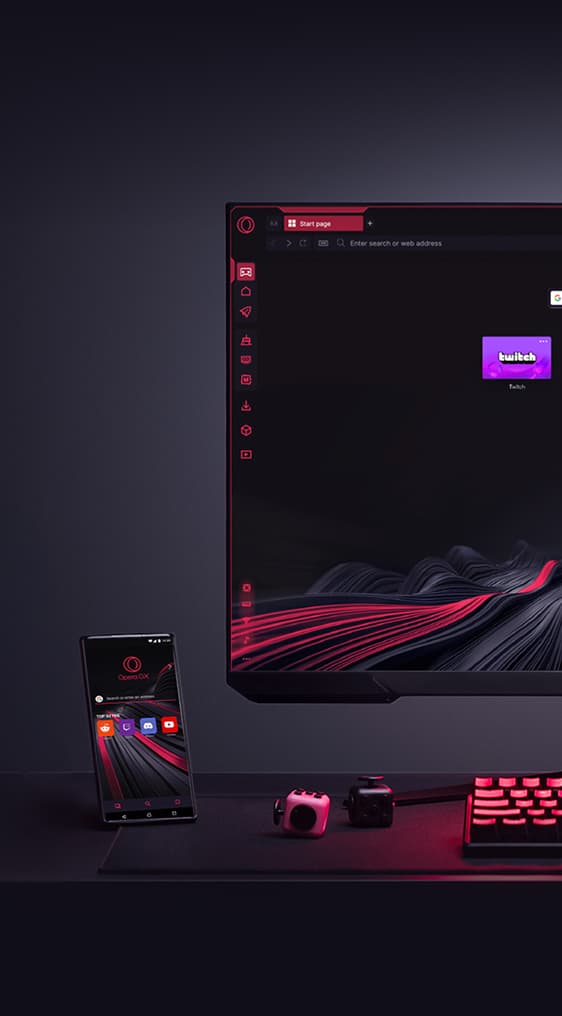
from your own POV
Enjoy the internet
from your own POV
Enjoy the internet
from your own POV
Rein in your system resources or burn through them in our expanded modding universe. The choice is yours.

Built to browse,
play and control
Keep your data
when you switch
to Opera GX
Bring over everything you want from your old browser as soon as you make the switch. Already using Opera GX? No worries—just follow these steps to import it all:
Settings > Synchronization > Import bookmarks and settings
01
First, go ahead and open your Opera GX browser.
02
Open Settings by pressing Alt+P (Cmd+, on Mac).
03
Under Synchronization, click Import bookmarks and settings.
04
Choose which data to import, and which browser to get it from.
You deserve an upgrade
Discover endless ways to make Opera GX more powerful, personal and private.