
WhatsApp in GX
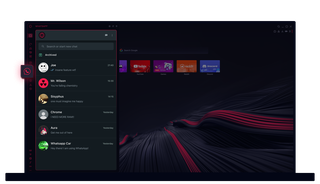
WhatsApp in Opera GX
Chatte ohne zusätzliche Klicks. WhatsApp in Opera GX macht Multitasking einfach.
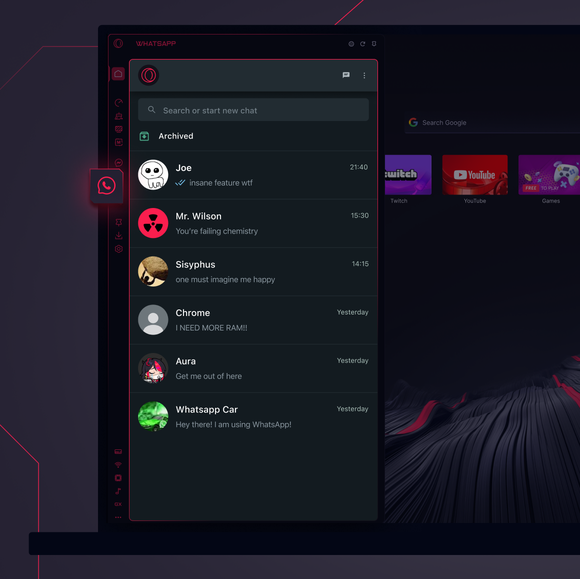
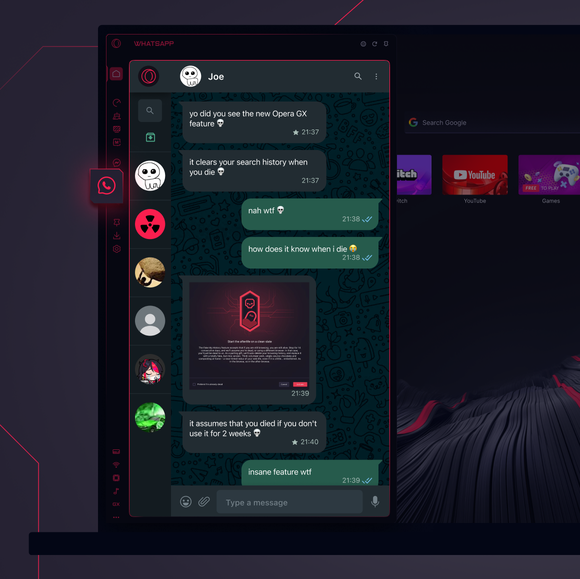

Deine Chats, genau dort, wo du sie brauchst.
Wie füge ich WhatsApp zur Seitenleiste von Opera GX hinzu?
To add WhatsApp to your sidebar in Opera GX, just click the three dots at the bottom of your sidebar and enable WhatsApp there.
Wie melde ich mich bei WhatsApp in Opera GX an?
To log into WhatsApp in Opera GX, just click the WhatsApp icon in the sidebar and sign in with your credentials, or scan the QR code displayed in Opera GX with your phone. Your chats will sync instantly.
Kann ich WhatsApp auf verschiedenen Geräten nutzen?
WhatsApp works really well across multiple devices, you can use it in Opera GX Browser on your phone, tablet, or desktop without interruptions - your chats stay synced everywhere.
Kann ich WhatsApp auch ohne eine App benutzen?
Mit WhatsApp in Opera GX brauchst du keine zusätzlichen Apps mehr. Du kannst direkt von deinem Browser aus Texte verschicken, Medien teilen und Chats verwalten - alles in der Seitenleiste. Keine Downloads erforderlich!
Du verdienst einen besseren Browser
