
Instagram in GX
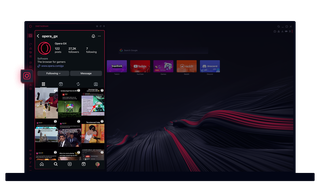
Instagram in Opera GX
Sieh dir Storys und Reels auf deinem Desktop an. Multitasking, ohne einen Beat zu verpassen.
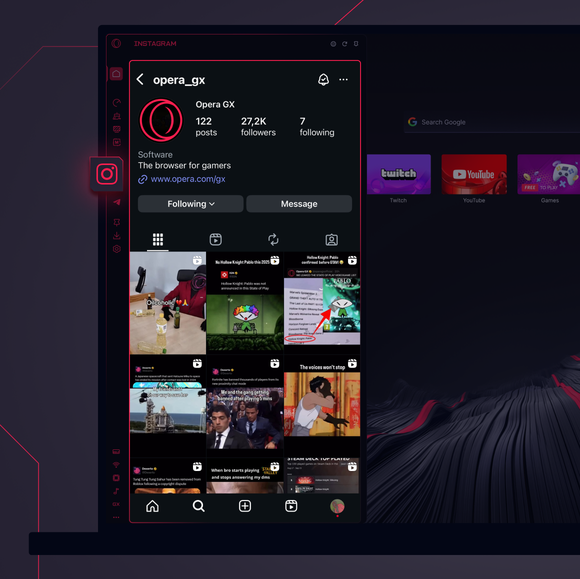
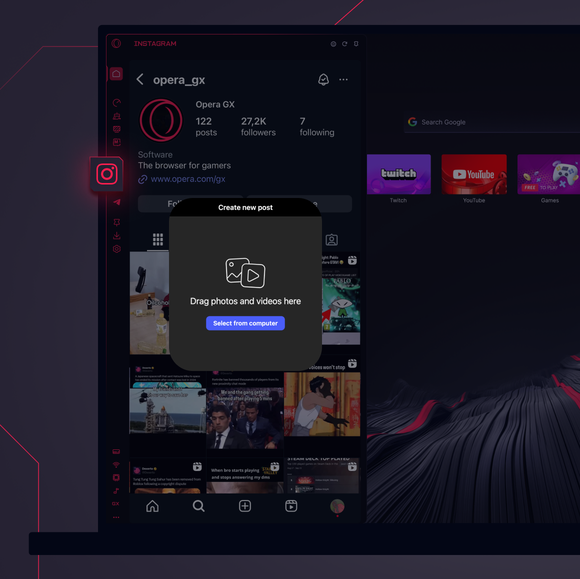
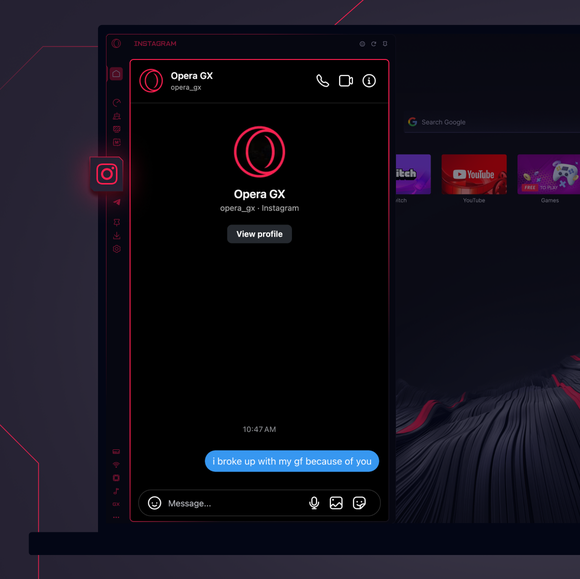

Bleib immer in Verbindung.
Wie füge ich Instagram zur Seitenleiste von Opera GX hinzu?
To add Instagram to your sidebar in Opera GX, just click the three dots at the bottom of your sidebar and enable Instagram there.
Wie melde ich mich bei Instagram in Opera GX an?
To log into Instagram in Opera GX, just click the Instagram icon in the sidebar and sign in with your username and password, or use your saved credentials if prompted. Your feed, DM’s and stories will load instantly.
Kann ich Instagram auf verschiedenen Geräten nutzen?
Yes! Instagram syncs across all your devices. Whether you’re scrolling in your Opera GX browser, your phone, or your tablet, your account stays updated for a smooth experience everywhere.
Kann ich den Instagram auch ohne eine App nutzen?
Jetzt kannst du es! Mit Instagram in Opera GX brauchst du keine separate App mehr. Du kannst direkt von deinem Browser aus Nachrichten ansehen, posten, kommentieren und in DMs einsteigen - ganz ohne Probleme.
Du verdienst einen besseren Browser
