
Instagram tại GX
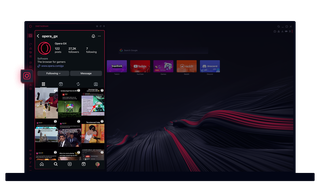
Instagram trong Opera GX
Xem các câu chuyện và video trên máy tính để bàn của cậu. Thực hiện nhiều tác vụ cùng lúc mà không bỏ lỡ bất kỳ điều gì.
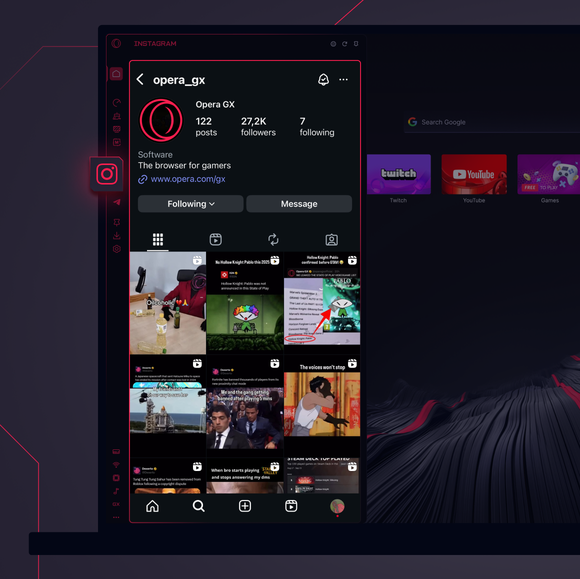
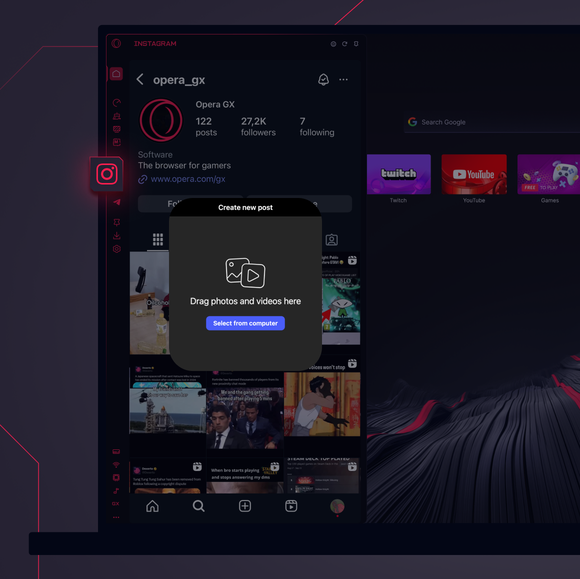
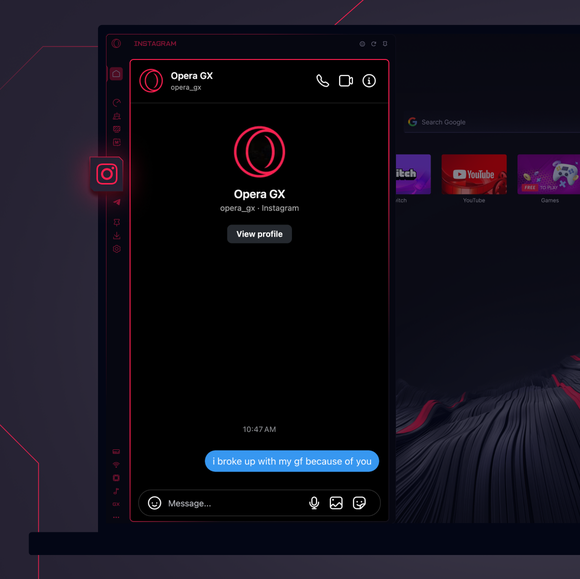

Luôn giữ kết nối mọi lúc.
Làm thế nào để thêm Instagram vào thanh bên của Opera GX?
To add Instagram to your sidebar in Opera GX, just click the three dots at the bottom of your sidebar and enable Instagram there.
Làm thế nào để tớ đăng nhập vào Instagram trên Opera GX?
To log into Instagram in Opera GX, just click the Instagram icon in the sidebar and sign in with your username and password, or use your saved credentials if prompted. Your feed, DM’s and stories will load instantly.
Tớ có thể sử dụng Instagram trên các thiết bị khác nhau không?
Yes! Instagram syncs across all your devices. Whether you’re scrolling in your Opera GX browser, your phone, or your tablet, your account stays updated for a smooth experience everywhere.
Tớ có thể sử dụng Instagram mà không cần ứng dụng không?
Bây giờ cậu có thể làm được! Với Instagram trên Opera GX, cậu không cần phải cài đặt ứng dụng riêng biệt. Xem, đăng bài, bình luận và nhắn tin trực tiếp từ trình duyệt của cậu, một cách thuận tiện và không gặp rắc rối.
Bạn xứng đáng có một trình duyệt tốt hơn
