
Instagram в GX
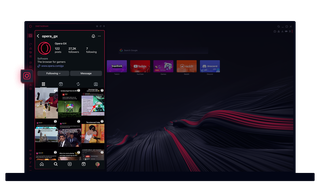
Instagram в Opera GX
Переглядайте історії та ролики на робочому столі. Працюйте в режимі багатозадачності, не пропускаючи жодного удару.
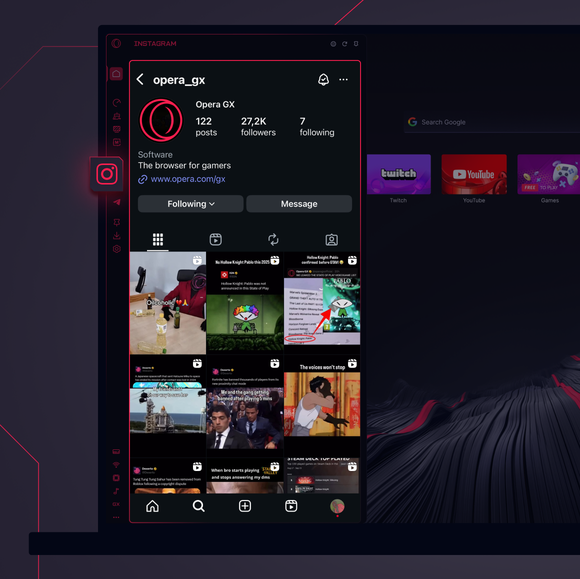
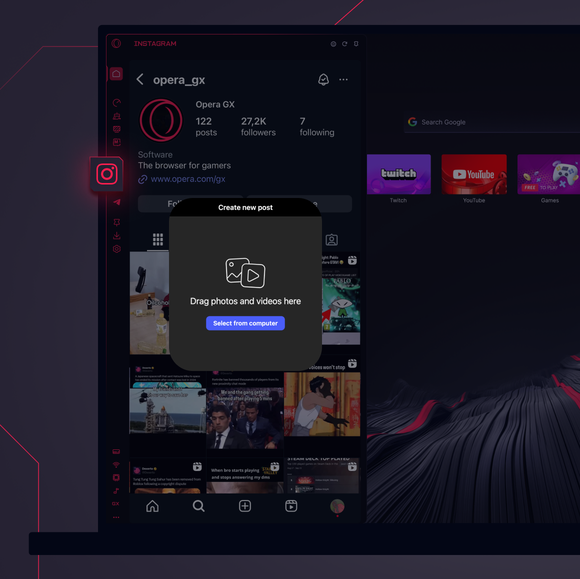
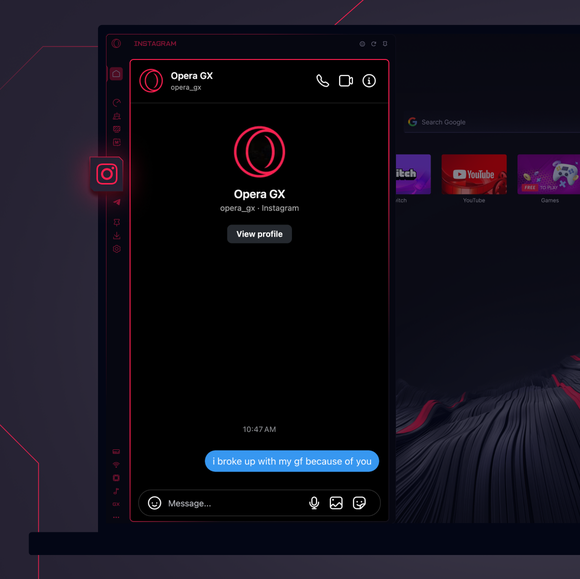

Завжди залишайтеся на зв'язку.
Як додати Instagram на бічну панель Opera GX?
To add Instagram to your sidebar in Opera GX, just click the three dots at the bottom of your sidebar and enable Instagram there.
Як увійти в Instagram в Opera GX?
To log into Instagram in Opera GX, just click the Instagram icon in the sidebar and sign in with your username and password, or use your saved credentials if prompted. Your feed, DM’s and stories will load instantly.
Чи можу я користуватися Instagram на різних пристроях?
Yes! Instagram syncs across all your devices. Whether you’re scrolling in your Opera GX browser, your phone, or your tablet, your account stays updated for a smooth experience everywhere.
Чи можу я користуватися Instagram без додатку?
Тепер ви можете! З Instagram в Opera GX вам не потрібен окремий додаток. Переглядайте, публікуйте, коментуйте та переходьте в групи обміну повідомленнями прямо з браузера без зайвих клопотів.
Ви заслуговуєте на кращий браузер
