Deezer у GX
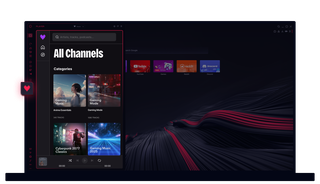
Deezer в Opera GX
Збільште гучність, візьміть контроль над звуком і керуйте ним під час перегляду веб-сторінок та ігор, як ніколи раніше.
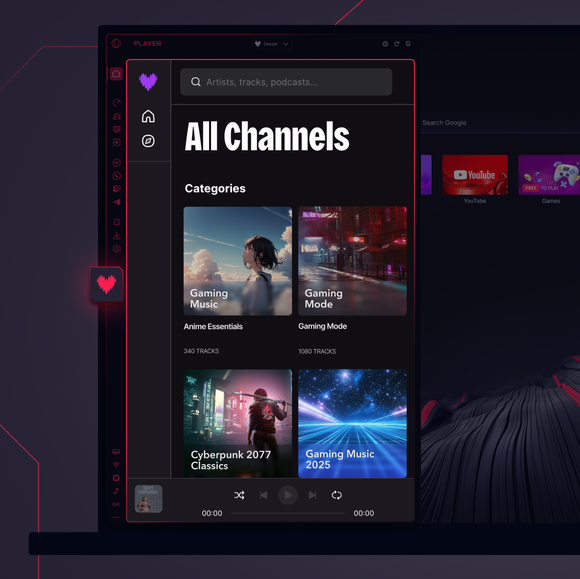

Чиста музика на ваших умовах.
Чи можна використовувати Deezer у браузері?
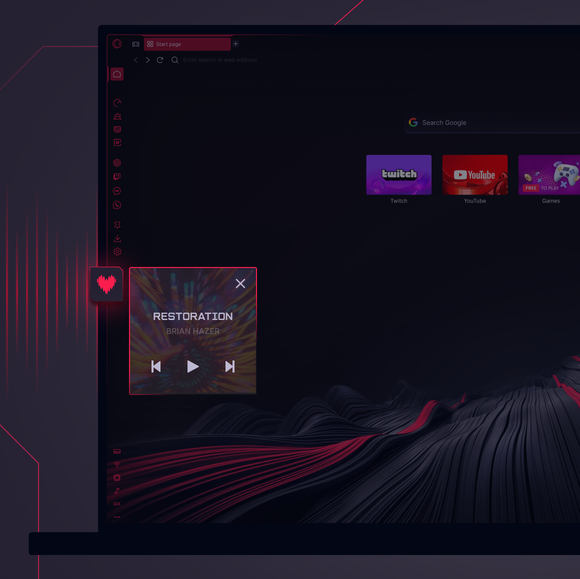
Звісно! Opera GX має вбудований музичний плеєр Deezer прямо в бічній панелі браузера, тож ви можете транслювати свої треки, плейлисти та альбоми з Deezer без зайвих додатків чи вкладок.
Як відкрити Deezer у бічній панелі браузера?
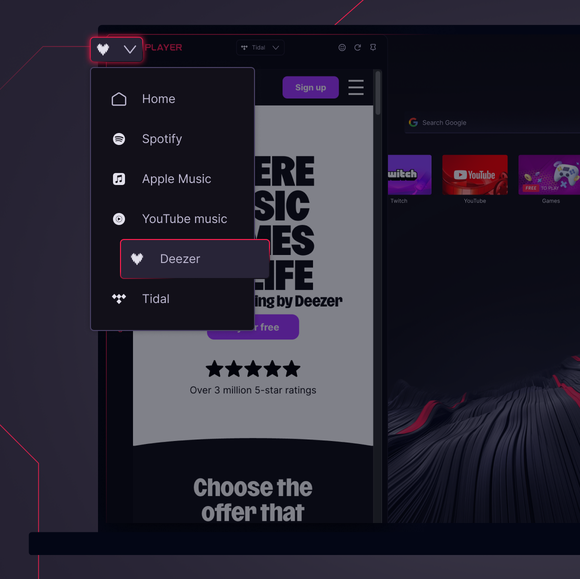
Натисніть Музичний програвач на бічній панелі Opera GX і виберіть Deezer. Просто увійдіть до свого облікового запису Deezer, щоб отримати доступ до всього свого вмісту.
Чи є використання Deezer в Opera GX безкоштовним?
Deezer пропонує як безкоштовні, так і преміум-плани, а Opera GX не стягує з вас жодної додаткової плати. Просто увійдіть до свого облікового запису Deezer у музичному плеєрі GX, і ви зможете слухати потокову музику незалежно від вашого тарифного плану.
Чи можна використовувати Deezer на різних пристроях?
Так! Deezer безперешкодно синхронізується на різних пристроях. Незалежно від того, слухаєте ви стрімінг на Opera GX, телефоні чи смартфоні, ваші плейлисти та улюблені композиції залишаються на зв'язку.
Чи має Deezer в Opera GX таку ж якість звуку?
Безумовно! Deezer забезпечує високоякісний звук у браузері Opera GX, дозволяючи вам насолоджуватися кожним ритмом так, як ви того забажаєте. Ваш браузер GX покращує ваш досвід без шкоди для звуку.
Які ще музичні плеєри доступні в Opera GX?
Окрім Deezer, музичний плеєр Opera GX інтегрує Spotify, Apple Music, YouTube Music і Tidal.
Ви заслуговуєте на кращий браузер