Begin with Opera One
Opera One gets you started and keeps your momentum going. Block ads, protect your privacy, and organize tabs automatically. Opera One is ready when you are.
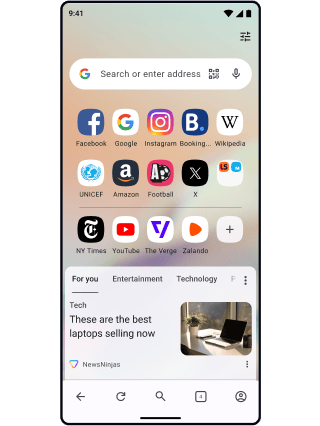

Start each great thing with Opera One
Keep work, play, and curiosity in their own lanes. Tabs organize themselves by context so you never lose momentum.


Focus time
Keep going without distraction. Block ads and trackers for fast loading, and skip unwanted video content.

All the time
Develop your ideas under Free VPN protection, at home, on your phone, and on public Wi‑Fi.
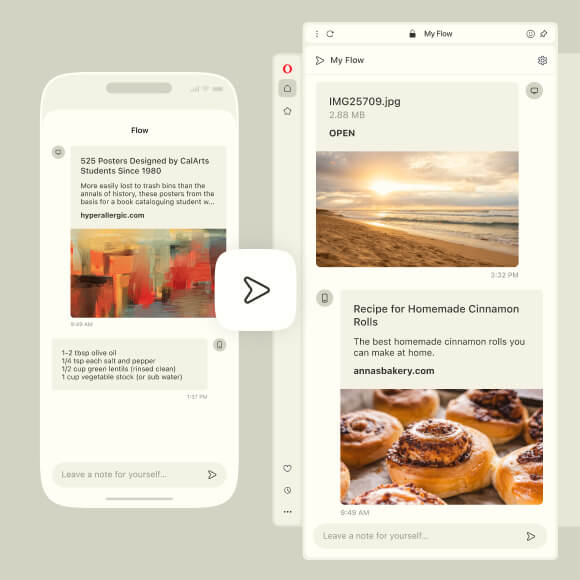
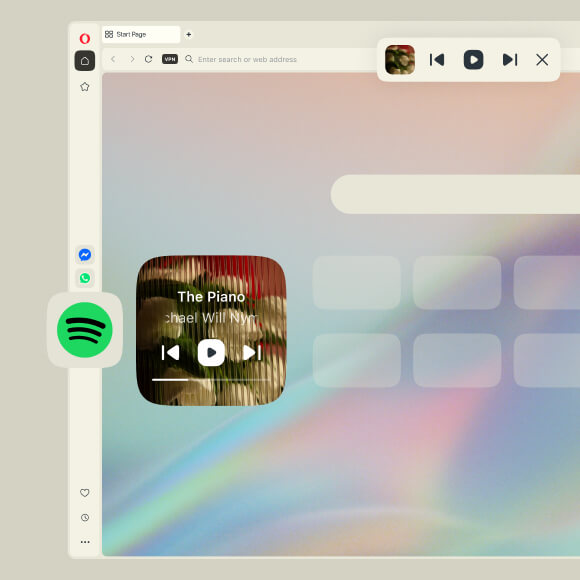
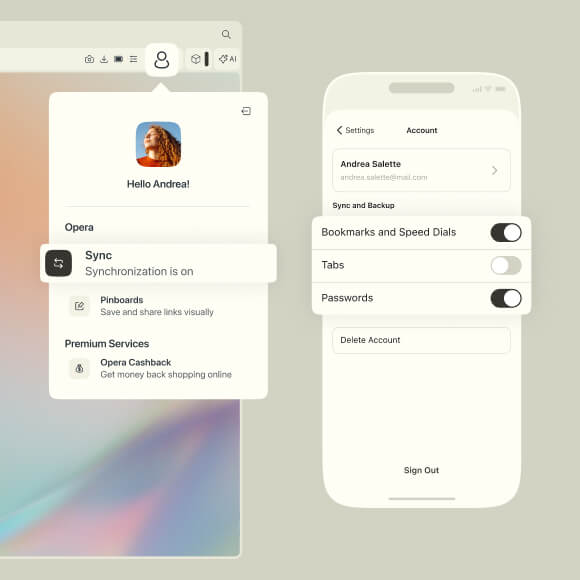
Continue on mobile
 Don't have Google Play?
Download the app here This is a safe download
from opera.com


Begin great things with Opera One
Opera for computers
Browser for Windows
We’ve been developing desktop browsers since the mid 90’s. The Opera browser is our main product and the first to receive the major updates that we later roll out to other browsers. Opera for Windows combines safety, privacy & speed.
Browser for macOS
The Opera browser for macOS is no different than Opera for Windows. It's also a desktop browser that maximizes your privacy, content enjoyment, and productivity. With our computer browsers, you can use a wide range of add-ons to personalize your browsing.
Browser for Linux
The Opera browser for Linux is a desktop browser that works on the same principles as the Opera browsers for Windows and macOS. With these browsers, you can use Chrome extensions to further personalize your Opera browser.
Browser for Chromebook
Learn more about the Opera browser for Chromebook.
Opera for mobile
Browsers for Android
Desktop and mobile devices are vastly different, and we created Opera browsers for Android capturing the spirit of desktop browsers as accurately as possible. It’s your perfect online companion that protects your privacy and personal information.
Opera for Android
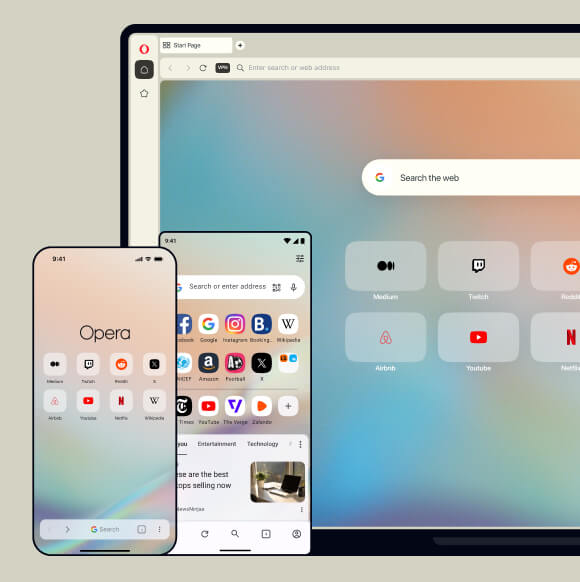
The Opera browser for Android is a fast, secure mobile browser with built-in tools like Ad Blocker, Free VPN, and Opera AI for smarter search and real-time web assistance. It offers a clean interface, a customizable start page, and features like private mode and cookie blocking to help you browse with more control and privacy.
Opera Mini
The Opera Mini browser is specifically designed for fast browsing and data saving. It works well on slower networks and is a great choice if you have a limited data plan. The browser compresses web pages to load them faster and includes useful features like smart downloads, offline reading, and a built-in Ad Blocker.
Opera for Android
The Opera browser for Android is a fast, secure mobile browser with built-in tools like Ad Blocker, Free VPN, and Opera AI for smarter search and real-time web assistance. It offers a clean interface, a customizable start page, and features like private mode and cookie blocking to help you browse with more control and privacy.
Opera Mini
The Opera Mini browser is specifically designed for fast browsing and data saving. It works well on slower networks and is a great choice if you have a limited data plan. The browser compresses web pages to load them faster and includes useful features like smart downloads, offline reading, and a built-in Ad Blocker.
Browser for iOS
The Opera browser for iOS is a fast and modern browser designed for iPhone and iPad. It features a clean interface with one-handed navigation and a bottom search bar for quick access to key tools. Its maximized screen space lets you search the web with ease and comfort. Built-in Ad Blocker, Free VPN, Opera AI, and other features make browsing the web faster and safer.
Browser for basic phones
The Opera browser for basic phones is built for old-style flip phones or keypad phones, delivering smooth performance on 2G networks. Its lightweight design enables quick page loading, reduced data usage, and optimal performance on devices with limited memory.
Begin something great
Get started easily and keep your momentum going with the Opera One browser.