
WhatsApp в GX
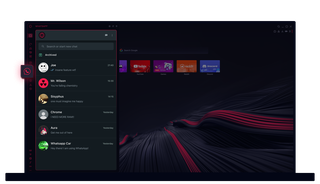
WhatsApp в Opera GX
Общайся без лишних кликов. WhatsApp в Opera GX делает многозадачность простой.
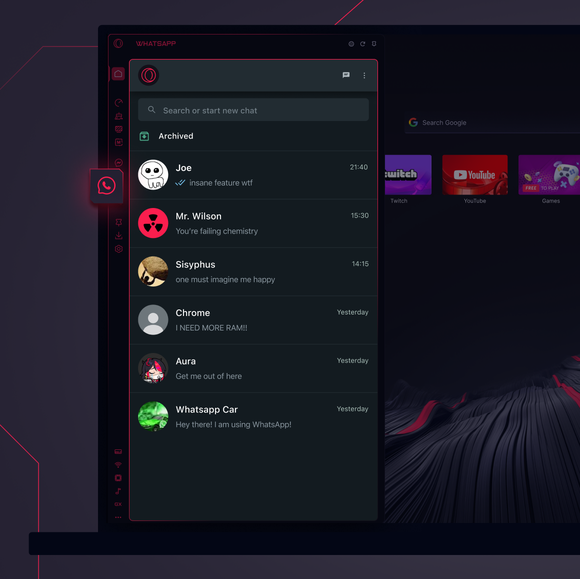
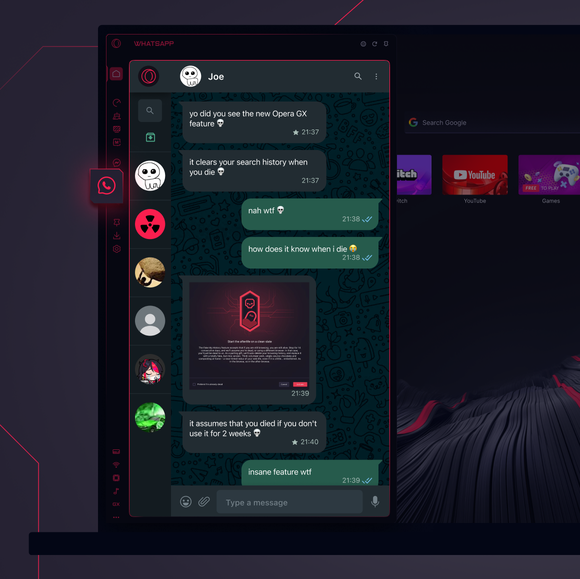

Твои чаты там, где они тебе нужны.
Как добавить WhatsApp в боковую панель Opera GX?
To add WhatsApp to your sidebar in Opera GX, just click the three dots at the bottom of your sidebar and enable WhatsApp there.
Как войти в WhatsApp в Opera GX?
To log into WhatsApp in Opera GX, just click the WhatsApp icon in the sidebar and sign in with your credentials, or scan the QR code displayed in Opera GX with your phone. Your chats will sync instantly.
Могу ли я использовать WhatsApp на разных устройствах?
WhatsApp works really well across multiple devices, you can use it in Opera GX Browser on your phone, tablet, or desktop without interruptions - your chats stay synced everywhere.
Могу ли я пользоваться WhatsApp без приложения?
WhatsApp в Opera GX избавляет от необходимости устанавливать дополнительные приложения. Ты можешь отправлять тексты, делиться медиафайлами и управлять чатами прямо из браузера, и все это в боковой панели. Никаких загрузок не требуется!
Вы заслуживаете лучшего браузера
