
Инстаграм в GX
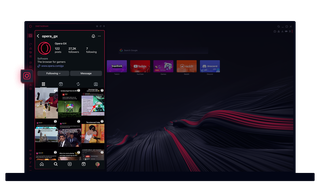
Instagram в Opera GX
Просматривай сюжеты и ролики на рабочем столе. Многозадачность, не пропуская ни одного удара.
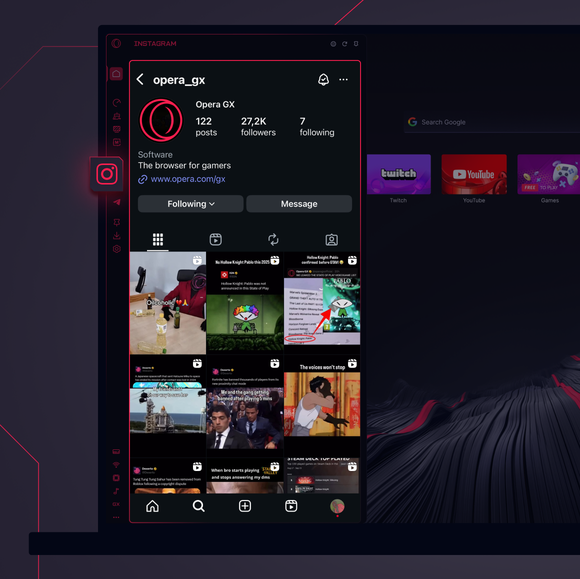
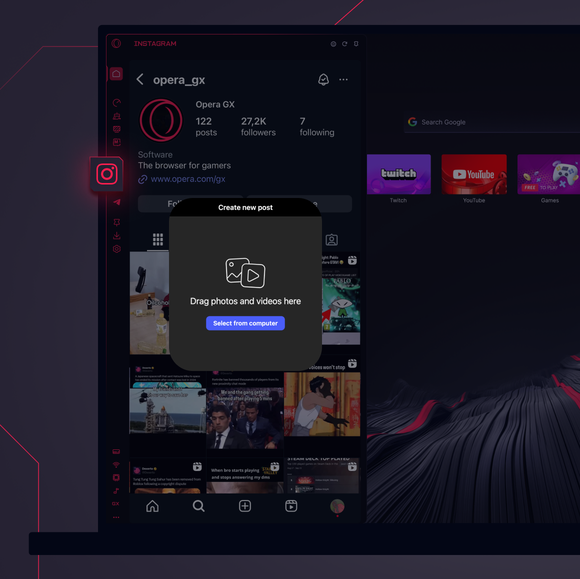
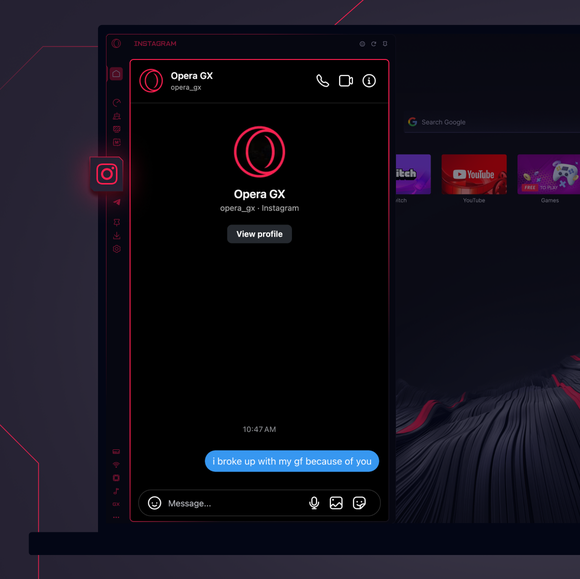

Оставайся на связи в любое время.
Как добавить Instagram в боковую панель Opera GX?
To add Instagram to your sidebar in Opera GX, just click the three dots at the bottom of your sidebar and enable Instagram there.
Как войти в Instagram в Opera GX?
To log into Instagram in Opera GX, just click the Instagram icon in the sidebar and sign in with your username and password, or use your saved credentials if prompted. Your feed, DM’s and stories will load instantly.
Могу ли я использовать Instagram на разных устройствах?
Yes! Instagram syncs across all your devices. Whether you’re scrolling in your Opera GX browser, your phone, or your tablet, your account stays updated for a smooth experience everywhere.
Могу ли я пользоваться Instagram без приложения?
Теперь ты можешь! С Instagram в Opera GX нет необходимости в отдельном приложении. Просматривай, публикуй, комментируй и скользи в DM прямо из браузера, без лишних хлопот.
Вы заслуживаете лучшего браузера
