
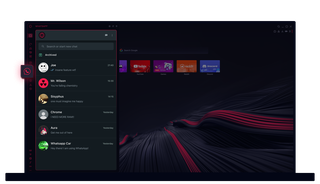
WhatsApp i Opera GX
Chatte uten ekstra klikk. WhatsApp i Opera GX gjør multitasking enkelt.
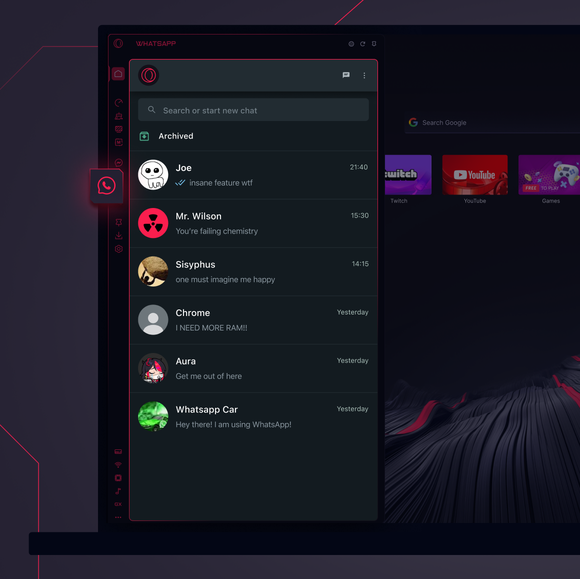
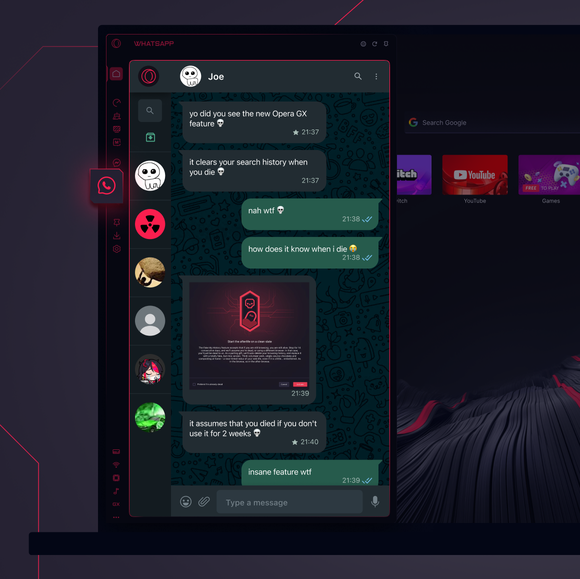

Chattene dine, akkurat der du trenger dem.
Hvordan legger jeg til WhatsApp i sidefeltet i Opera GX?
To add WhatsApp to your sidebar in Opera GX, just click the three dots at the bottom of your sidebar and enable WhatsApp there.
Hvordan logger jeg inn på WhatsApp i Opera GX?
To log into WhatsApp in Opera GX, just click the WhatsApp icon in the sidebar and sign in with your credentials, or scan the QR code displayed in Opera GX with your phone. Your chats will sync instantly.
Kan jeg bruke WhatsApp på tvers av ulike enheter?
WhatsApp works really well across multiple devices, you can use it in Opera GX Browser on your phone, tablet, or desktop without interruptions - your chats stay synced everywhere.
Kan jeg bruke WhatsApp uten en app?
WhatsApp i Opera GX eliminerer behovet for ekstra apper. Du kan sende tekstmeldinger, dele medier og administrere chatter direkte fra nettleseren, alt i sidefeltet. Ingen nedlastinger kreves!
Du fortjener en bedre nettleser
