Live Wallpapers in GX

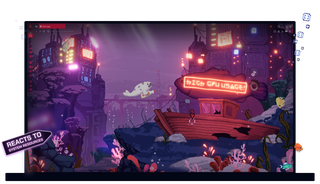
Static backgrounds are so last decade. Live Wallpapers are mini-games full of surprises. Se mer
Live Wallpapers in GX Live Wallpapers in GX

Live Wallpapers in Opera GX

Dynamic, interactive and informative. Live Wallpapers are everything except boring.

Feast your eyes

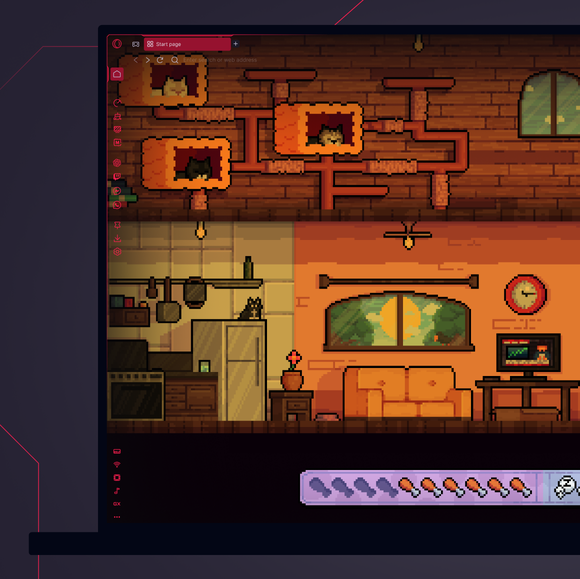
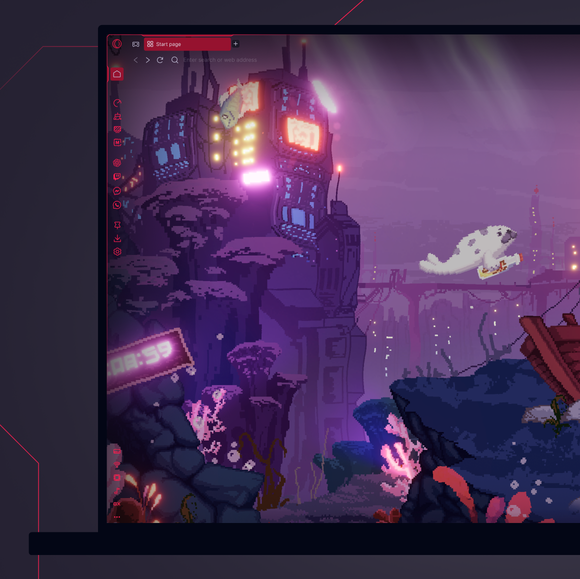
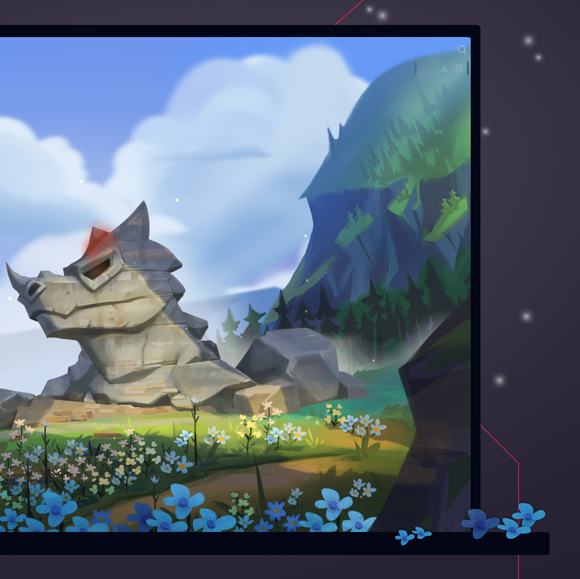
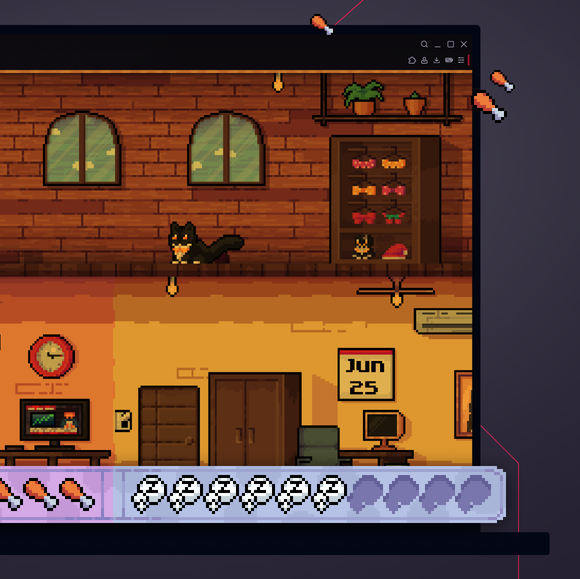
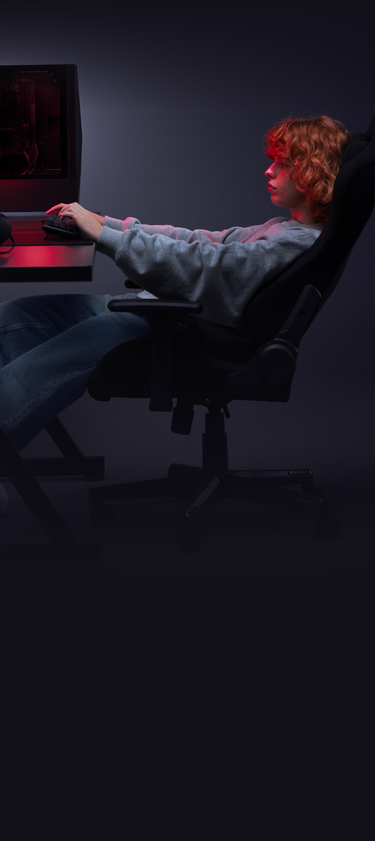
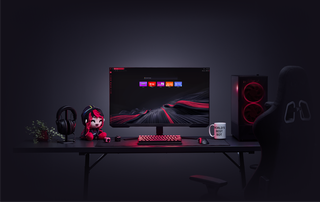
Turn your desktop into a living space with Live Wallpapers. Animated wallpapers that react to you and your system’s performance.

Poke and prod

Explore Live Wallpapers to find hidden interactions and easter eggs (no spoilers here). Or just watch your desktop pulse with life.

Get the low-down

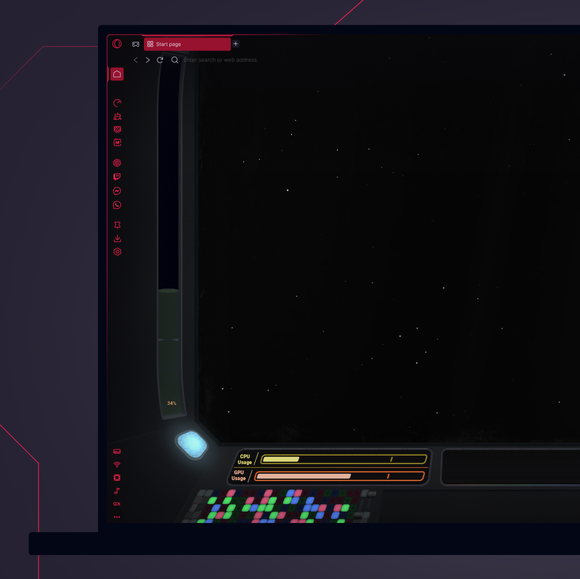
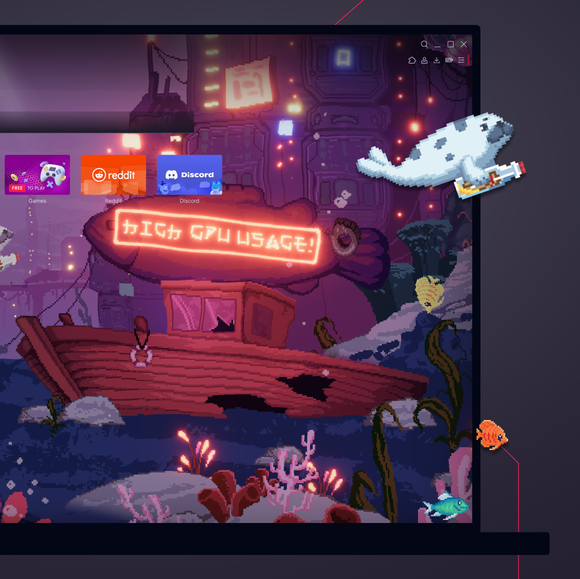
See your system’s metrics in the action and designs. Live Wallpapers react to your battery, GPU, fan speed and more in swanky ways.

Never stop

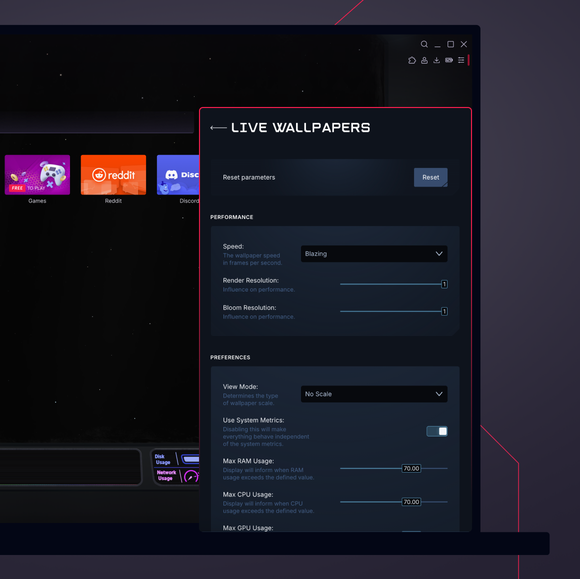
Customize your wallpapers to your impeccable taste. And get more free wallpapers in the GX Store, or make and share your own.

01
Ditch the dull. Inject some life into your desktop. Ditch the dull. Inject some life into your desktop.

Ditch the dull. Inject some life into your desktop.

GX Control

Boost frames, not fan speed, with CPU and RAM limiters.

GX Mods

Completely customize your GX browser.

Integrated Twitch

Stream on. Twitch lives right in Opera GX.

Integrated Discord

Stay connected to your squad at all times.

Ad Blocker

Your time is epic. Get to the stuff that matters, quicker.

Snapshot

Frame it, capture it, and move on easily.

YouTube Music

Lydspor til det som vises på skjermen.

Musikkspiller

All favorittmusikken og podkastene dine på ett sted.

Apple Music

Listen to your favorite tracks while you browse.

Spotify

Fuel your browsing with your favorite tunes.

Deezer

Music right where you work (and play).

Tidal

Find your sound. Get inspired with Tidal.

Tastaturlyder

Egendefinerte tastaturlyder ved hvert trykk.

GX Corner

Games, releases, news and deals in your corner.

Bluesky

Bluesky i Opera GX-nettleseren din.

Slakk

Mindre bytte. Mer å gjøre. Slakk i GX nå.

Budbringer

DM-ene forblir åpne mens du fokuserer på mer.

Telegram

Gli inn i DM-er uten å forlate spillet.

Browser Profiles

Profiles of each of your personalities.

X i nettleseren

Tweet midt i kampen, uten å bytte fane.

Budbringere

Sett i gang spillet og chatten! Snakk uten å tabbe ut.

Video Popout

Watch in a floating video window while you browse.

Bookmarks

Your favorite spots, remembered and ready.

WhatsApp

Hold samtalen i gang mens du surfer.

Instagram

Bla gjennom hjul og innlegg uten å miste et slag.

VKontakte

Chat på VK mens du spiller, surfer eller strømmer.

TikTok

Binge Tiktoks mens du spiller, redigerer eller surfer.

Pinboards

Pin it, plot it, post it. Grab and stash your gems.

Aggregator for spillavtaler

Få de beste spillrabattene raskt, akkurat der du spiller.

Release Calendar

Never miss out on new game drops.

Split Screen

Double the view, half the mess in GX.

Tabs

Group and control your tabs with zero tabxiety.

Gratis VPN for Mac

Bla privat på Mac-enheter med GX.

Gratis VPN for Windows

Surf privat på Windows med gratis VPN.

Browser Games

Turn your browser into your playground.

Game Trailers

See upcoming games, straight from the source.

Custom Cursors

Make every click unmistakably yours.

Tab-øyene

Overbelastning av faner? Dominer den med Tab Islands.

Opera Translate

Les alle nettsteder på ditt eget språk.

Fane-emojier

Gi fanene dine et personlig preg.

Personal News

Get important news right in your sidebar.

GX Network Limiter

Control your GX browser’s bandwidth.

Shaders

Apply visual filters across all websites.

Background Music

Silence is boring. Dynamic music adapts to you.

Force Dark Pages

Dim the lights, turn up the style.

Fake My History

Replace your guilty pleasures with wholesomeness.

RGX Mode

Free your eyes from mediocrity with HD visuals.

Panic Button

F12 to purge. Keep your secrets in one click.

Battery Saver

You’ve got the power. Opera GX extends your battery life.

Workspaces

Tab groups. Switch between different contexts in a jiffy.

Flow

Del filer, lenker og tanker på tvers av alle enheter.

GX Cleaner

Exchange your browser’s rubbish for speed.

Gratis VPN

Personvern uten kompromisser, uten forpliktelser.
01

How do I change wallpapers in Opera GX?

To change wallpapers in Opera GX, open the browser and go to the Easy Setup menu in the top-right corner. Scroll down to the Wallpapers section and select Custom to browse through the available options. Select the one you like, and your browser background will instantly update with your chosen wallpaper.

How do I get animated wallpapers in Opera GX?

To get animated wallpapers in Opera GX, head to the Easy Setup menu, toggle on Wallpapers, and select Custom. Select the one that catches your eye, or hit Get more to browse the GX Store for more unique and free animated wallpapers from both Opera GX and GX users.

How do I add custom wallpapers in Opera GX?

To add custom wallpapers to Opera GX, go to the Easy Setup menu and toggle on Wallpapers. From there, select Custom and click on the option to Add your wallpaper. You can then choose an image file from your computer to use as your new custom wallpaper.

Where are Opera GX wallpapers stored?

Opera GX wallpapers are stored within the browser itself. Custom wallpapers that you add are saved locally on your device, typically in your user files or downloads folder. The exact location may vary based on your operating system and where you originally saved the image file. If you're looking for Live Wallpapers, you can browse and download them directly from the GX.Store under Mods > Live Wallpaper.

What other mods can I add to my Opera GX browser?

On top of modded GX wallpapers, there are oodles of other mods you can add to your GX browser. The GX team and the GX community at large add more everyday, like:

Du fortjener en bedre nettleser

Operas gratis VPN, annonseblokkering, og fildeling med Flow er bare noen få av må-ha-funksjonene som er innebygd i Opera for raskere, problemfri og distraksjonsfri surfing designet for å forbedre nettopplevelsen din.
Du fortjener en bedre nettleser Du fortjener en bedre nettleser