Spotify i GX
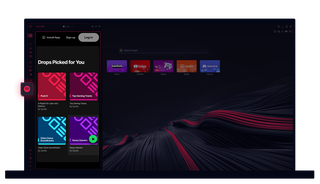
Spotify i Opera GX
Øyeblikkelig tilgang til favorittlåtene dine og nye funn, rett i sidefeltet i nettleseren.
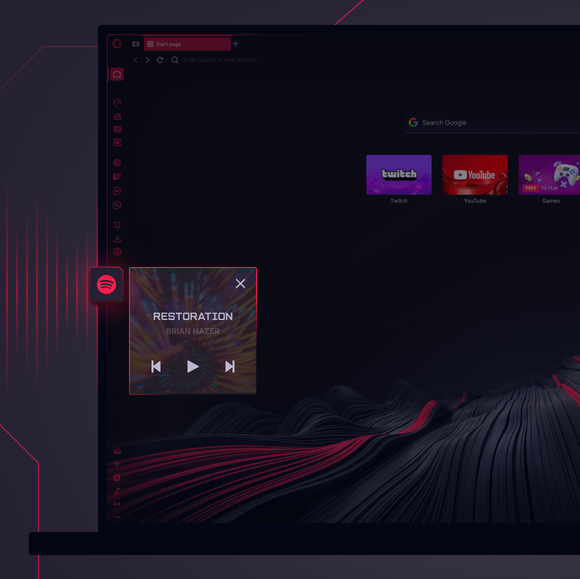
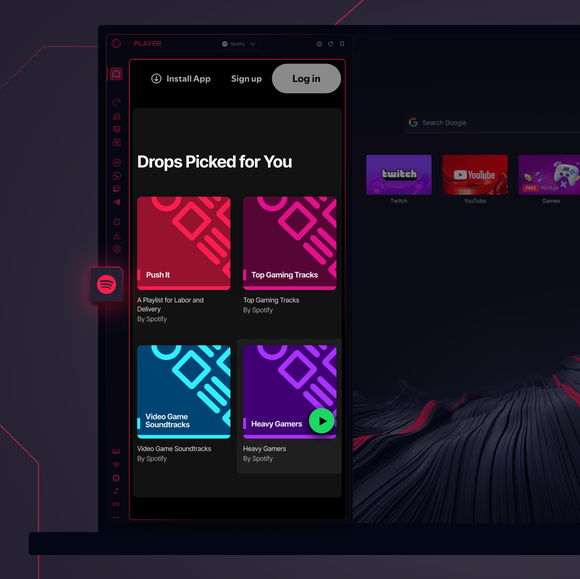

Spotify og GX i harmoni.
Kan jeg bruke Spotify i en nettleser?
Ja, Spotify fungerer i nettleseren din, og Opera GX tar det hele et hakk videre ved å integrere Spotify i Music Player i sidepanelet. Du trenger ikke sjonglere med faner for å lytte til millioner av spor, spillelister og podcaster.
Hvordan lytter jeg til Spotify i sidepanelet i Opera GX?
Bare klikk på Music Player i sidefeltet i Opera GX. Velg Spotify fra rullegardinmenyen og logg inn. Hvis du ikke ser Music Player i sidepanelet, klikker du på de tre prikkene nederst og kontrollerer at funksjonen er valgt.
Kan jeg bruke Spotify gratis i Opera GX?
Spotifys gratisabonnement er fullt tilgjengelig via Opera GX, selv om annonser kan vises i henhold til Spotifys regler for gratisabonnement. Hvis du har Spotify Premium, er det bare å logge inn for å få en reklamefri opplevelse uten ekstra kostnader fra Opera GX.
Kan jeg bruke Spotify på tvers av ulike enheter?
Spotify synkroniserer kontoen din på tvers av alle enheter når du logger inn. Start en spilleliste i Opera GX-nettleseren, fortsett den på telefonen og avslutt den på en smarthøyttaler - musikken din er alltid synkronisert.
Påvirker bruk av Spotify i Opera GX lydkvaliteten?
Ikke i det hele tatt. Spotifys høykvalitetsstrømming er bevart i Opera GX, noe som sikrer at hver takt, tekst og riff høres like bra ut som alltid. Med Opera GXs optimaliserte ytelse flyter musikken din uten avbrudd.
Hvilke andre musikkspillere er tilgjengelige i Opera GX?
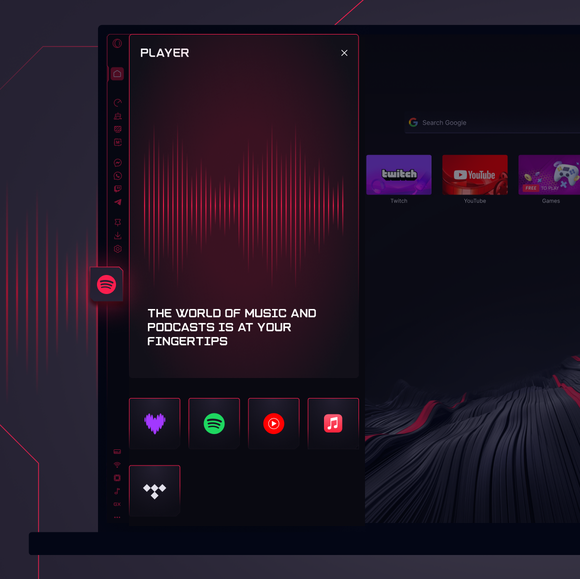
Opera GXs Music Player-funksjon gir deg rask tilgang til de mest populære musikkstrømmetjenestene fra sidepanelet i GX, og lar deg bytte mellom plattformer med et klikk. I tillegg til Spotify gir Music Player tilgang til Apple Music, YouTube Music, Deezer og Tidal.
Du fortjener en bedre nettleser