
X en GX

X en Opera GX
Disfruta de todos tus tweets directamente desde tu barra lateral.
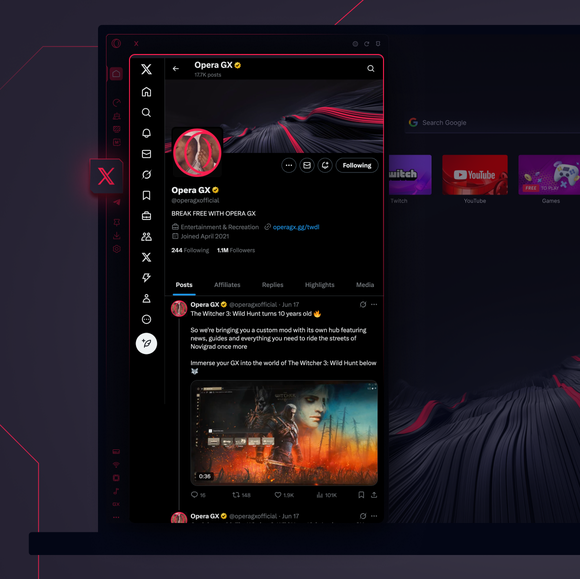
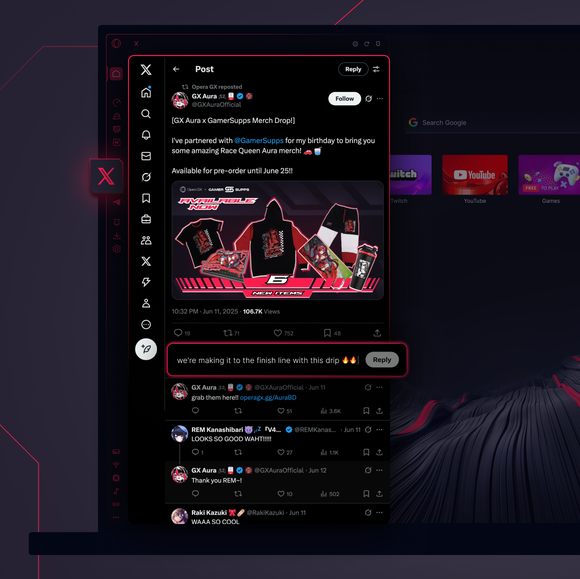

Tuitea lo que quieras. No necesitas pestañas X-tra.
¿Cómo accedo a X en Opera GX?
To access X in Opera GX, open the browser and find the X icon on the sidebar on the left side of the screen. If you don’t see it, click the three dots at the bottom and enable it. Then, click the icon to seamlessly tweet, follow, and message directly from your browser, no extra tabs needed.
¿Puedo utilizar X en un navegador web?
Sí, puedes utilizar X en cualquier navegador, incluido Opera GX. Sólo tienes que visitar el sitio web de X, iniciar sesión y acceder a todas las funciones como tuitear, enviar mensajes o navegar por contenidos. Para un acceso más fácil, utiliza Opera GX con X ya integrado en la barra lateral.
¿Cómo abro X sin descargar la aplicación?
You can access X directly in Opera GX without downloading the app. Rather than opening the X website, just use the X icon in the sidebar for a seamless experience - tweet and browse right from your desktop. No app download needed.
¿A qué otros mensajeros puedo acceder desde la barra lateral de Opera GX?
Los mensajeros y plataformas de redes sociales más populares están integrados en Opera GX. Están disponibles en la barra lateral del navegador GX:
Mereces un navegador mejor
