
WhatsApp en GX
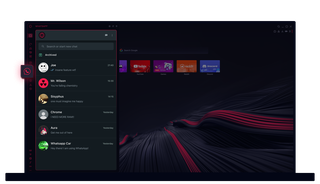
WhatsApp en Opera GX
Chatea sin clics adicionales. WhatsApp en Opera GX facilita la multitarea.
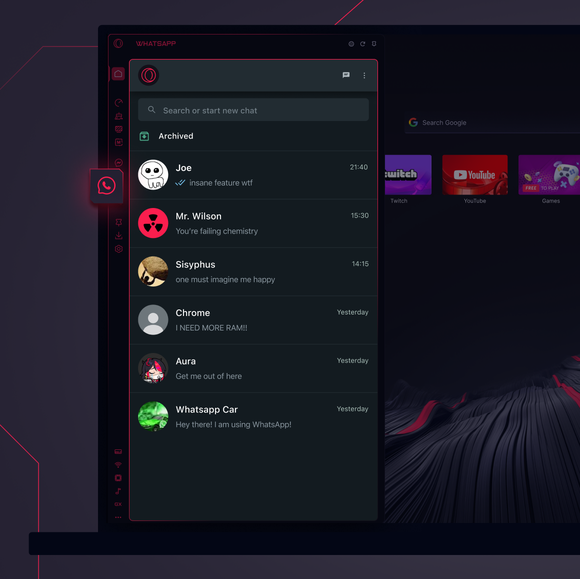
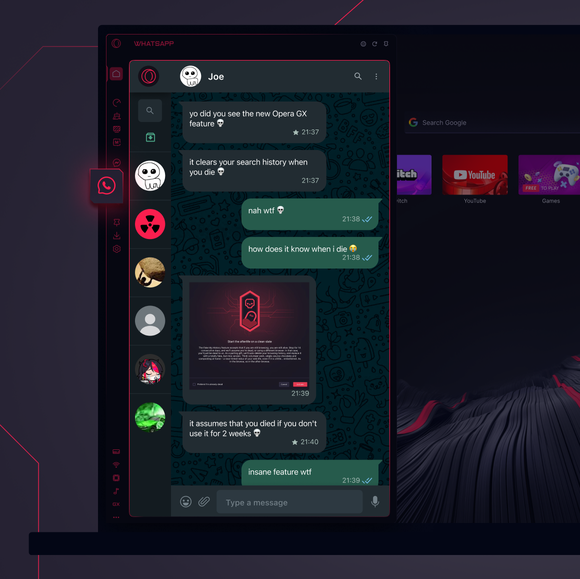

Tus chats, justo donde los necesitas.
¿Cómo añado WhatsApp a la barra lateral de Opera GX?
To add WhatsApp to your sidebar in Opera GX, just click the three dots at the bottom of your sidebar and enable WhatsApp there.
¿Cómo inicio sesión en WhatsApp en Opera GX?
To log into WhatsApp in Opera GX, just click the WhatsApp icon in the sidebar and sign in with your credentials, or scan the QR code displayed in Opera GX with your phone. Your chats will sync instantly.
¿Puedo utilizar WhatsApp en diferentes dispositivos?
WhatsApp works really well across multiple devices, you can use it in Opera GX Browser on your phone, tablet, or desktop without interruptions - your chats stay synced everywhere.
¿Puedo utilizar WhatsApp sin una aplicación?
WhatsApp en Opera GX elimina la necesidad de aplicaciones adicionales. Puedes enviar textos, compartir contenido multimedia y gestionar chats directamente desde tu navegador, todo en la barra lateral. ¡No necesitas descargar nada!
Mereces un navegador mejor
