
Instagram en GX
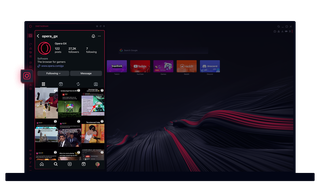
Instagram en Opera GX
Visualiza historias y bobinas en tu escritorio. Multitarea sin perder el ritmo.
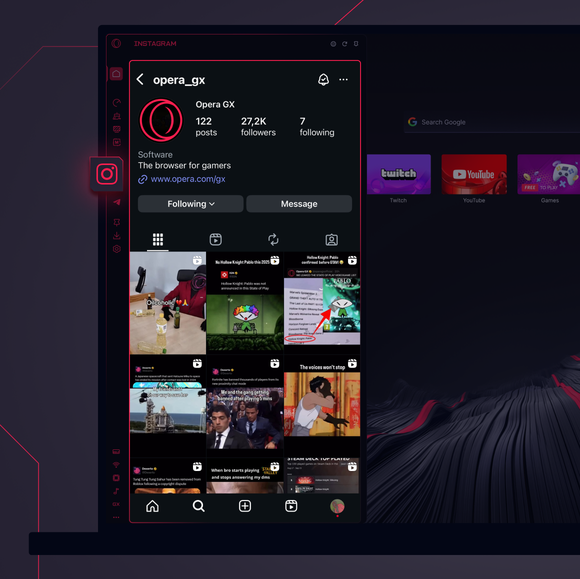
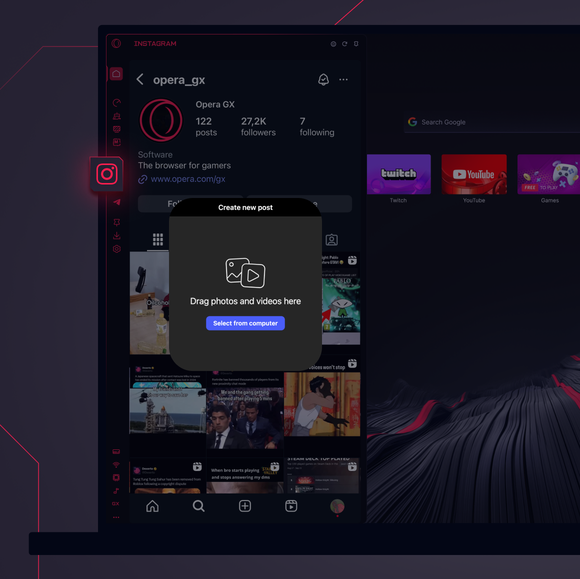
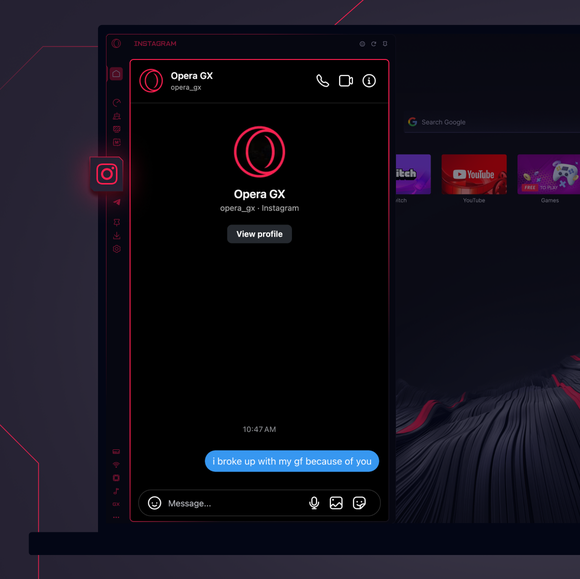

Mantente conectado en todo momento.
¿Cómo añado Instagram a la barra lateral de Opera GX?
To add Instagram to your sidebar in Opera GX, just click the three dots at the bottom of your sidebar and enable Instagram there.
¿Cómo me conecto a Instagram en Opera GX?
To log into Instagram in Opera GX, just click the Instagram icon in the sidebar and sign in with your username and password, or use your saved credentials if prompted. Your feed, DM’s and stories will load instantly.
¿Puedo utilizar Instagram en diferentes dispositivos?
Yes! Instagram syncs across all your devices. Whether you’re scrolling in your Opera GX browser, your phone, or your tablet, your account stays updated for a smooth experience everywhere.
¿Puedo utilizar Instagram sin una aplicación?
¡Ahora puedes! Con Instagram en Opera GX, no necesitas una aplicación aparte. Mira, publica, comenta y deslízate en DMs directamente desde tu navegador, sin complicaciones.
Mereces un navegador mejor
