
GX'te WhatsApp
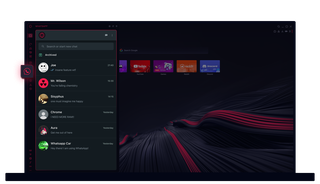
Opera GX'te WhatsApp
Fazladan tıklama yapmadan sohbet edin. Opera GX'teki WhatsApp çoklu görevleri kolaylaştırır.
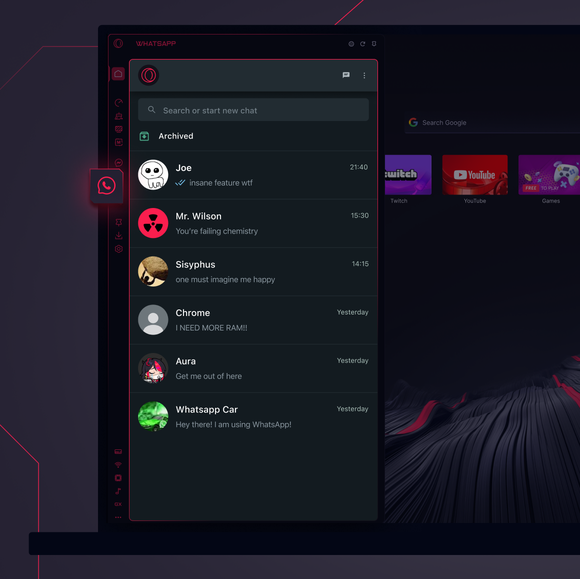
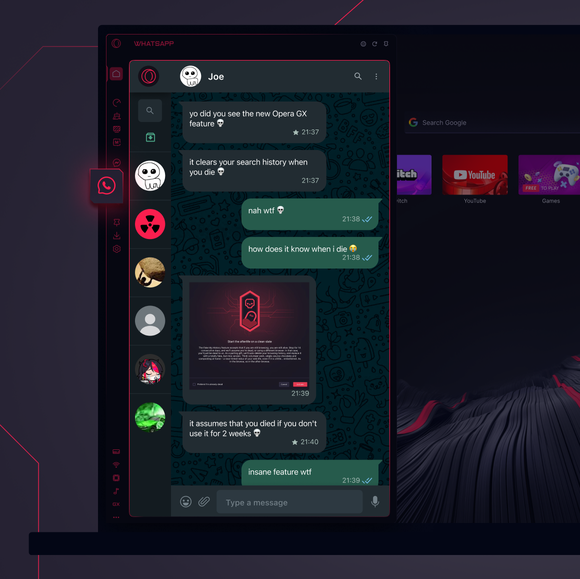

Sohbetleriniz, tam da ihtiyacınız olan yerde.
Opera GX kenar çubuğuna WhatsApp'ı nasıl ekleyebilirim?
To add WhatsApp to your sidebar in Opera GX, just click the three dots at the bottom of your sidebar and enable WhatsApp there.
Opera GX'te WhatsApp'a nasıl giriş yaparım?
To log into WhatsApp in Opera GX, just click the WhatsApp icon in the sidebar and sign in with your credentials, or scan the QR code displayed in Opera GX with your phone. Your chats will sync instantly.
WhatsApp'ı farklı cihazlarda kullanabilir miyim?
WhatsApp works really well across multiple devices, you can use it in Opera GX Browser on your phone, tablet, or desktop without interruptions - your chats stay synced everywhere.
WhatsApp'ı uygulama olmadan kullanabilir miyim?
Opera GX'teki WhatsApp ek uygulama ihtiyacını ortadan kaldırıyor. Kenar çubuğunda metin gönderebilir, medya paylaşabilir ve sohbetleri doğrudan tarayıcınızdan yönetebilirsiniz. İndirmeye gerek yok!
Daha iyi bir tarayıcıyı hak ediyorsunuz
