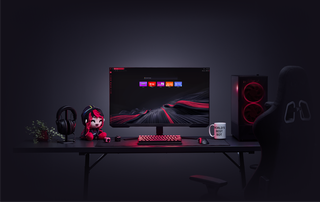
GX'te Canlı Duvar Kağıtları
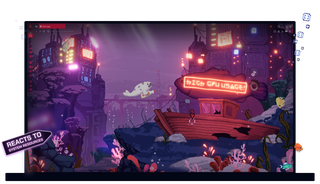
Opera GX'te Canlı Duvar Kağıtları
Dinamik, etkileşimli ve bilgilendirici. Canlı Duvar Kağıtları sıkıcı olmak dışında her şeydir.
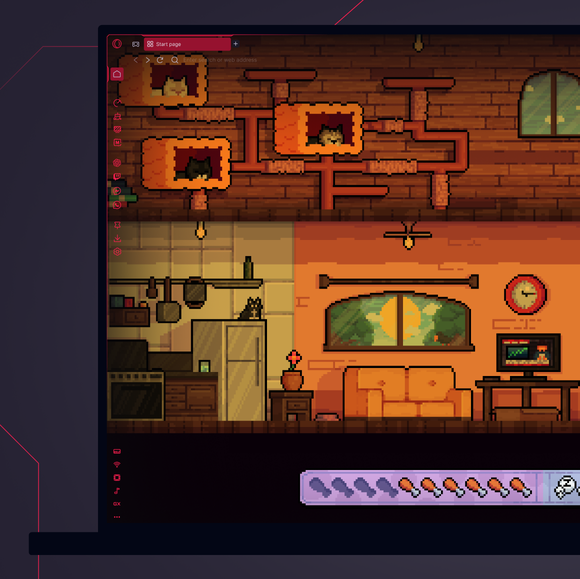
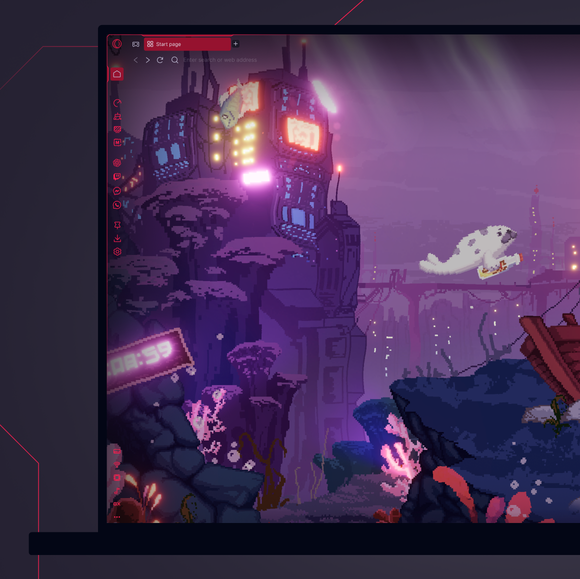
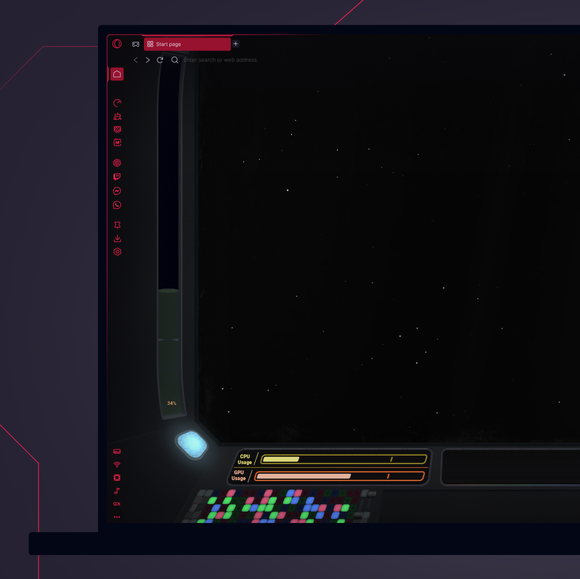
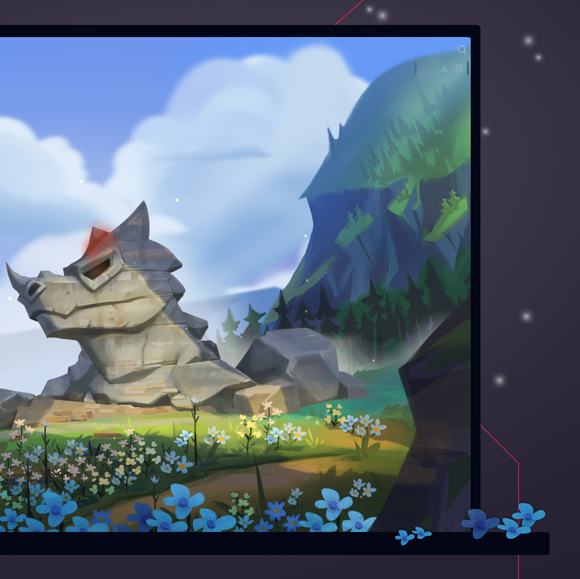
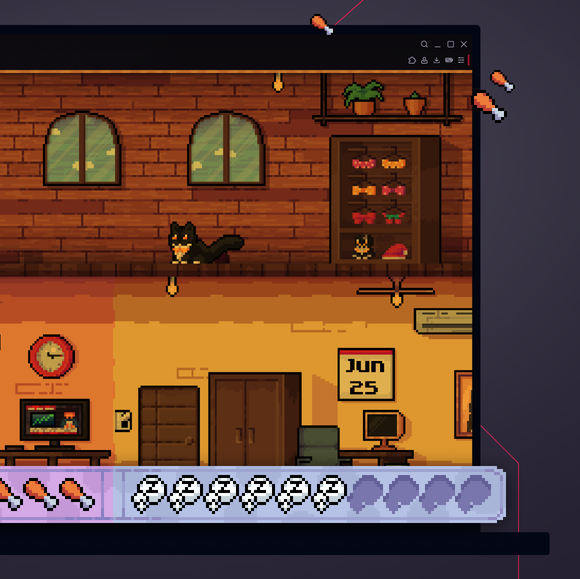
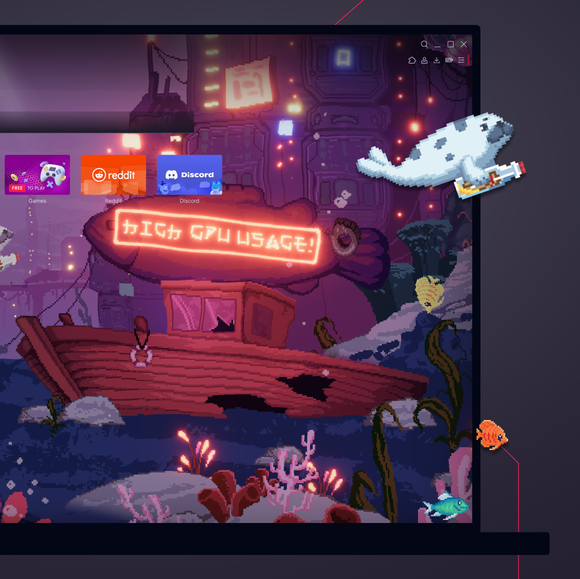
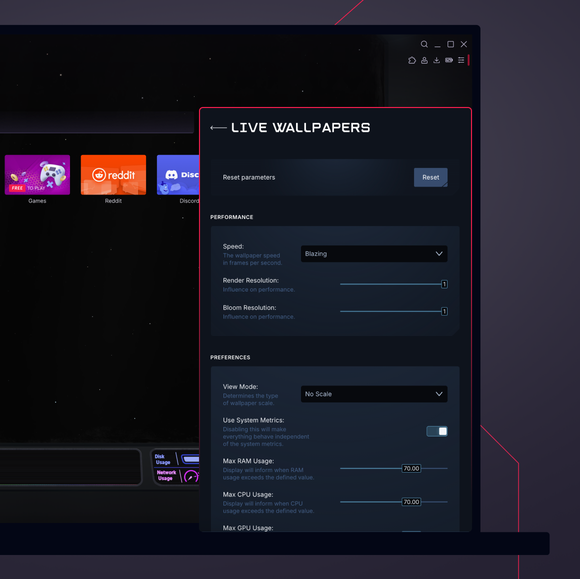
Donukluktan kurtulun. Masaüstünüze biraz hayat katın.
Opera GX'te duvar kağıtlarını nasıl değiştirebilirim?
To change wallpapers in Opera GX, open the browser and go to the Easy Setup menu in the top-right corner. Scroll down to the Wallpapers section and select Custom to browse through the available options. Select the one you like, and your browser background will instantly update with your chosen wallpaper.
Opera GX'te animasyonlu duvar kağıtlarını nasıl alabilirim?
To get animated wallpapers in Opera GX, head to the Easy Setup menu, toggle on Wallpapers, and select Custom. Select the one that catches your eye, or hit Get more to browse the GX Store for more unique and free animated wallpapers from both Opera GX and GX users.
Opera GX'te özel duvar kağıtlarını nasıl ekleyebilirim?
To add custom wallpapers to Opera GX, go to the Easy Setup menu and toggle on Wallpapers. From there, select Custom and click on the option to Add your wallpaper. You can then choose an image file from your computer to use as your new custom wallpaper.
Opera GX duvar kağıtları nerede saklanır?
Opera GX wallpapers are stored within the browser itself. Custom wallpapers that you add are saved locally on your device, typically in your user files or downloads folder. The exact location may vary based on your operating system and where you originally saved the image file. If you're looking for Live Wallpapers, you can browse and download them directly from the GX.Store under Mods > Live Wallpaper.
Opera GX tarayıcıma başka hangi modları ekleyebilirim?
Modlanmış GX duvar kağıtlarının yanı sıra, GX tarayıcınıza ekleyebileceğiniz çok sayıda başka mod da var. GX ekibi ve genel olarak GX topluluğu her gün daha fazlasını ekliyor, örneğin:
Daha iyi bir tarayıcıyı hak ediyorsunuz