
WhatsApp in GX
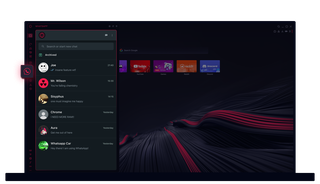
WhatsApp in Opera GX
Chiacchiera senza dover fare altri clic. WhatsApp in Opera GX rende facile il multitasking.
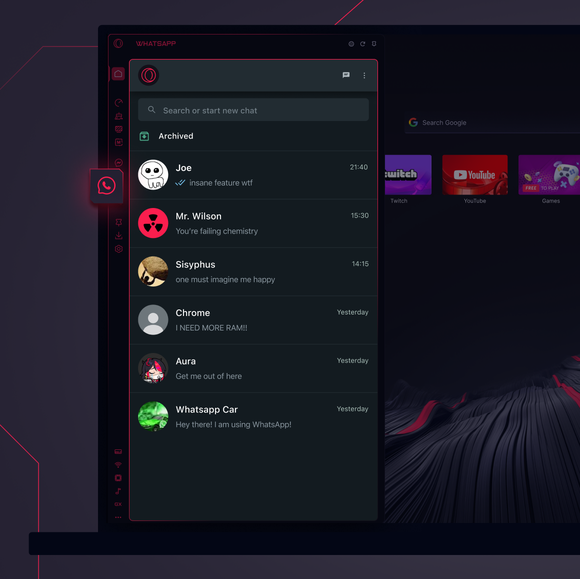
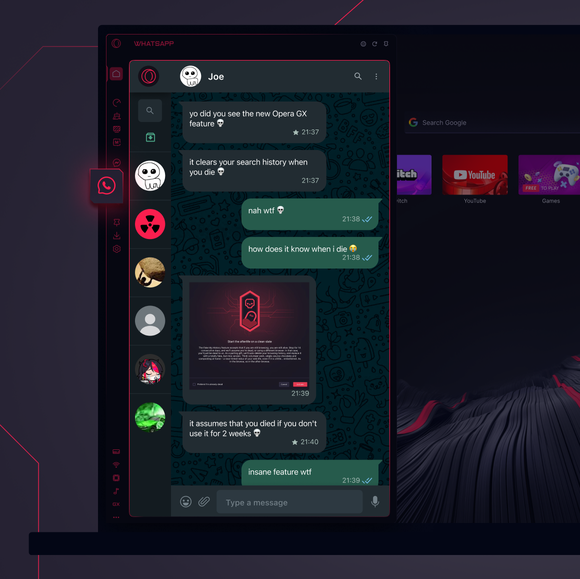

Le tue chat, proprio dove ti servono.
Come faccio ad aggiungere WhatsApp alla barra laterale di Opera GX?
To add WhatsApp to your sidebar in Opera GX, just click the three dots at the bottom of your sidebar and enable WhatsApp there.
Come faccio ad accedere a WhatsApp in Opera GX?
To log into WhatsApp in Opera GX, just click the WhatsApp icon in the sidebar and sign in with your credentials, or scan the QR code displayed in Opera GX with your phone. Your chats will sync instantly.
Posso usare WhatsApp su diversi dispositivi?
WhatsApp works really well across multiple devices, you can use it in Opera GX Browser on your phone, tablet, or desktop without interruptions - your chats stay synced everywhere.
Posso usare WhatsApp senza app?
WhatsApp in Opera GX elimina la necessità di applicazioni aggiuntive. Puoi inviare messaggi, condividere contenuti multimediali e gestire le chat direttamente dal browser, tutto nella barra laterale. Non è necessario scaricare nulla!
Ti meriti un browser migliore
