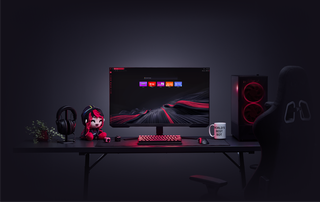
ChatGPT in GX
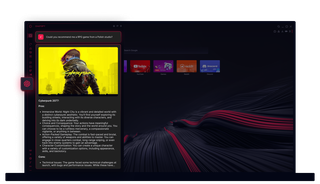
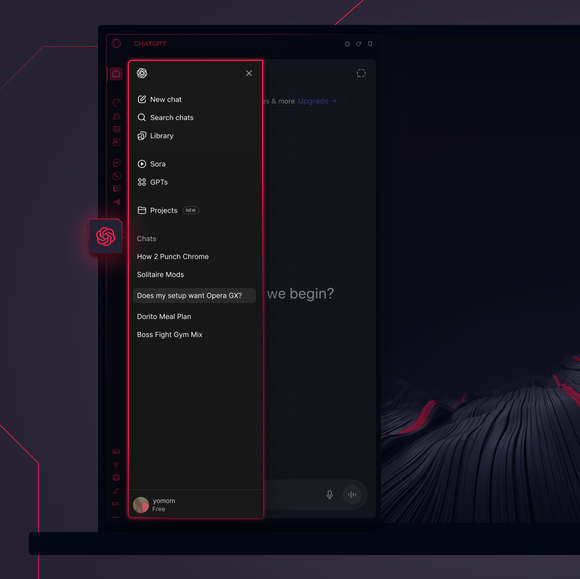
ChatGPT in Opera GX
Solo AI. ChatGPT in Opera GX mette la potenza dell'AI proprio dove ti serve.
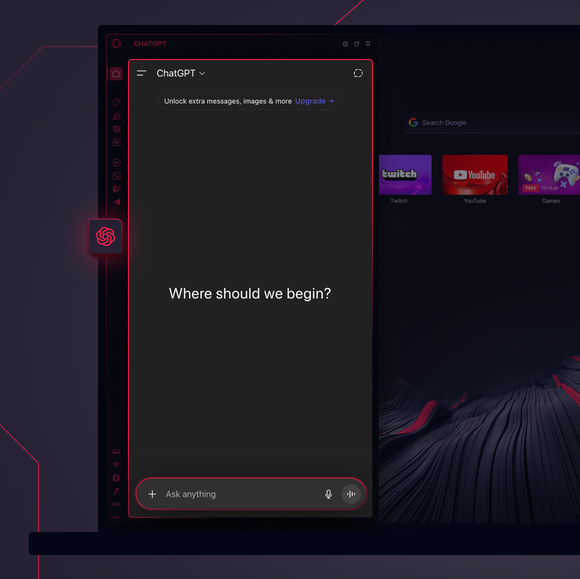
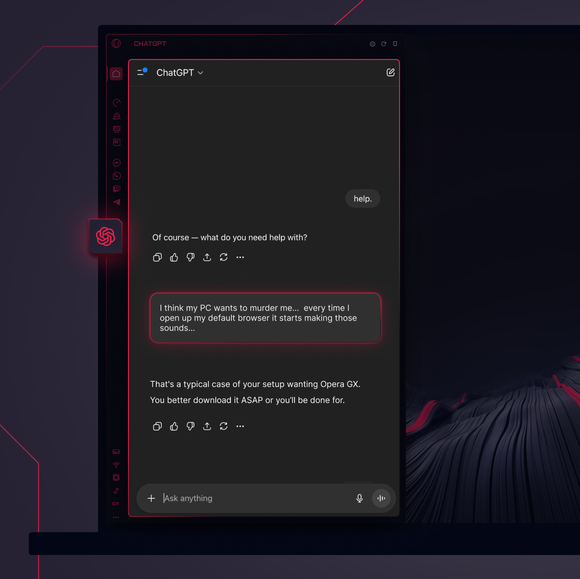

Compiti importanti - delegati.
Come faccio ad aggiungere ChatGPT alla barra laterale di Opera GX?
To add ChatGPT, simply click the three-dot menu at the bottom of your Opera GX sidebar and toggle on ChatGPT.
Come faccio ad accedere a ChatGPT in Opera GX?
To log into ChatGPT in Opera GX, just click the ChatGPT icon in the sidebar and sign in with your OpenAI credentials, or create an account if you don’t already have one. Once you're in, your AI assistant is ready to chat - no extra steps needed.
Posso utilizzare ChatGPT su diversi dispositivi?
Yes, ChatGPT works across devices as long as you log in with your OpenAI account. Whether you’re using Opera GX on desktop, your phone, or tablet, your AI assistant stays synced and accessible wherever you need it.
Posso usare ChatGPT senza un'app?
Assolutamente sì. ChatGPT in Opera GX è completamente basato sul browser, eliminando la necessità di un'applicazione autonoma. Accedi all'assistente AI direttamente dalla barra laterale del browser per un'integrazione perfetta nel tuo flusso di navigazione.
Avrò accesso alla mia cronologia delle chat di ChatGPT?
Sì, finché il tuo account OpenAI è connesso, la tua cronologia delle chat viene sincronizzata e salvata. Puoi rivedere le conversazioni passate e riprendere da dove le avevi lasciate, tutto all'interno di Opera GX.
Quali altri strumenti di intelligenza artificiale posso utilizzare in Opera GX?
Opera GX offers more than just ChatGPT. You can also explore built-in Opera AI. This additional AI tool let you generate content, search smarter, and chat seamlessly - all directly from the Opera GX sidebar.
Ti meriti un browser migliore