
Instagram in GX
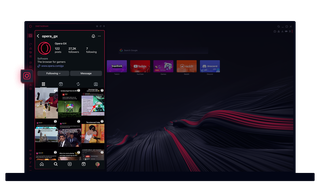
Instagram in Opera GX
Visualizza le storie e le bobine sul tuo desktop. Multitasking senza perdere un colpo.
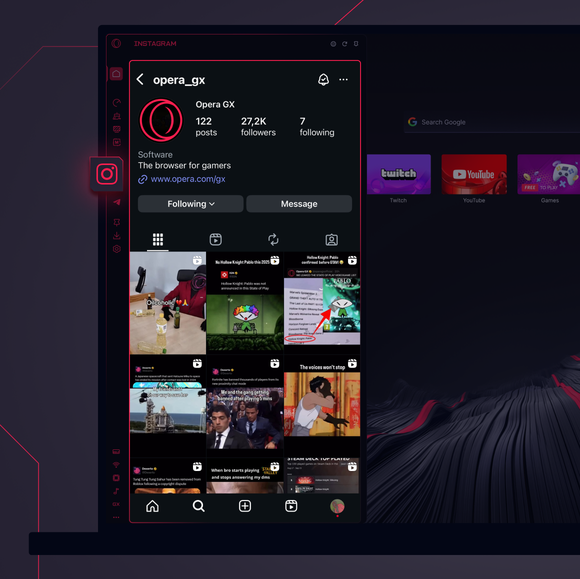
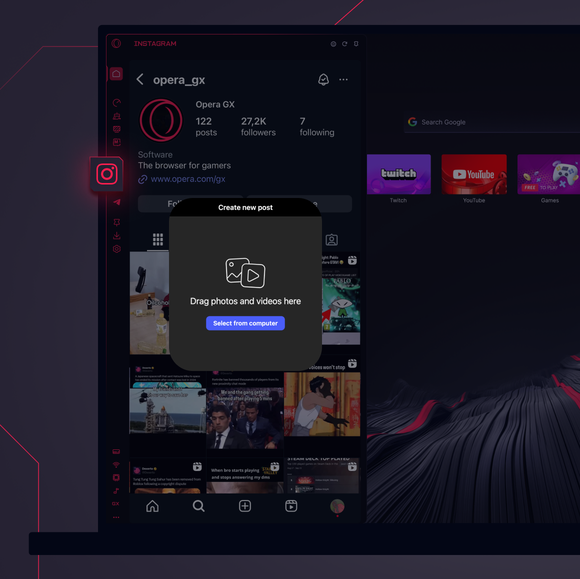
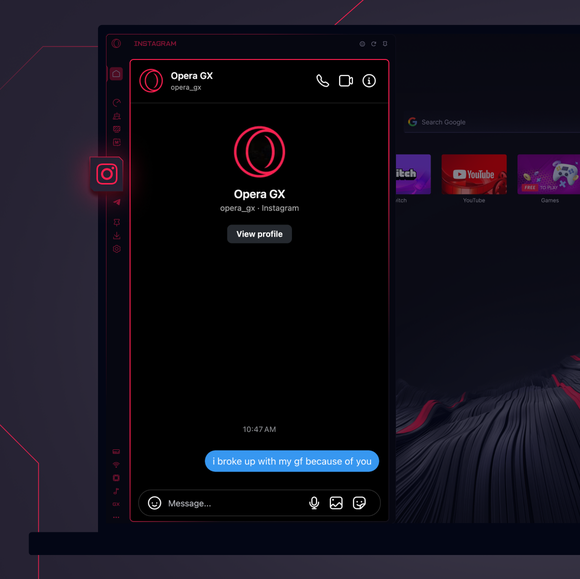

Resta sempre connesso.
Come faccio ad aggiungere Instagram alla barra laterale di Opera GX?
To add Instagram to your sidebar in Opera GX, just click the three dots at the bottom of your sidebar and enable Instagram there.
Come faccio ad accedere a Instagram in Opera GX?
To log into Instagram in Opera GX, just click the Instagram icon in the sidebar and sign in with your username and password, or use your saved credentials if prompted. Your feed, DM’s and stories will load instantly.
Posso usare Instagram su diversi dispositivi?
Yes! Instagram syncs across all your devices. Whether you’re scrolling in your Opera GX browser, your phone, or your tablet, your account stays updated for a smooth experience everywhere.
Posso usare Instagram senza un'app?
Ora è possibile! Con Instagram in Opera GX, non c'è bisogno di un'app separata. Visualizza, pubblica, commenta e accedi ai DM direttamente dal browser, senza problemi.
Ti meriti un browser migliore
