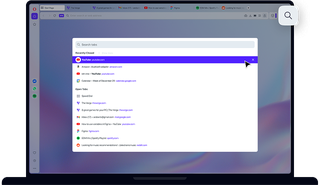
Переваги пошуку у вкладках
Звикайте ефективно працювати з великою кількістю вкладок.

Працюйте та переглядайте веб-сторінки ефективніше з великою кількістю відкритих вкладок
Пошук у вкладках - проста, але надзвичайно корисна функція
Ми використовуємо багато вкладок. З такою кількістю інформації та завдань в Інтернеті, як можна вчинити інакше? Однак корисність великої кількості відкритих вкладок починає поступатися труднощам в їх управлінні. Якщо ви не можете прочитати назви вкладок, як ви знайдете потрібну вкладку?
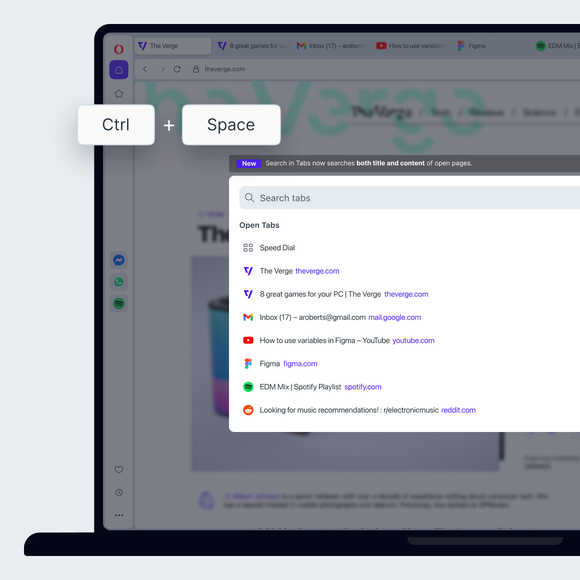
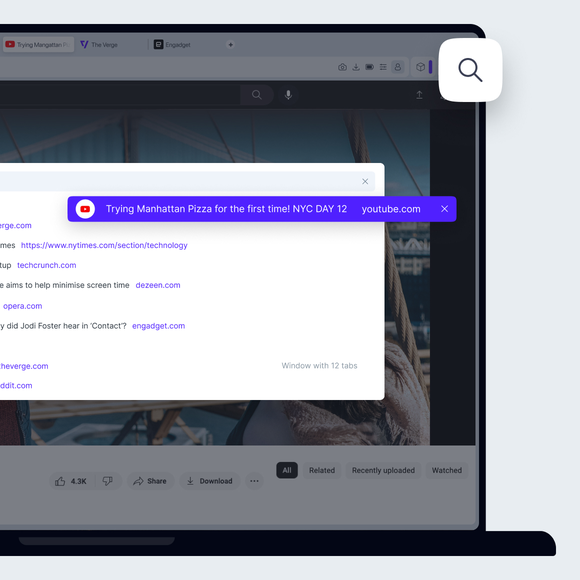
В Opera просто натисніть Ctrl+Space і введіть те, що шукаєте. Не подобаються комбінації клавіш? Ви також можете натиснути піктограму лупи праворуч від вкладок або відкрити пошук вкладок з головного меню.
Зручна навігація по вкладках
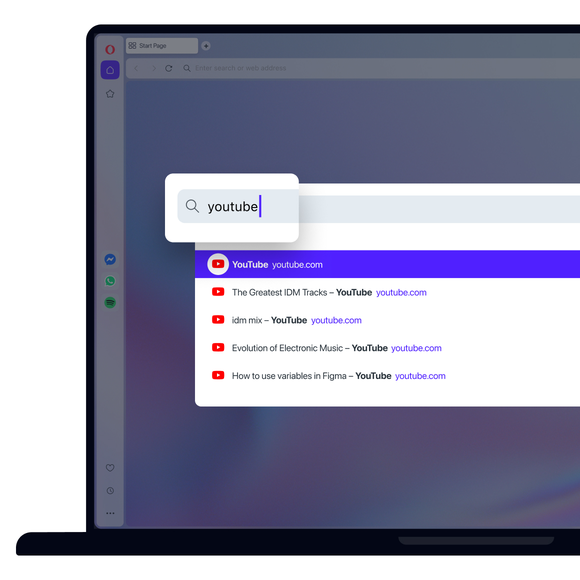
Інструмент «Пошук у вкладках» звужує коло відкритих вкладок під час введення тексту, тому навіть якщо ви пам'ятаєте лише одне слово або не впевнені в його написанні, ви все одно зможете знайти потрібну вкладку.
Для ще швидшої навігації по вкладках ви можете використовувати клавіші зі стрілками, щоб перейти вниз по списку, а потім натиснути Enter, коли знайдете потрібну вкладку. А щодо управління вкладками, вам варто ознайомитися з функцією Workspaces в Opera та кращим способом використання закладок. Ви не пошкодуєте.
Хороша звичка, яку варто набути
Функція «Пошук у вкладках» може здаватися невеликим простим інструментом, але коли ви звикнете її використовувати, ви ніколи не будете недооцінювати її практичність, не кажучи вже про зручність.
За допомогою декількох натискань клавіш ви можете знайти сторінку, яку використовували п'ятнадцять вкладок тому, або статті, які ви з оптимізмом вирішили прочитати пізніше. Ви більше ніколи не будете знову і знову відкривати одну і ту ж вкладку або закривати всі вкладки одночасно через розчарування.
Ви заслуговуєте на кращий браузер