Translate in Opera
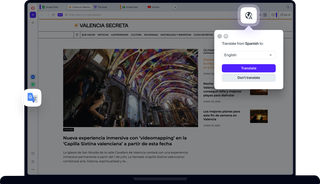
Benefits of translating in Opera
Traduci i contenuti del sito web in modo semplice, sicuro e alle tue condizioni.
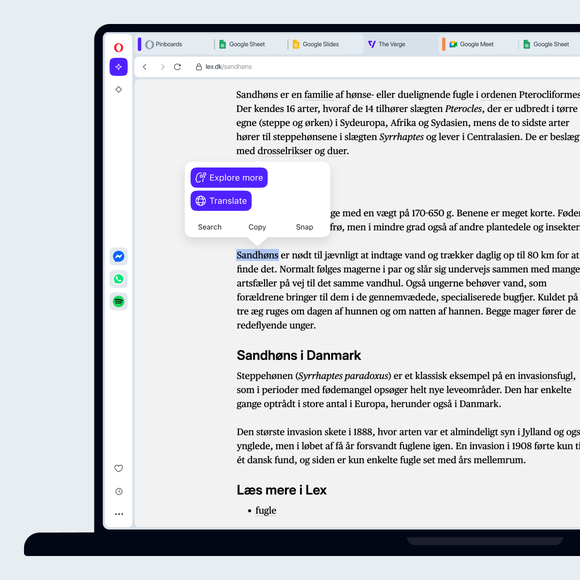
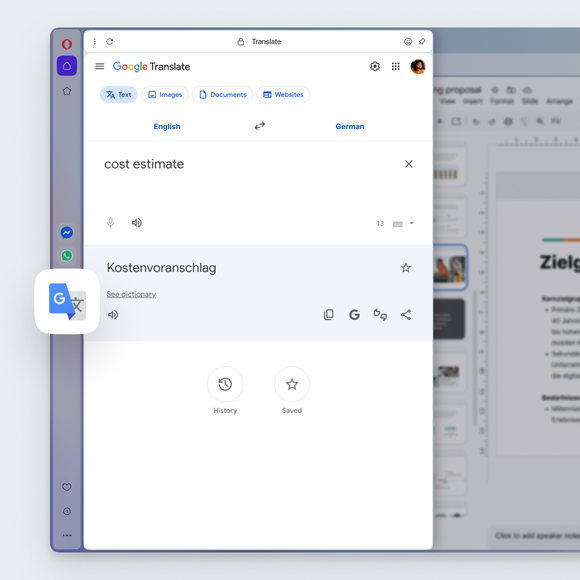

Translate instantly, right in Opera
Can I resize the Google Translate panel in the sidebar?
Yes. Just like other sidebar tools in the Opera browser, you can resize the Google Translate panel by dragging the edge of the sidebar. Adjust it to make the panel wider or narrower while you browse, so you can see translations comfortably without leaving your page.
How do I select a language for translation in Opera?
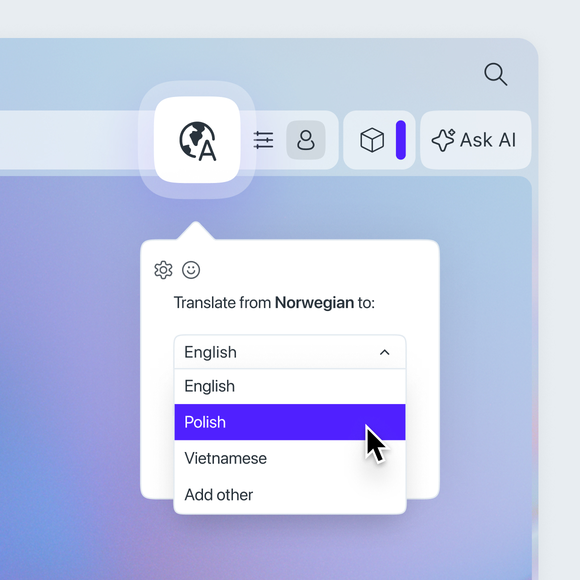
Go to Settings (press Alt+P or type opera:settings in the address bar) > Features > Opera Translate > Translate into this language, and select your default language from the dropdown menu.
You can also change the language by clicking the globe icon on the right side of the address bar. Once you click, a popup will appear, where you can pick your preferred language.
Posso impedire la traduzione di alcune lingue?
Yes. Go to Settings (Alt+P) > Features > Opera Translate > Never offer to translate these languages. Add a language to the list and Opera will stop offering to translate it.
Non voglio che questa pagina venga tradotta. Cosa posso fare?
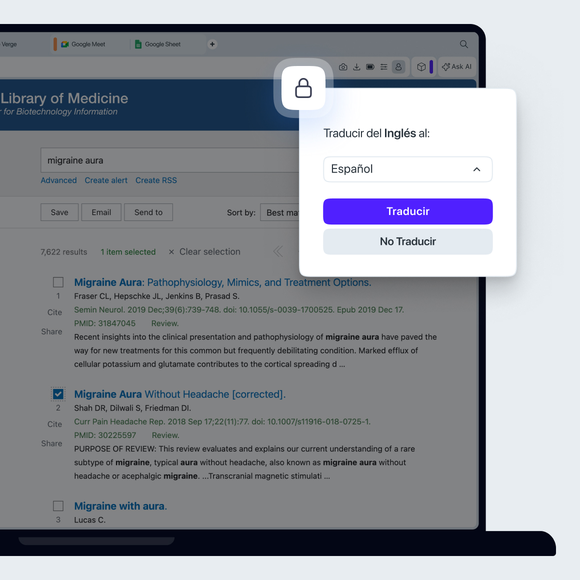
In the translation popup, simply select the option Never translate this site.
Cosa succede se ho eliminato il popup di traduzione ma ora voglio tradurre la pagina?
È facile recuperarla. Anche dopo aver chiuso il popup iniziale, nella barra degli indirizzi rimarrà una piccola icona a forma di mappamondo. Cliccala in qualsiasi momento per visualizzare le opzioni di traduzione e tradurre la pagina.
Ti meriti un browser migliore