
Instagram dans GX
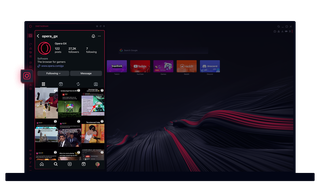
Instagram dans Opera GX
Visualise les histoires et les bobines sur ton bureau. Fais plusieurs choses à la fois sans perdre de temps.
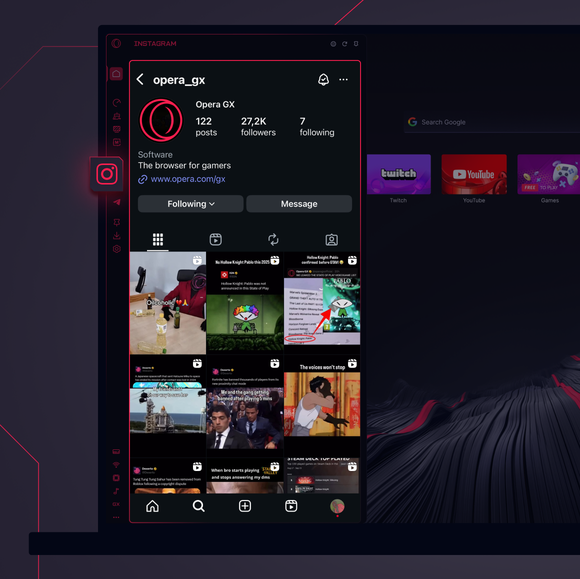
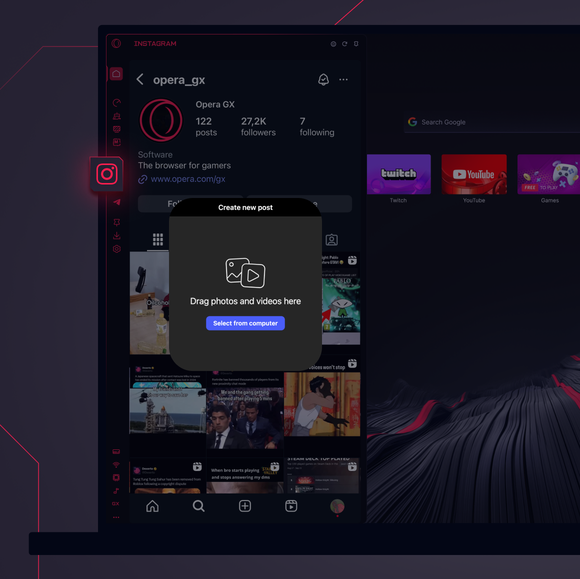
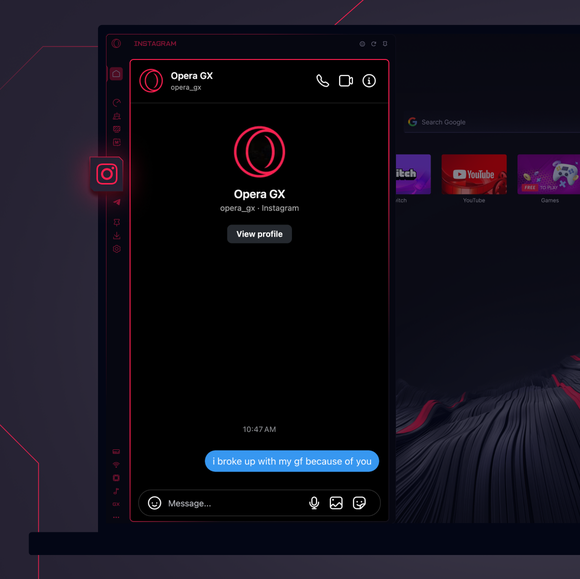

Reste connecté à tout moment.
Comment ajouter Instagram à la barre latérale d'Opera GX ?
To add Instagram to your sidebar in Opera GX, just click the three dots at the bottom of your sidebar and enable Instagram there.
Comment puis-je me connecter à Instagram dans Opera GX ?
To log into Instagram in Opera GX, just click the Instagram icon in the sidebar and sign in with your username and password, or use your saved credentials if prompted. Your feed, DM’s and stories will load instantly.
Puis-je utiliser Instagram sur différents appareils ?
Yes! Instagram syncs across all your devices. Whether you’re scrolling in your Opera GX browser, your phone, or your tablet, your account stays updated for a smooth experience everywhere.
Puis-je utiliser Instagram sans application ?
Maintenant, tu peux ! Avec Instagram dans Opera GX, plus besoin d'une application séparée. Regarde, poste, commente et glisse dans les DM directement depuis ton navigateur, sans tracas.
Tu mérites un meilleur navigateur
