
Instagram w GX
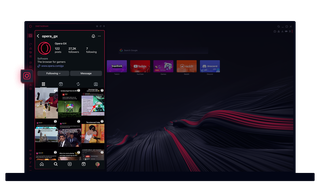
Instagram w Opera GX
Wyświetlaj historie i rolki na pulpicie. Wykonuj wiele zadań jednocześnie.
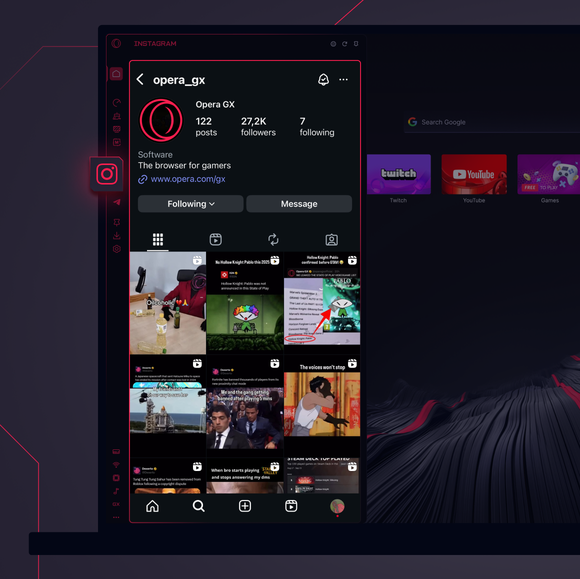
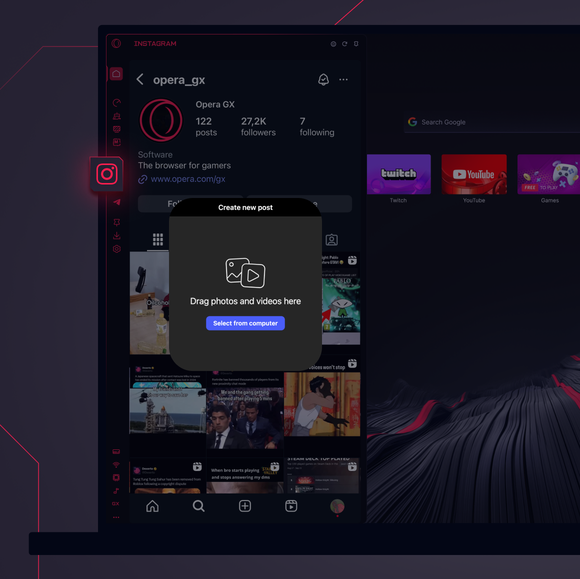
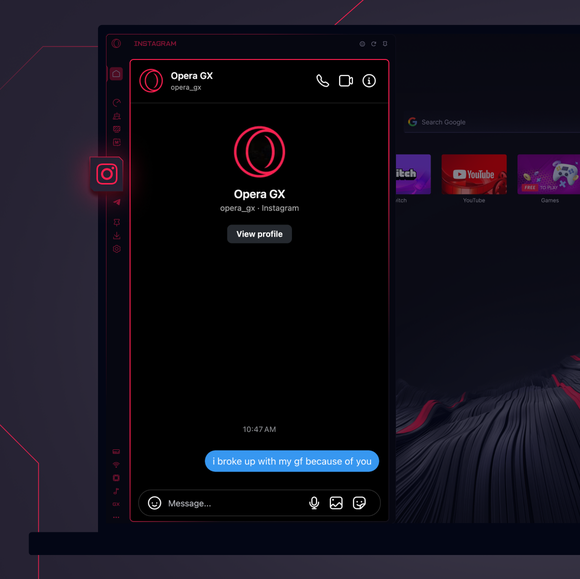

Pozostań w kontakcie przez cały czas.
Jak dodać Instagram do paska bocznego Opery GX?
To add Instagram to your sidebar in Opera GX, just click the three dots at the bottom of your sidebar and enable Instagram there.
Jak zalogować się do Instagrama w Operze GX?
To log into Instagram in Opera GX, just click the Instagram icon in the sidebar and sign in with your username and password, or use your saved credentials if prompted. Your feed, DM’s and stories will load instantly.
Czy mogę używać Instagrama na różnych urządzeniach?
Yes! Instagram syncs across all your devices. Whether you’re scrolling in your Opera GX browser, your phone, or your tablet, your account stays updated for a smooth experience everywhere.
Czy mogę używać Instagrama bez aplikacji?
Teraz możesz! Dzięki Instagramowi w Operze GX nie potrzebujesz osobnej aplikacji. Przeglądaj, publikuj, komentuj i wchodź do DMów bezpośrednio z przeglądarki, bez kłopotów.
Zasługujesz na lepszą przeglądarkę
