Translate in Opera
Benefits of translating in Opera
ウェブサイトコンテンツを簡単に、安全に、お客様の条件で翻訳する。
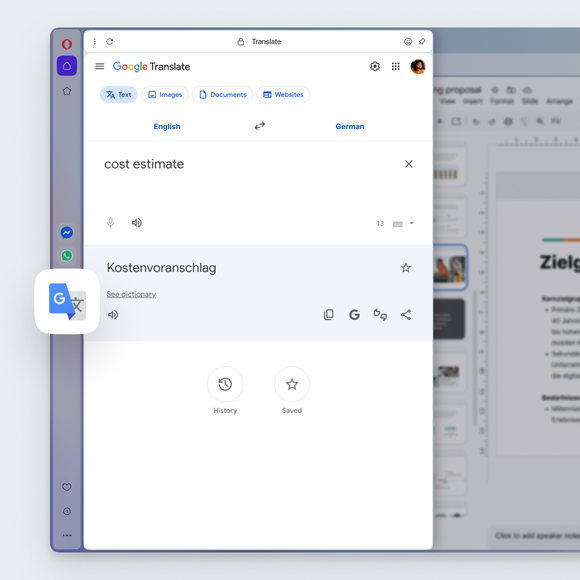

Translate instantly, right in Opera
Can I resize the Google Translate panel in the sidebar?
Yes. Just like other sidebar tools in the Opera browser, you can resize the Google Translate panel by dragging the edge of the sidebar. Adjust it to make the panel wider or narrower while you browse, so you can see translations comfortably without leaving your page.
How do I select a language for translation in Opera?
Go to Settings (press Alt+P or type opera:settings in the address bar) > Features > Opera Translate > Translate into this language, and select your default language from the dropdown menu.
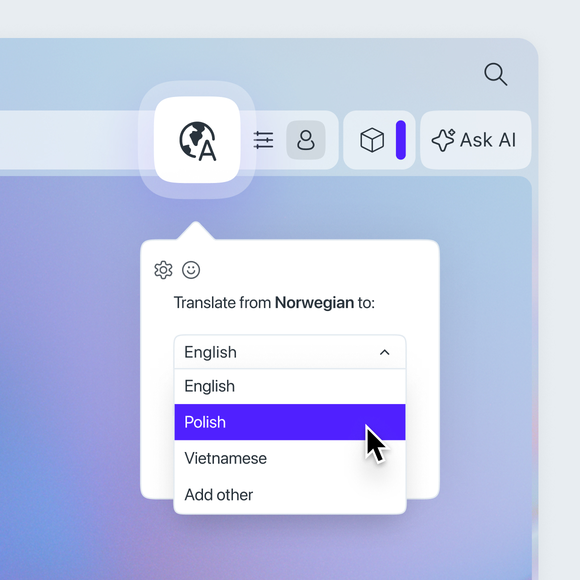
You can also change the language by clicking the globe icon on the right side of the address bar. Once you click, a popup will appear, where you can pick your preferred language.
特定の言語の翻訳を止めることはできるか?
Yes. Go to Settings (Alt+P) > Features > Opera Translate > Never offer to translate these languages. Add a language to the list and Opera will stop offering to translate it.
このページを翻訳してほしくない。どうすればいい?
In the translation popup, simply select the option Never translate this site.
翻訳ポップアップを消したが、ページを翻訳したくなったら?
元に戻すのは簡単だ。最初のポップアップを消しても、アドレスバーには小さな地球儀のアイコンが残る。これをクリックすると、翻訳オプションが表示され、ページを翻訳することができる。
もっといいブラウザがあるはずだ