
WhatsApp em GX
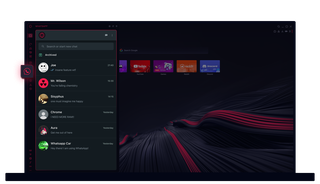
WhatsApp no Opera GX
Começa a conversar sem cliques extra. O WhatsApp no Opera GX facilita a execução de várias tarefas.
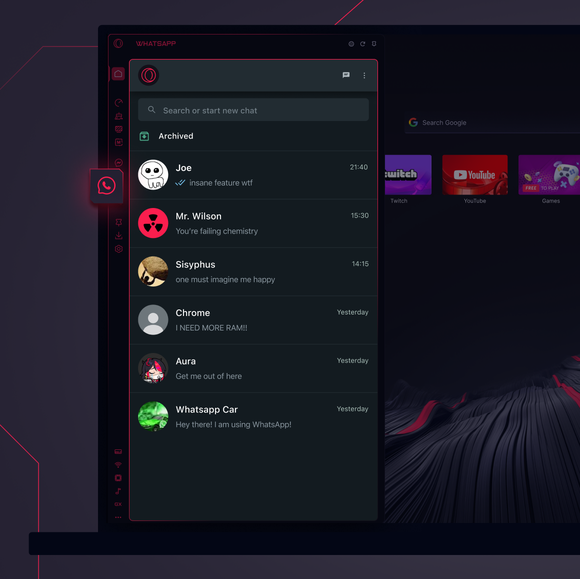
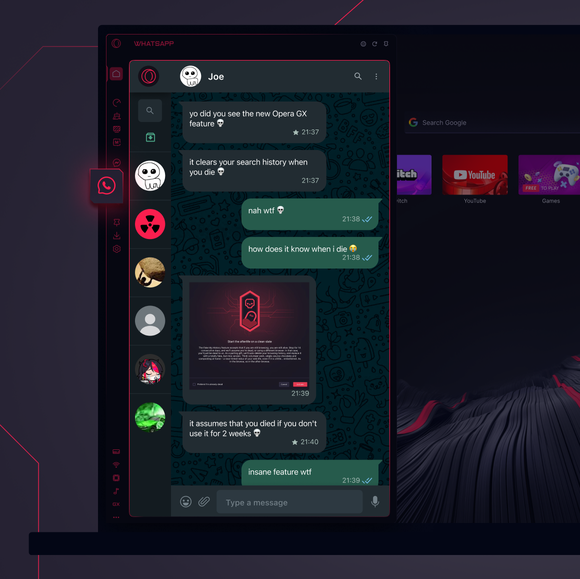

As tuas conversas, exatamente onde precisas delas.
Como é que adiciono o WhatsApp à barra lateral do Opera GX?
To add WhatsApp to your sidebar in Opera GX, just click the three dots at the bottom of your sidebar and enable WhatsApp there.
Como posso iniciar sessão no WhatsApp no Opera GX?
To log into WhatsApp in Opera GX, just click the WhatsApp icon in the sidebar and sign in with your credentials, or scan the QR code displayed in Opera GX with your phone. Your chats will sync instantly.
Posso utilizar o WhatsApp em diferentes dispositivos?
WhatsApp works really well across multiple devices, you can use it in Opera GX Browser on your phone, tablet, or desktop without interruptions - your chats stay synced everywhere.
Posso utilizar o WhatsApp sem uma aplicação?
O WhatsApp no Opera GX elimina a necessidade de aplicações adicionais. Podes enviar mensagens de texto, partilhar conteúdos multimédia e gerir conversas diretamente a partir do teu browser, tudo na barra lateral. Não precisas de fazer downloads!
Você merece um navegador melhor
