Wyszukiwanie w kartach
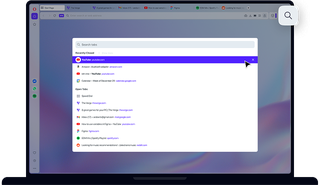
Korzyści płynące z wyszukiwania w kartach
Zwiększ wydajność pracy z wieloma otwartymi kartami.

Zwiększ wydajność pracy i przeglądania wielu otwartych kart
Wyszukiwanie w kartach to prosta, ale niezwykle użyteczna funkcja
Korzystamy z wielu kart. Skoro w Internecie jest tak wiele do zobaczenia i zrobienia, dlaczego mielibyśmy postępować inaczej? Jednak użyteczność wielu otwartych kart zaczyna być mniejsza niż trudności związane z ich zarządzaniem. Jeśli nie możesz odczytać tytułów kart, jak znaleźć tę, której szukasz?
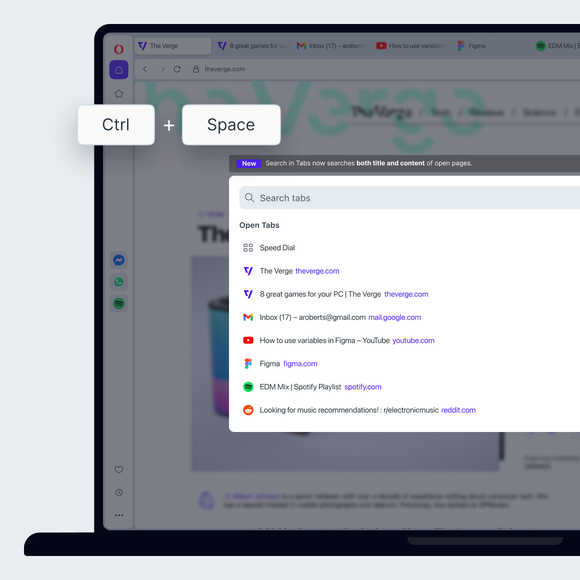
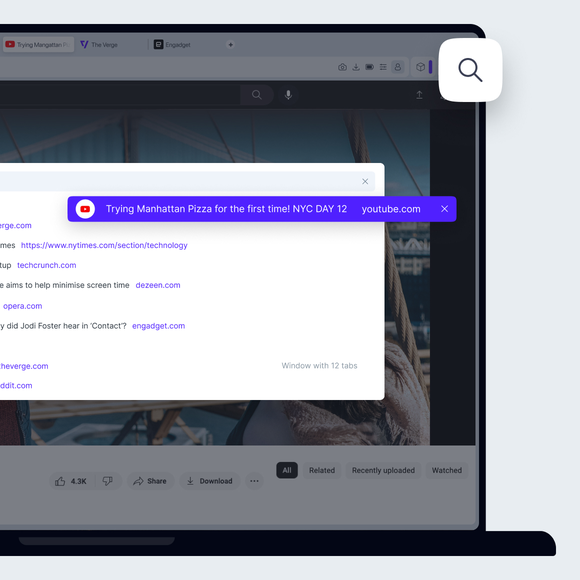
W przeglądarce Opera wystarczy nacisnąć klawisze Ctrl+Spacja i wpisać szukaną frazę. Nie lubisz skrótów klawiszowych? Możesz również kliknąć ikonę lupy po prawej stronie kart lub otworzyć wyszukiwanie kart z poziomu menu głównego.
Łatwa nawigacja po kartach
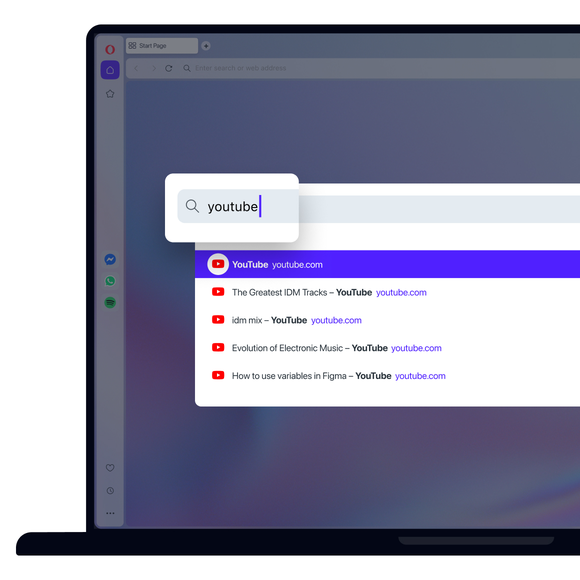
Narzędzie Wyszukiwanie w kartach zawęża listę otwartych kart podczas wpisywania, więc nawet jeśli pamiętasz tylko jedno słowo lub nie jesteś pewien pisowni, nadal możesz znaleźć właściwą kartę.
Aby jeszcze bardziej przyspieszyć nawigację po kartach, możesz używać klawiszy strzałek, aby przejść w dół listy, a następnie nacisnąć klawisz Enter po znalezieniu odpowiedniej karty. Jeśli chodzi o zarządzanie kartami, warto zapoznać się z funkcją Obszary robocze przeglądarki Opera oraz lepszym sposobem korzystania z zakładek. Nie pożałujesz.
Dobry nawyk do nawiązania
Funkcja wyszukiwania w kartach może wydawać się niewielkim, prostym narzędziem, ale gdy już przyzwyczaisz się do jej używania, nigdy nie będziesz lekceważyć jej praktyczności, nie wspominając już o wygodzie.
Za pomocą kilku naciśnięć klawiszy możesz znaleźć stronę, z której korzystałeś piętnaście kart temu, lub artykuły, które z optymizmem postanowiłeś przeczytać później. Nigdy więcej nie będziesz musiał ponownie otwierać tej samej karty lub zamykać wszystkich kart naraz z frustracji.
Zasługujesz na lepszą przeglądarkę