

Get Opera Browser for any device
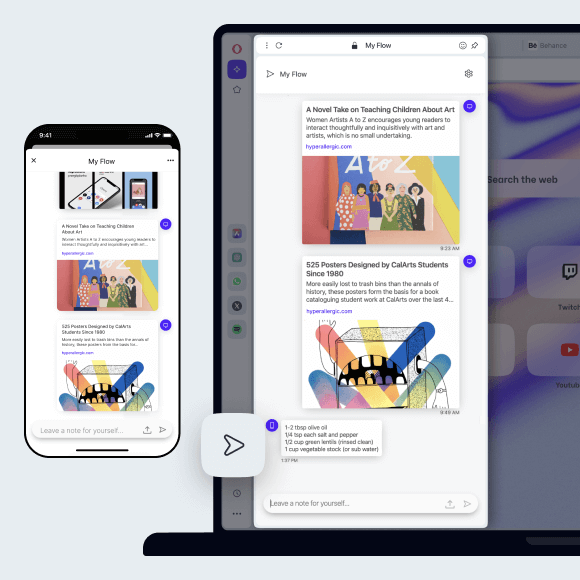
Experience faster, distraction-free browsing with Ad blocking, and browse privately. Smoothly sync your data and send files between Opera on Mac, Windows, Linux, iOS, Android, and Chromebook. See more
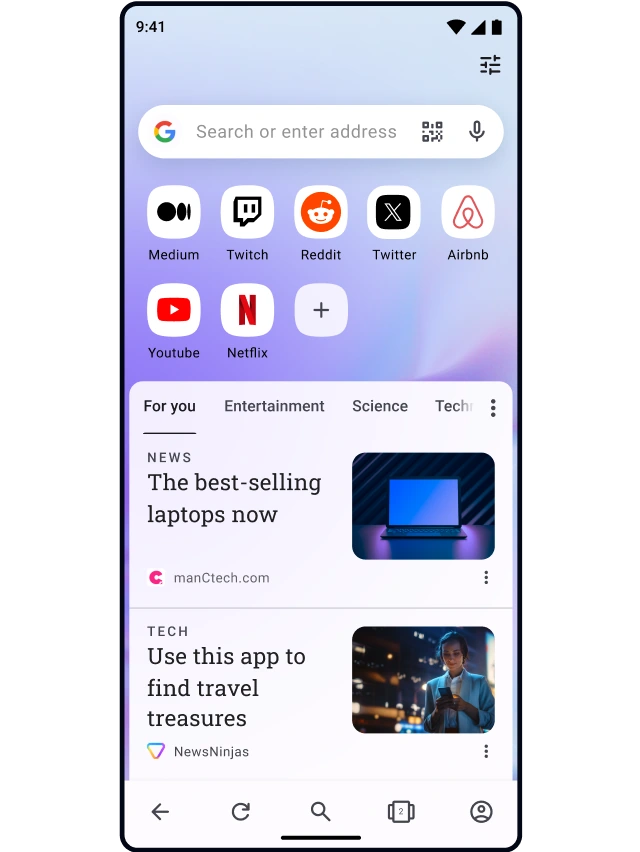
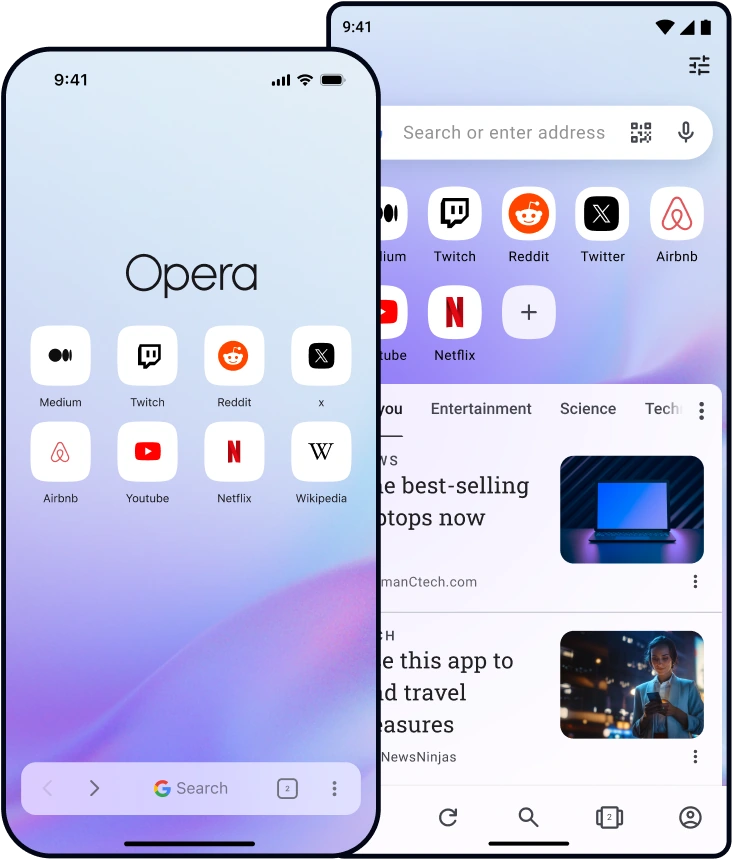

What can you do in
Opera Browser?
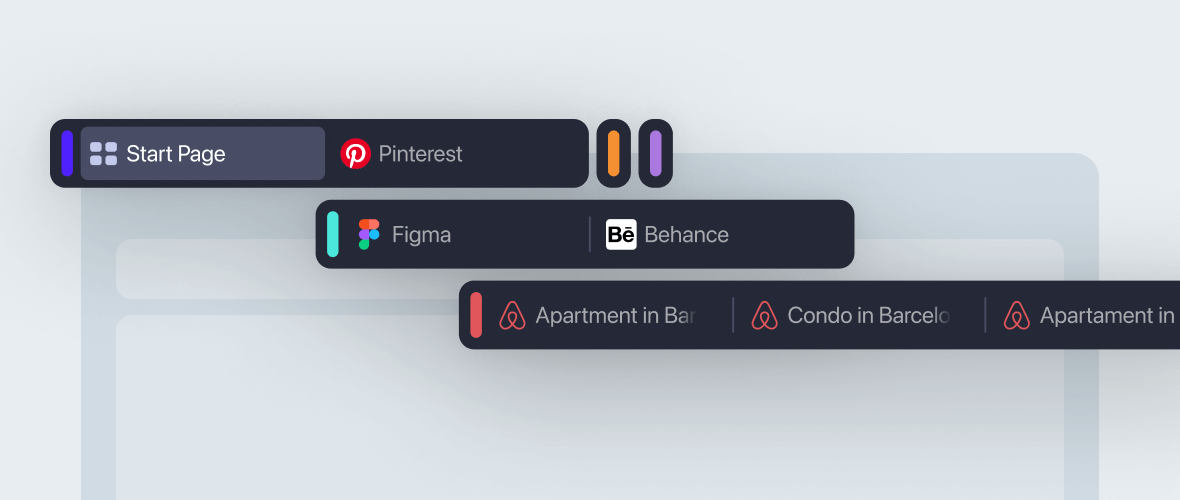
Keep your tabs arranged in separate groups for contextual browsing
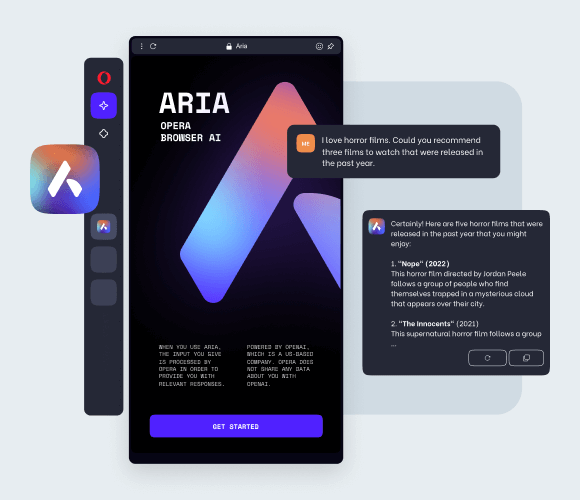
Browser AI
Chat with AI on desktop and mobile in Opera Browser. Aria, Opera’s free and unlimited browser AI, is seamlessly integrated into your browser.
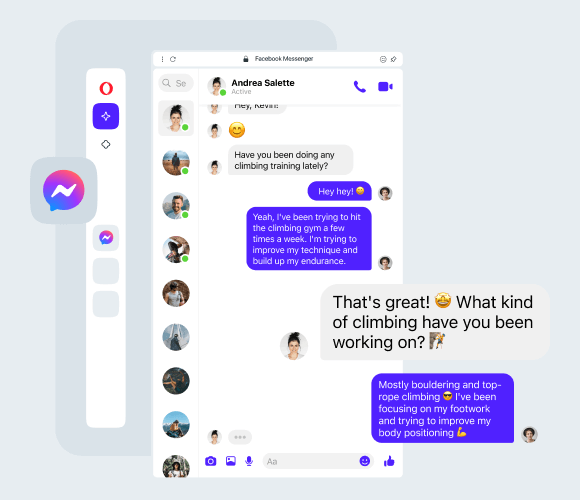
Built-in Messengers
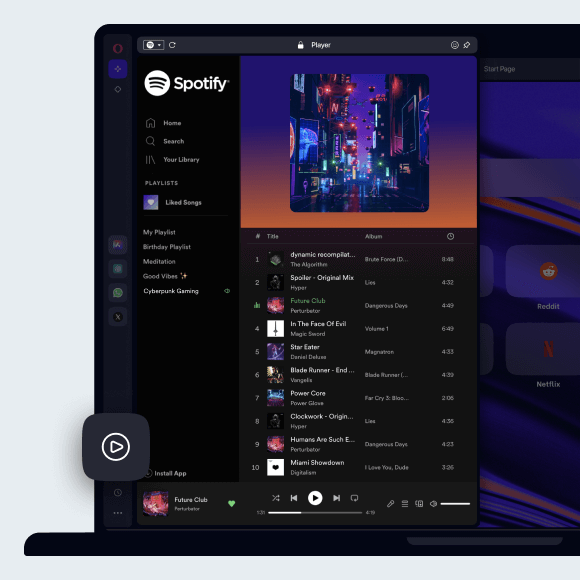
Easily use your favorite messengers and social apps while browsing the web. WhatsApp, Instagram, Twitter and more are built right into your sidebar.
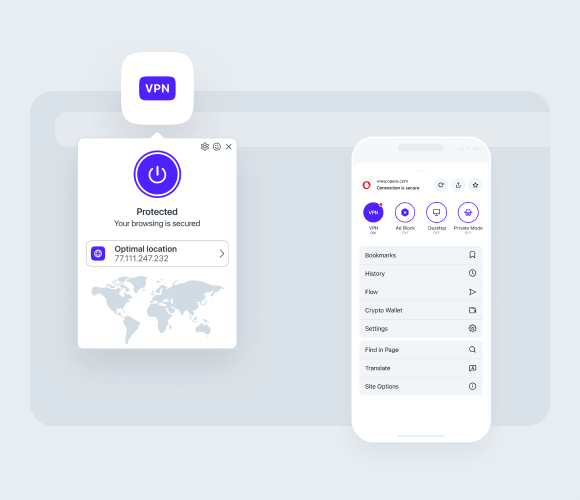
Free & pro VPN
Browse privately using Opera’s built-in, free VPN on desktop and mobile. Or even subscribe to VPN Pro to get enhanced protection for your entire device.
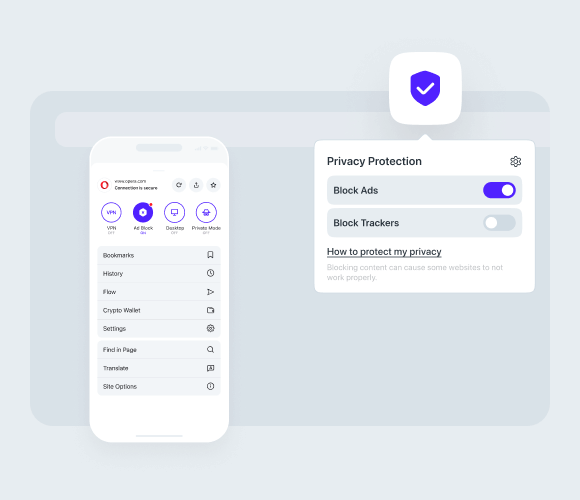
Ad Blocker
Enjoy cleaner and smoother browsing with less distractions. Ad Blocker protects your privacy and speeds up your browsing on both mobile and desktop.
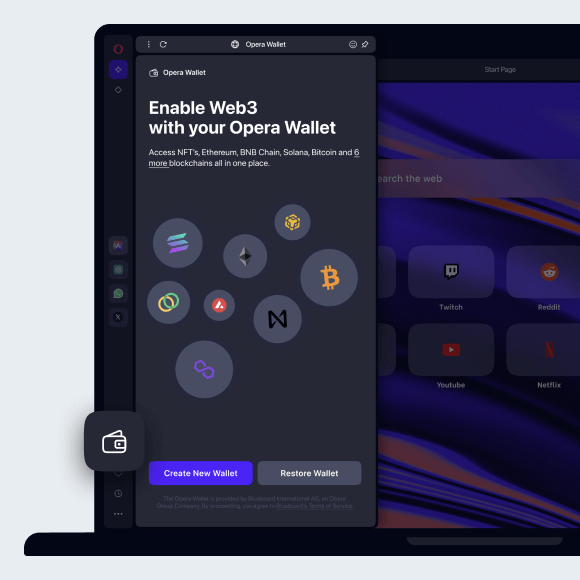
One browser Many devices
 Don't have Google Play?
Download the app here This is a safe download
from opera.com


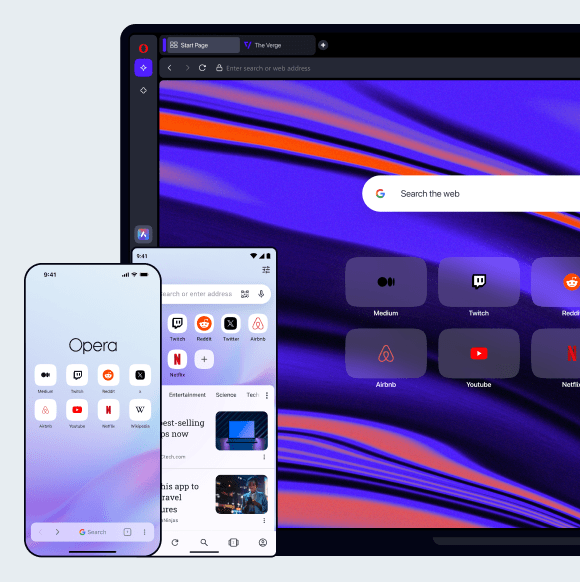


It’s easy to switch to Opera
Opera Browser for
computers
Browser for Windows
Browser for macOS
Browser for Linux
Browser for Chromebook
Opera Browser for
mobile
Browser for Android
Browser for iOS
You deserve a better browser
Opera's free VPN, Ad blocker, and Flow file sharing. Just a few of the must-have features built into Opera for faster, smoother and distraction-free browsing designed to improve your online experience.