

your setup wants you to win
Becoming a Geoguessr pro requires training.
But the road starts with knowing who you’re chasing.
Get the Mod to keep up with all the stats, matches and skills to master the game.

Explore the mod
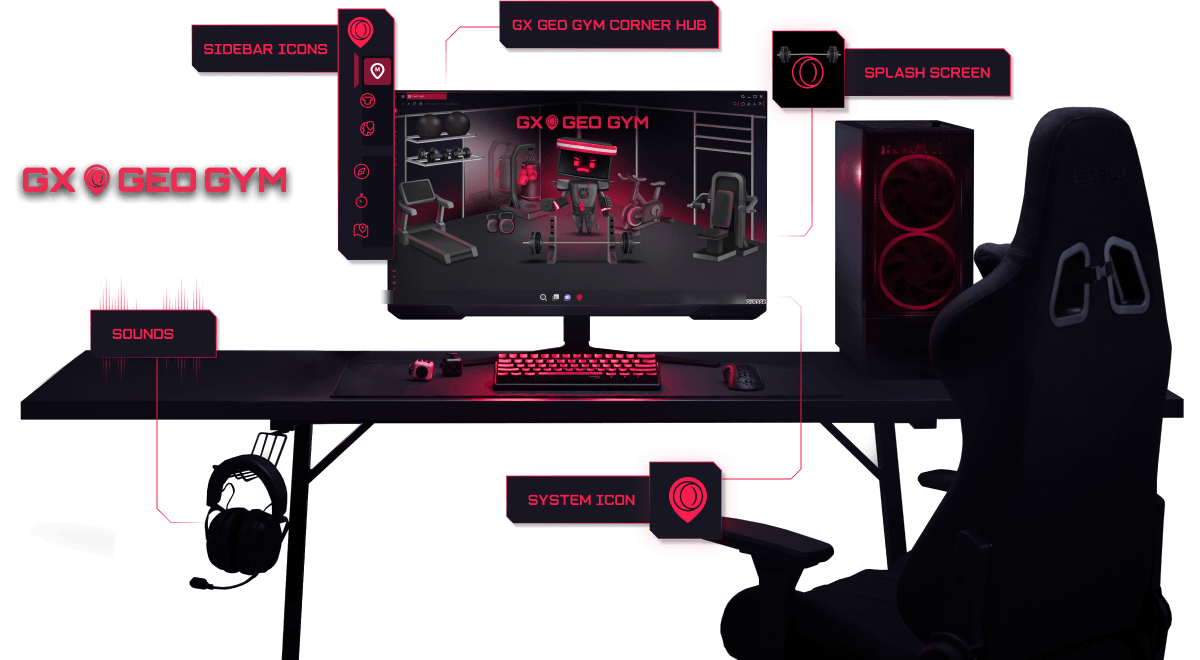
Mods completely transform the way Opera GX looks, sounds and behaves.
Equip the
PC man in geoguessr
Grab the exclusive PC Man avatar in Geoguessr and let him coach you through your journey to a pro level performance.

What other creators are saying

moistcr1tikal

"I'm just saying if you improve your KD and become a world champion while using Opera GX, it's probably not a coincidence"
Watch on Youtube
Tech radar

“If you're a gamer who's found that keeping Google Chrome open in the background is cutting into your frame rates, Opera GX might be the solution you never knew you needed.”
Read more herePCMag

“These features work as advertised, and individually are very straightforward. But it’s the sheer number of them that really impresses.”
Read more herePCGamer

“Opera GX has more gaming-related features so your gaming PC can focus on gaming performance instead of drowning due to your greedy browser's RAM demands.”
Read more here










Frequently asked questions
Opera is headquartered in Oslo, Norway, while Opera GX is developed by a passionate team based in Wroclaw, Poland.
Opera GX comes standard with built-in privacy tools, like ad blocking, tracker blocking and free VPN to mask your location and IP address while browsing. You also have the option to block third-party cookie tracking, and can disable diagnostics and crash reporting.
We do not see individual users, but rather anonymous browser instances. Anonymized and encrypted user data from these instances may be used, but only to personalize content and ads based on a broad range of interests or the country you live in. We neither know, nor wish to know, who you are and what you do online. You are in full control of what data is collected while using Opera GX and can turn off personalization completely through the browser settings. Find more details about how we handle data collection in our Privacy Statement: https://legal.opera.com/privacy/
You can delete your local data by clearing your browser’s history, cookies, and cache memory through your browser settings. If you have an Opera account, you can modify, delete, or request a copy of your data through your profile page. Your data is also automatically deleted after a period of time if you stop using your Opera account. See our Privacy Statement for details: https://legal.opera.com/privacy/
The safety and security of Opera GX’s VPN depends on two major factors: Encryption of internet traffic to and from the VPN server, and no-logging. When you enable Opera GX’s VPN, your browser creates a secure tunnel between you and one of our physical VPN servers, and encrypts your browser traffic with industry-standard 256-bit encryption. Your connection to our secure VPN servers remains private and our no-log policy ensures that your browsing activity is never recorded or logged, making your browsing strictly your own business.
Read more about our VPN here: blogs.opera.com/security/2023/02/opera-vpn-is-safe/